59
ENGLISH
[2] Playing a Certain Section Repeatedly (A-B Repeat Playback)
1
2
During playback, press the A-B REPEAT button.
• This sets start point A.
Press the A-B REPEAT button again.
• This sets end point B, and repeat playback of the A-B section
starts.
To return to normal playback:
Press the A-B REPEAT button until “A TO B CANCELED” appears on the TV screen.
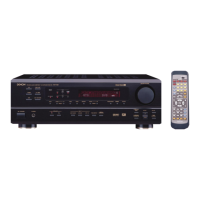
Remote control unit
NOTES:
• Repeat playback may not work for some DVDs.
• The repeat playback and A-B repeat playback functions will not work for DVDs and video CDs for which the elapsed time is not shown
on the display during playback.
• In some cases, subtitles may not be displayed near the A and B points during A-B repeat playback.
A TO B SET A
A TO B SET B



 To Next Page
 Loading...