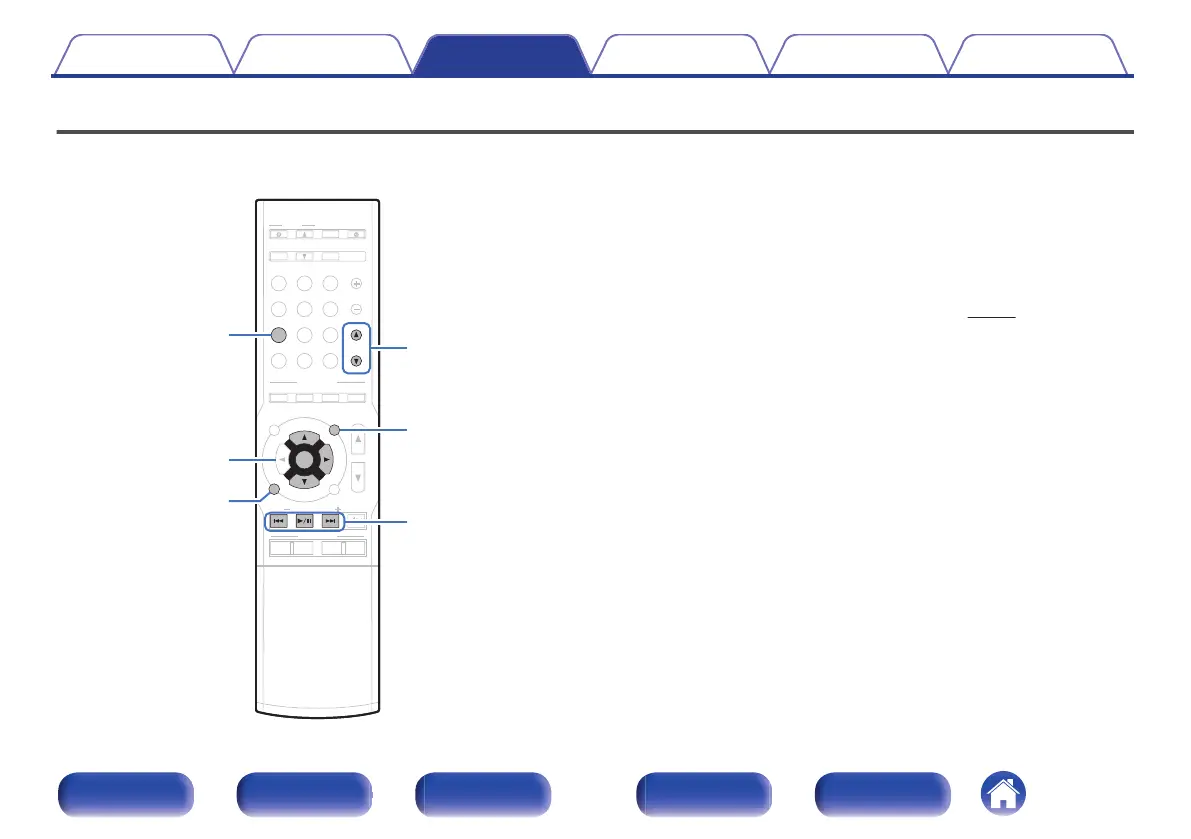
Playing a USB memory device
.
ui
p
ENTER
OPTION
iPod/USB
BACK
PAGE
df
1
/
3
8
9
0
Playing back music or viewing still picture (JPEG) files stored on a USB
memory device.
0
Only USB memory devices conforming to mass storage class standards
can be played on this unit.
0
This unit is compatible with USB memory devices in “FAT16” or
“FAT32” format.
0
The audio/video format types and specifications supported by this unit
for playback are as follows.
See “Playing back a USB memory devices” (v
p. 229) for details.
0
WMA
0
MP3
0
WAV
0
MPEG-4 AAC
0
FLAC
0
ALAC
0
AIFF
0
DSD
0
JPEG
Contents
Connections Playback Settings Tips Appendix
68
Front panel Display Rear panel Remote Index


 To Next Page
 Loading...