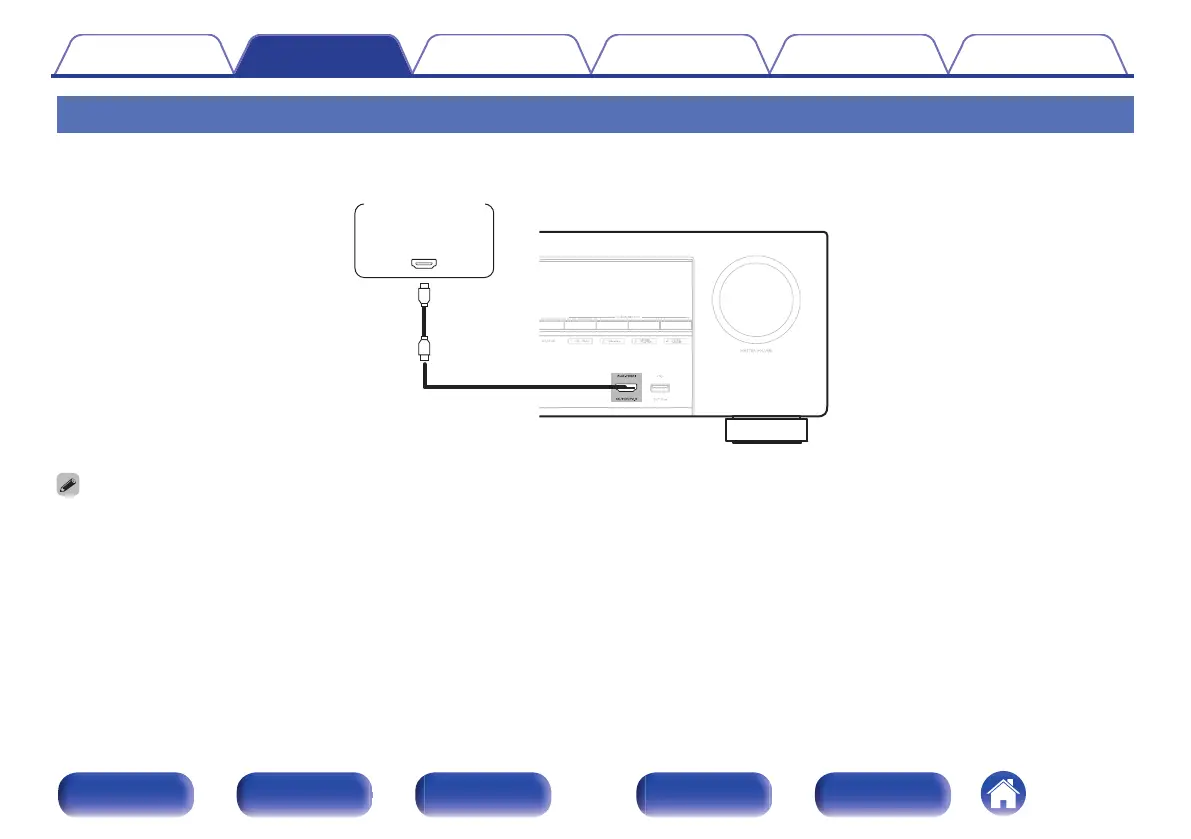
Connecting a video camcorder or game console
This explanation uses the connection with a video camcorders as an example.
Connect a playback device to this unit, such as a video camcorder or game console.
.
0
The 4K 60/50Hz video signal cannot be input to this connection using a format other than YCbCr 4:2:0. If your playback device does not support YCbCr 4:2:0 for the 4K
60/50Hz output format, use an HDMI connector on the rear panel.
Contents Connections Playback Settings Tips Appendix
57
Front panel Display Rear panel Remote Index


 To Next Page
 Loading...