EasyManua.ls Logo

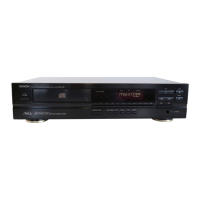
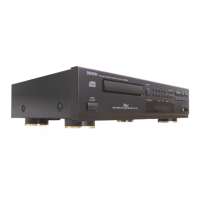
Denon DCD-695 - Opening and Closing the Disc Holder and Loading a Disc

Denon DCD-695
70 pages
Print Icon
To Next Page IconTo Next Page
To Previous Page IconTo Previous Page
Loading...
ENGLISH
Connection
Precautions
Before
proceeding
with
connections
or
disconnections
of
cables
and
power
cords,
be
sure
to
turn
all
system
compo-
nents
off.
Ensure
that
all
cables
are
connected
properly
to
the
L
(left)
and
R
(right)
jacks.
Insert
plugs
fully
into
the
terminals.
Connect
the
output
jacks
to
the
amplifier
CD,
AUX
or
TAPE
PLAY
input
jacks.
(2)
SYNCHRO
Jack
Connections
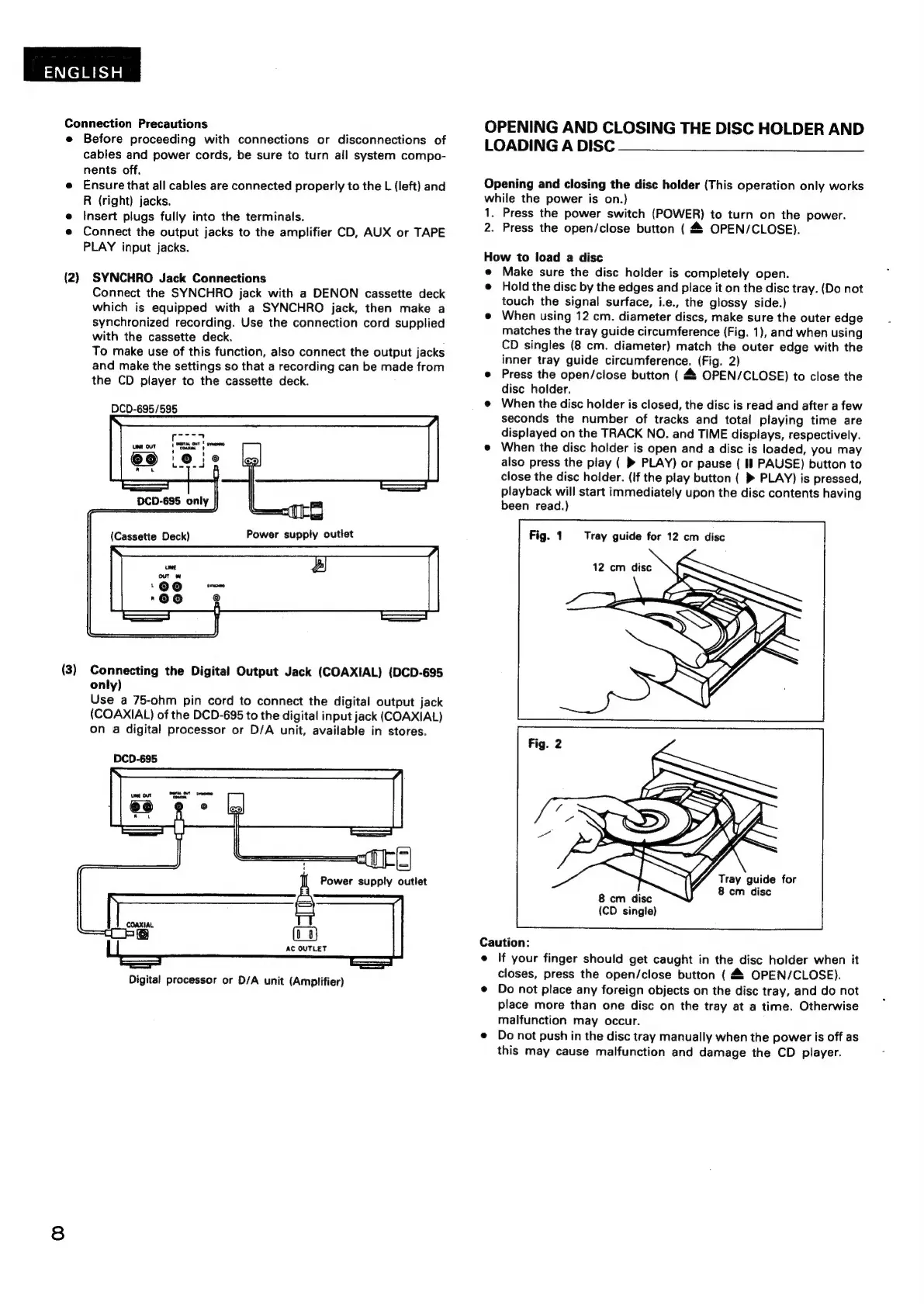
Connect
the
SYNCHRO
jack
with
a
DENON
cassette
deck
which
is
equipped
with
a
SYNCHRO
jack,
then
make
a
synchronized
recording.
Use
the
connection
cord
supplied
with
the
cassette
deck.
To
make
use
of
this
function,
also
connect
the
output
jacks
and
make
the
settings
so
that
a
recording
can
be
made
from
the
CD
player
to
the
cassette
deck.
DCD-695/595
(3)
Connecting
the
Digital
Output
Jack
(COAXIAL)
(DCD-695
only)
Use
a
75-ohm
pin
cord
to
connect
the
digital
output
jack
(COAXIAL)
of
the
DCD-695
to
the
digital
input
jack
(COAXIAL)
on
a
digital
processor
or
D/A
unit,
available
in
stores.
DCD-695
aC
OUTLET
Digital
processor
or
D/A
unit
(Amplifier)
OPENING
AND
CLOSING
THE
DISC
HOLDER
AND
LOADING
A
DISC
Opening
and
closing
the
disc
holder
(This
operation
only
works
while
the
power
is
on.)
1.
2.
Press
the
power
switch
(POWER)
to
turn
on
the
power.
Press
the
open/close
button
(
4
OPEN/CLOSE).
How
to
load
a
disc
Make
sure
the
disc
holder
is
completely
open.
Hold
the
disc
by
the
edges
and
place
it
on
the
disc
tray.
(Do
not
touch
the
signal
surface,
i.e.,
the
glossy
side.)
When
using
12
cm.
diameter
discs,
make
sure
the
outer
edge
matches
the
tray
guide
circumference
(Fig.
1),
and
when
using
CD
singles
(8
cm.
diameter)
match
the
outer
edge
with
the
inner
tray
guide
circumference.
(Fig.
2)
Press
the
open/close
button
(
48
OPEN/CLOSE)
to
close
the
disc
holder.
When
the
disc
holder
is
closed,
the
disc
is
read
and
after
a
few
seconds
the
number
of
tracks
and
total
playing
time
are
displayed
on
the
TRACK
NO.
and
TIME
displays,
respectively.
When
the
disc
holder
is
open
and
a
disc
is
loaded,
you
may
also
press
the
play
(
®
PLAY)
or
pause
(
I]
PAUSE)
button
to
close
the
disc
holder.
(if
the
play
button
(
PLAY)
is
pressed,
playback
will
start
immediately
upon
the
disc
contents
having
been
read.)
Fig.
1
Tray
guide
for
12
cm
disc
12
cm
disc
8
cm
disc
eremudise
(CD
single)
Caution:
e
If
your
finger
should
get
caught
in
the
disc
holder
when
it
closes,
press
the
open/close
button
(
OPEN/CLOSE).
Do
not
place
any
foreign
objects
on
the
disc
tray,
and
do
not
place
more
than
one
disc
on
the
tray
at
a
time.
Otherwise
malfunction
may
occur.
Do
not
push
in
the
disc
tray
manually
when
the
power
is
off
as
this
may
cause
malfunction
and
damage
the
CD
player.