Part names and functions
Sound bar
o
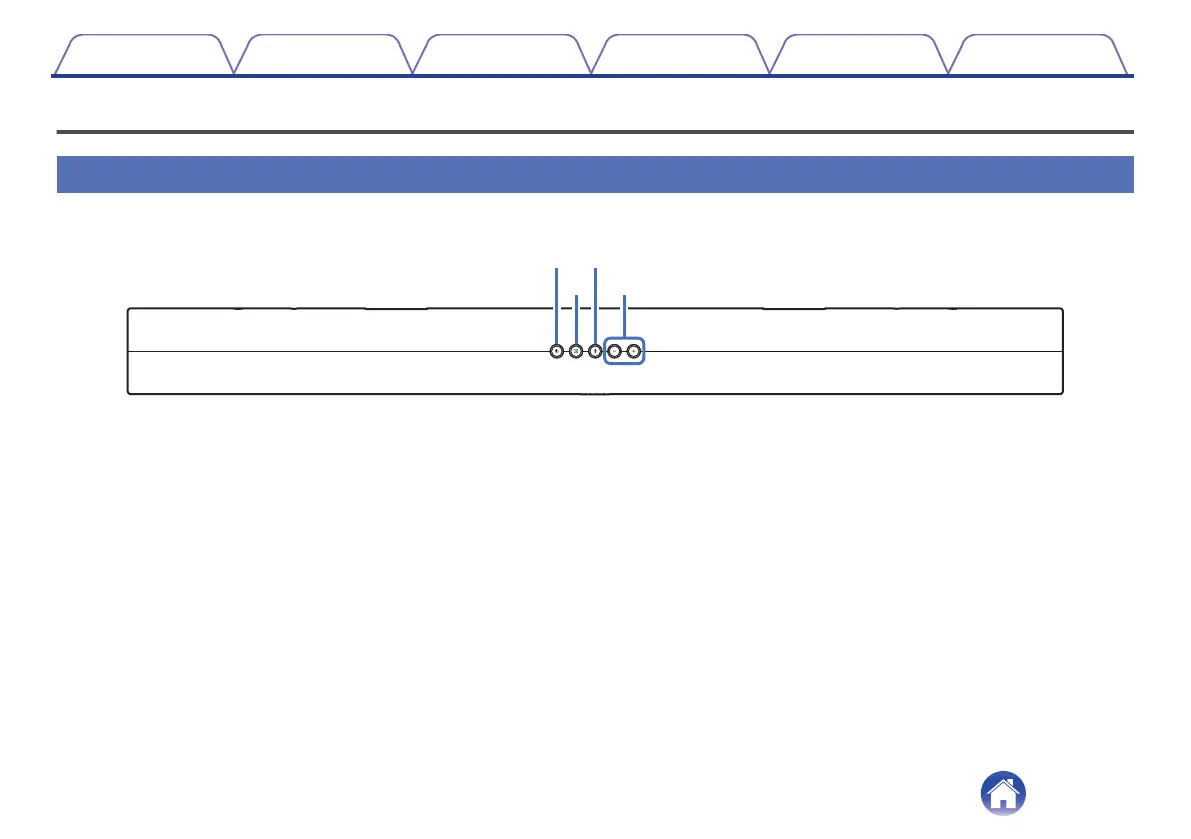
Top panel
.
A
Power operation button (c)
Turns the sound bar power on/off (standby). (v p. 21)
Links to sound bar power and turns the subwoofer power on/off
(standby).
B
Input source button (d)
This selects the input source. (v p. 21)
Switches the input source each time the button is pressed.
C
Bluetooth button (g)
0
Switches the input source to “Bluetooth”. (v p. 24)
0
Used to pair with Bluetooth devices. (v p. 24)
D
Volume buttons (+, –)
These adjusts the volume level. (v p. 26)
Contents Connections Playback Settings Tips Appendix
7



 To Next Page