Record playback
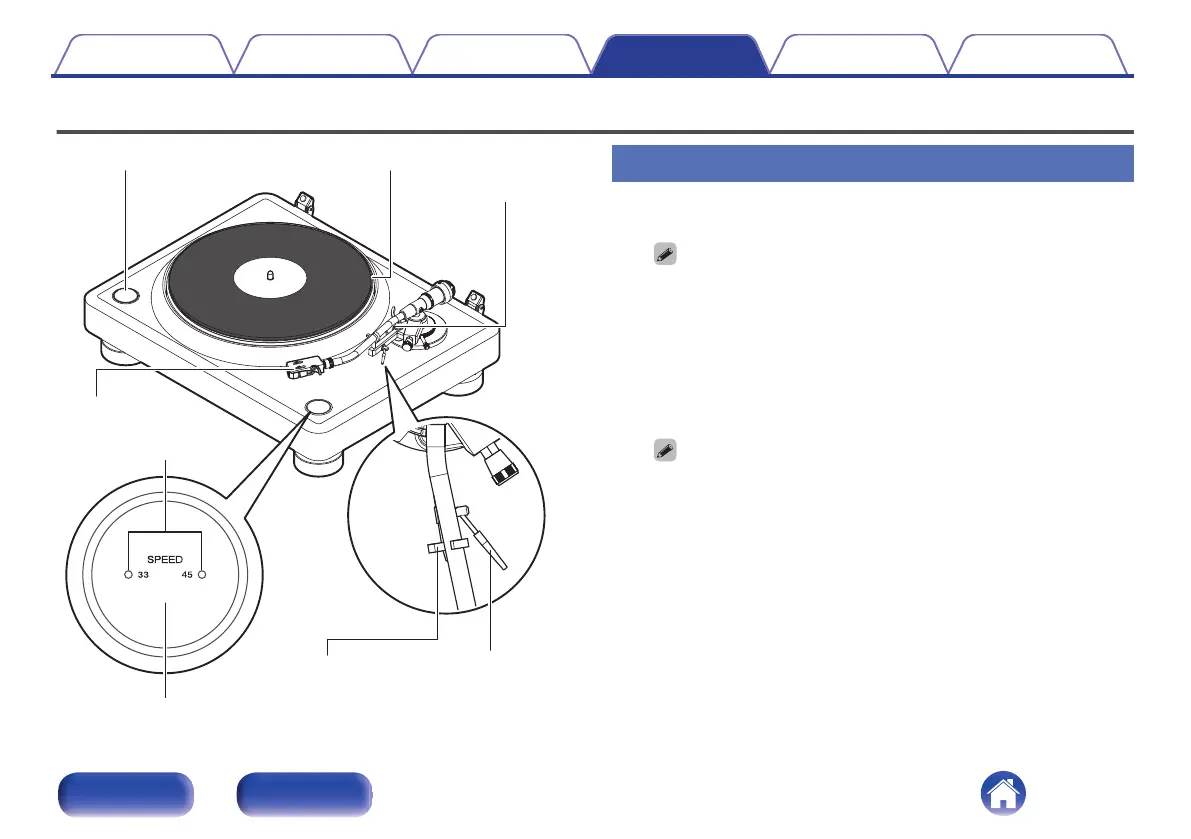
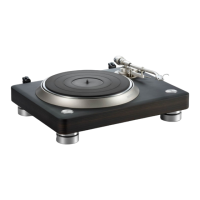
Tone arm
Lifter lever
SPEED 33/45 button
Armrest
PlatterSTART/STOP button
Head shell
Speed light
Record playback
1
Place a record on the platter.
0
For EP (“doughnut”) records, insert the included 45 rpm adapter onto the
center spindle.
0
The adapter for 45 rpm records can also be used as a stabilizer.
2
Press the SPEED 33/45 button to set the right platter
speed for the record you are playing.
The button toggles between 33 1/3 rpm and 45 rpm. The current
speed is displayed in the speed light.
0
This unit also supports 78 rpm records.
While pressing the SPEED 33/45 button, press the START/STOP button.
Both speed lights turn on and the speed changes to 78 rpm.
0
The record rpm is normally indicated on the jacket or label of the record.
0
After pressing the SPEED 33/45 button, the speed light will turn on for
approximately 20 seconds.
0
The speed light corresponding to the set speed will turn on when the platter
is turning.
0
After the platter stops, the speed light will turn off after approximately 20
seconds.
3
Press the START/STOP button.
The platter will start turning.
Contents
Preparations Connections Playback Tips Appendix
26
Front Rear


 To Next Page