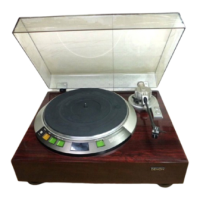
A
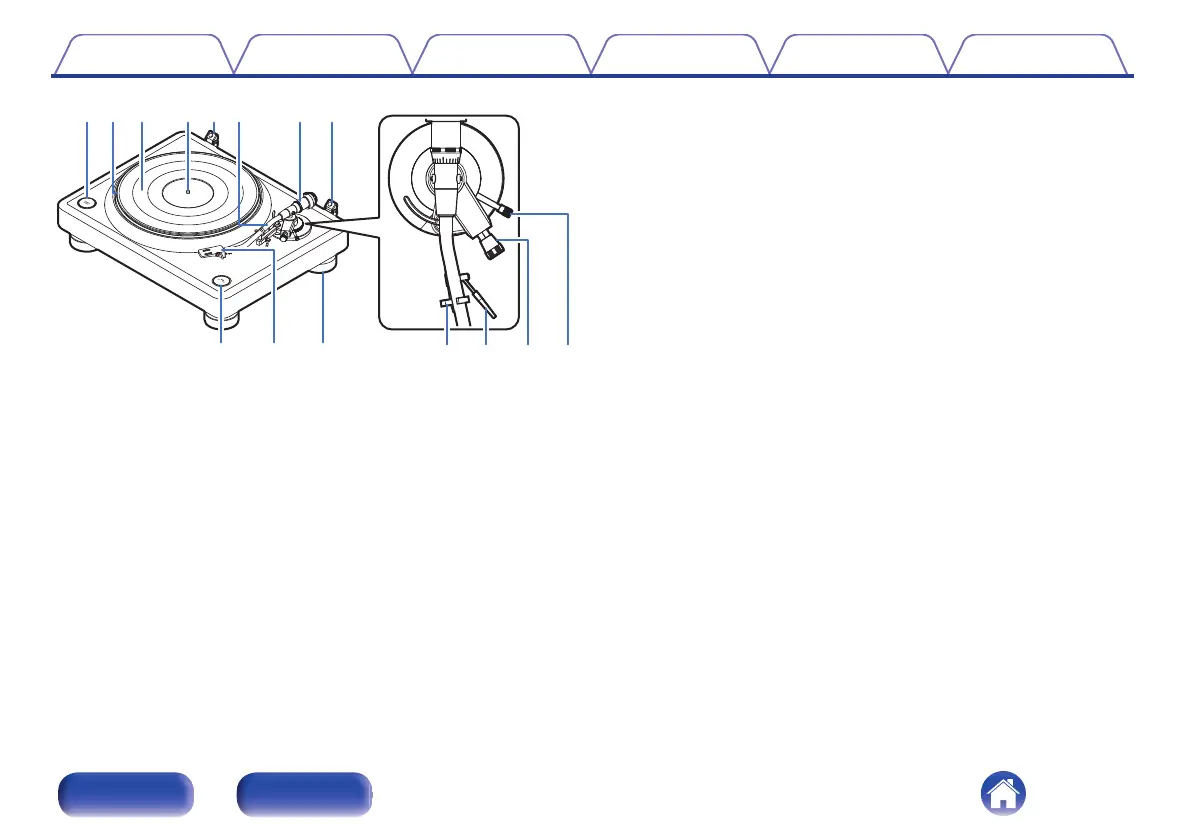
START/STOP button
Starts and stops the platter. (v p. 26)
B
Platter
Attached by mounting on the center spindle on the main unit.
(v p. 11)
C
Platter mat
Mounted on top of the platter. (v p. 11)
D
Center spindle
Place the platter and records so that it comes out through the center.
E
Hinge for attaching the dust cover
Used to attach the included dust cover. (v p. 15)
F
Tone arm
0
The counterweight is mounted on the back. (v p. 11)
0
The head shell is attached to the tip. (v p. 14)
0
The sub weight is mounted on the back. (v p. 15)
G
Counterweight
Attached to the back of the tone arm to adjust stylus pressure.
0
“Mounting the counterweight” (v p. 11)
0
“Adjusting the stylus pressure” (v p. 17)
H
SPEED 33/45 button
Set the correct speed for the record you are playing. (v p. 26)
I
Head shell
Mount a commercial cartridge to the head shell and then mount the
head shell at the tip of the tone arm. (v p. 12)
J
Insulator
The height of the insulator can be adjusted. (v p. 16)
K
Armrest
Rest the tone arm here when it is not in use for record playback.
L
Lifter lever
Raises and lowers the tone arm. Lowering the lever slowly lowers the
tone arm to place the stylus without damaging it or the record to be
played. (Factory default setting: lowered position)
M
Anti-skating knob
Adjusts anti-skating. (v p. 20)
N
Arm height adjustment knob
Adjust the height of the tone arm according to the cartridge and head
shell you are using. (v p. 21)
Contents
Preparations Connections Playback Tips Appendix
7
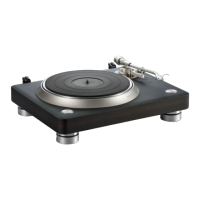
Front Rear


 To Next Page