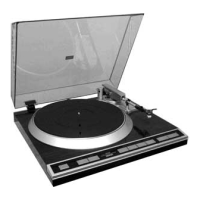
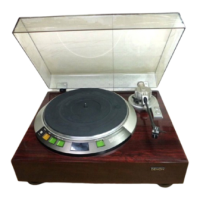
Attaching the dust cover
1
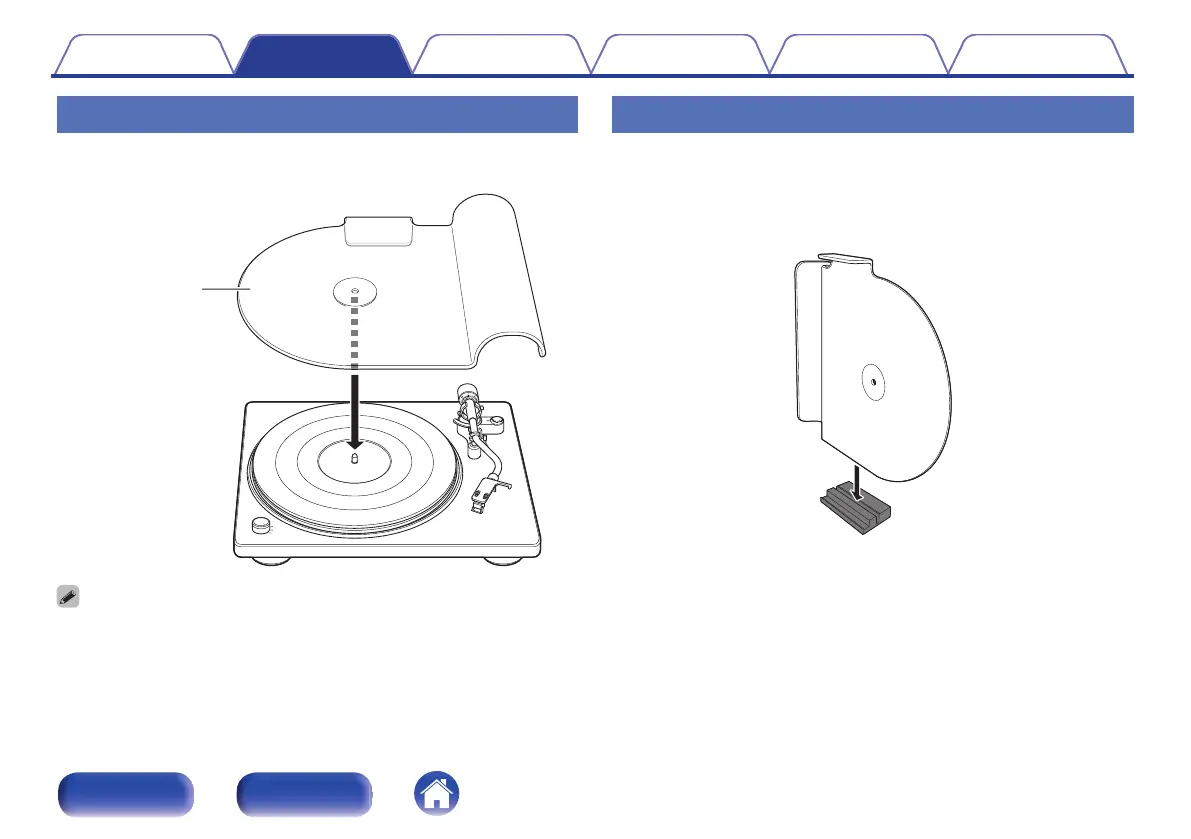
Mount the hole on the dust cover on the center spindle.
.
0
Remove the dust cover before record playback.
Using the dust cover as a record stand
Attach the dust cover to the included dust cover stand to use it as a record
stand. Use it in this way when it is not attached to the main unit.
1
Face the dust cover as shown in the picture below to
insert it into the groove in the dust cover stand.
.
Contents Preparations Connections
Playback and recording
Tips Appendix
13
Front panel Rear panel
I
'
=
I
=
-v
.,-----v.
;-
V
0
\



 To Next Page