Getting Started Getting Started
3
ENGLISH
Display
q
Signal channel indicator
Lights when the preset channel is displayed at
w
.
w
Information display
e
Volume indicator
This displays the volume level.
r
STEREO indicator
This lights when an FM stereo broadcast has
been received.
t
AUTO indicator
This lights when the broadcast station is
selected in the AUTO tuning mode.
y
TUNED indicator
This lights when an FM/AM broadcast has been
received.
Part names and functions
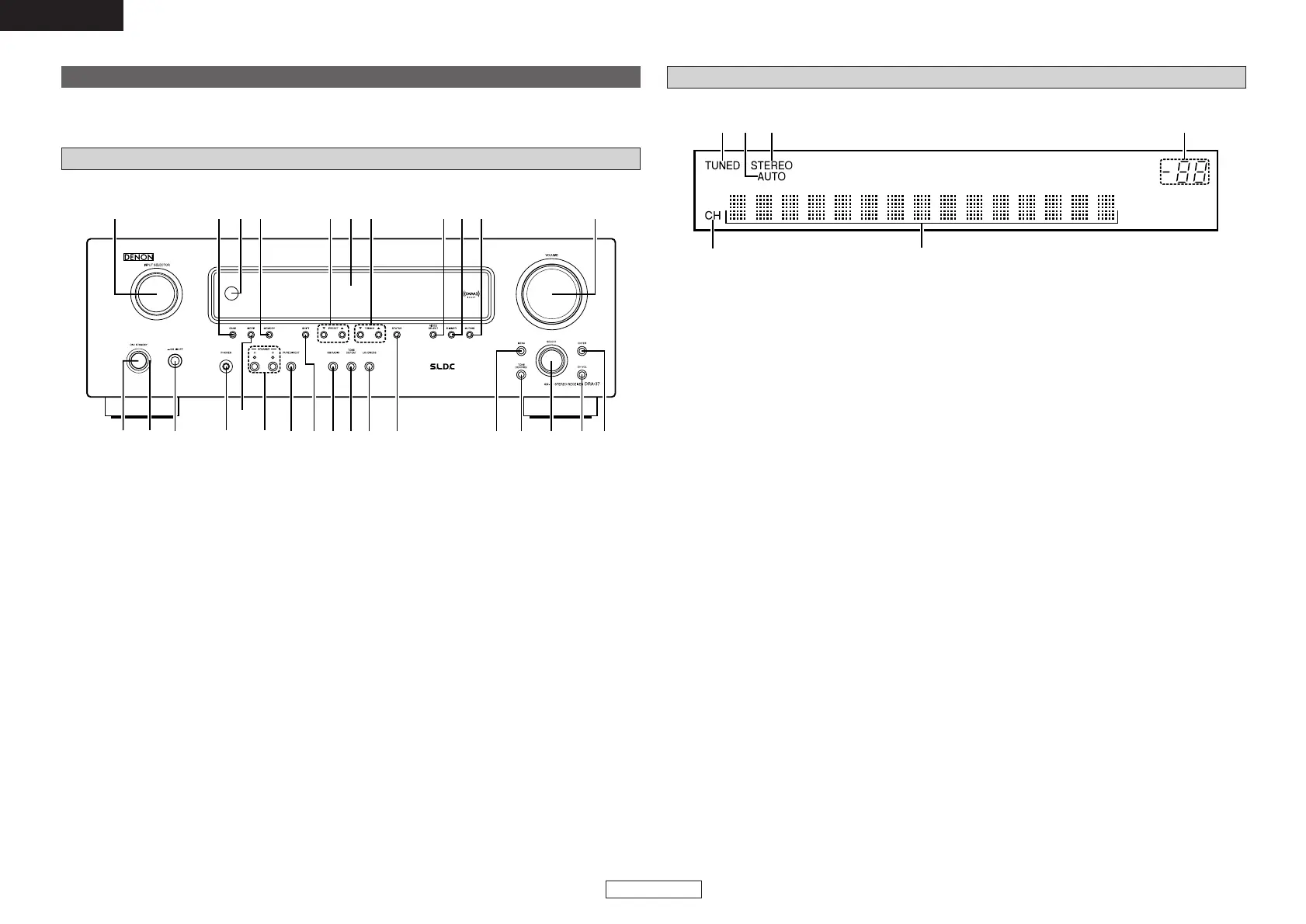
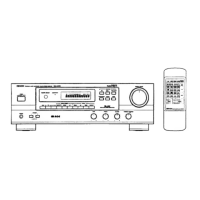
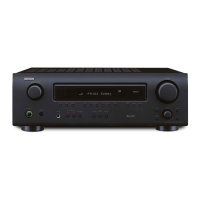
Front panel
For details on the functions of these parts, refer to the pages given in parentheses ( ).
q
Power operation button
(ON/STANDBY)··········································(10)
w
Power indicator ·········································(10)
e
Power switch ·······································(10, 16)
r
Headphones jack (PHONES) ·····················(10)
t
MODE button ·······································(12, 16)
y
SPEAKER buttons······································(10)
u
PURE DIRECT button·································(11)
i
SHIFT button··············································(12)
o
XM RADIO button······································(14)
!0
TONE DEFEAT button ·······························(11)
!1
LOUDNESS button ····································(11)
!2
STATUS button··········································(11)
!3
MENU button·······································(14, 15)
!4
TONE CONTROL button····························(11)
!5
SELECT knob········································(11, 15)
!6
CH VOL button···········································(11)
!7
ENTER button ······································(15, 16)
!8
VOLUME control knob ······························(10)
!9
MUTING button ·········································(10)
@0
DIMMER button ·········································(11)
@1
VIDEO SELECT button ······························(11)
@2
TUNING buttons (•, ª) ·····························(12)
@3
Display
@4
PRESET buttons·········································(12)
@5
MEMORY button········································(12)
@6
Remote control sensor································(2)
@7
BAND button··············································(12)
@8
INPUT SELECTOR knob ····························(10)


 To Next Page