EasyManua.ls Logo

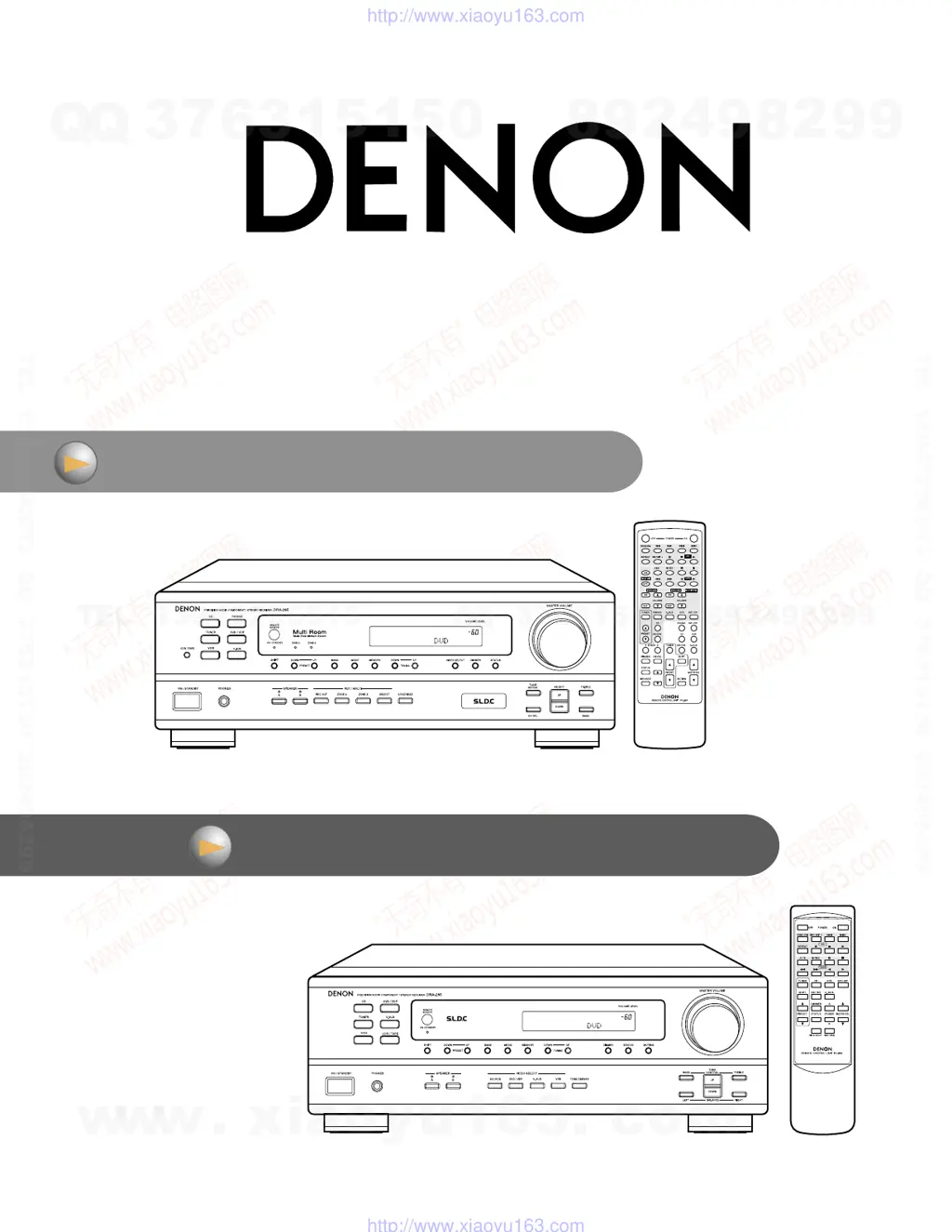
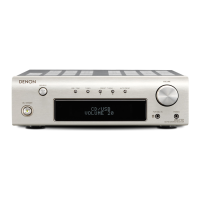
Denon DRA-395 - Service Manual

Denon DRA-395
125 pages
Print Icon
To Next Page IconTo Next Page
Loading...
Service manual
DRA-295 36~69
DRA-395 2~34
w
w
w
.
x
i
a
o
y
u
1
6
3
.
c
o
m
Q
Q
3
7
6
3
1
5
1
5
0
9
9
2
8
9
4
2
9
8
T
E
L
1
3
9
4
2
2
9
6
5
1
3
9
9
2
8
9
4
2
9
8
0
5
1
5
1
3
6
7
3
Q
Q
TEL 13942296513 QQ 376315150 892498299
http://www.xiaoyu163.com

Other manuals for Denon DRA-395

Questions and Answers

  • S
    Sandra WoodJul 26, 2025
    Why is there no sound from my Denon DRA-395 even though the display is lit?
    • H
      Harold PerkinsJul 26, 2025
      If your Denon Stereo Receiver display is lit but no sound is produced, there are several possible reasons. First, check that the speaker cords are securely connected. Second, ensure the audio function button is set to a suitable position. Third, verify that the volume control is not set to the minimum; increase it to a suitable level. Finally, check if MUTING is on and switch it off.
  • K
    Kathy CampbellJul 30, 2025
    How to fix sound only coming from one channel on my Denon Stereo Receiver?
    • D
      David SmithJul 30, 2025
      If you're only getting sound from one channel on your Denon Stereo Receiver, it's likely due to incomplete connections. Ensure that the speaker cords are securely connected. Also, check that the input/output cords are properly connected.
  • J
    Joshua RodriguezAug 3, 2025
    Why is my Denon DRA-395 display not lit and there is no sound when the power is on?
    • T
      Tanya StrongAug 3, 2025
      If the display is not lit and no sound is produced when the power operation switch is set to on for your Denon Stereo Receiver, ensure the power cord is securely plugged in. After verifying the power cord, turn the power on with the remote control unit after turning the Power operation switch on.
  • K
    Katherine AlvarezAug 7, 2025
    What to do if the Denon DRA-395 Stereo Receiver display is not displayed and the “ON/STANDBY” LED flashes at a high rate?
    • K
      Katherine SmithAug 8, 2025
      If your Denon Stereo Receiver display is not showing and the ON/STANDBY LED is rapidly flashing, it could be due to a short circuit in the speaker terminals. To resolve this, switch off the power, properly connect the speakers, and then switch the power back on. Another potential cause is blocked ventilation holes or continuous high-power operation leading to overheating. In this case, turn off the receiver, ensure adequate ventilation to cool it down, and then turn it back on.
  • D
    Derek ObrienAug 12, 2025
    Why is my Denon DRA-395 not responding to the remote control?
    • J
      Janice BlairAug 12, 2025
      If your Denon Stereo Receiver isn't operating correctly with the remote control, the batteries may be dead. Try replacing them with new ones. Also, make sure you're not too far from the unit; move closer. Check for any obstructions between the remote and the receiver and remove them. Ensure you're pressing the correct button. Finally, verify that the batteries are inserted properly, with the < and > ends in the correct orientation.
  • J
    James JohnsonAug 16, 2025
    Why are the instruments reversed during stereo playback on my Denon DRA-395?
    • A
      Andrea RiveraAug 16, 2025
      If the positions of instruments are reversed during stereo playback on your Denon Stereo Receiver, it's likely due to reversed connections. Check the left and right connections of your speakers and input/output cords to ensure they are correctly connected.
  • N
    Nancy FosterAug 20, 2025
    How to eliminate humming noise when playing records on my Denon Stereo Receiver?
    • S
      Scott MaddenAug 20, 2025
      If you are experiencing a humming noise when playing records on your Denon Stereo Receiver, ensure the turntable's ground wire is properly connected. Also, check the PHONO jack connection to make sure it is secure. If the issue persists, it may be due to a nearby TV or radio transmission antenna.

Summary

Safety Precautions

Leakage Current Check

Procedure for checking leakage current or line to chassis resistance.

Specifications

Audio Section Specifications

Amplifier output, input sensitivity, frequency response, S/N ratio.

Tuner Section Specifications

FM/AM receiving range, sensitivity, S/N ratio, distortion.

Disassembly Procedures

Adjustment Procedures

Tuner Alignment

FM/AM alignment procedures and connection diagrams.

Audio Idling Current Adjustment

Preparation and adjustment of amplifier idling current.

Diagrams

Schematic Diagrams

Input Unit Schematic

Schematic diagram for the input section.

Denon DRA-395 Specifications

General IconGeneral
Total Harmonic Distortion (THD)0.08%
Tuning rangeFM, AM
Speaker load impedance4 - 16 ohms
Input Impedance47 kOhms
Frequency Response10 Hz - 100 kHz
Input Sensitivity150 mV (Line)
FM Sensitivity1.0 µV

Related product manuals