Getting Started Getting Started
4
ENGLISH
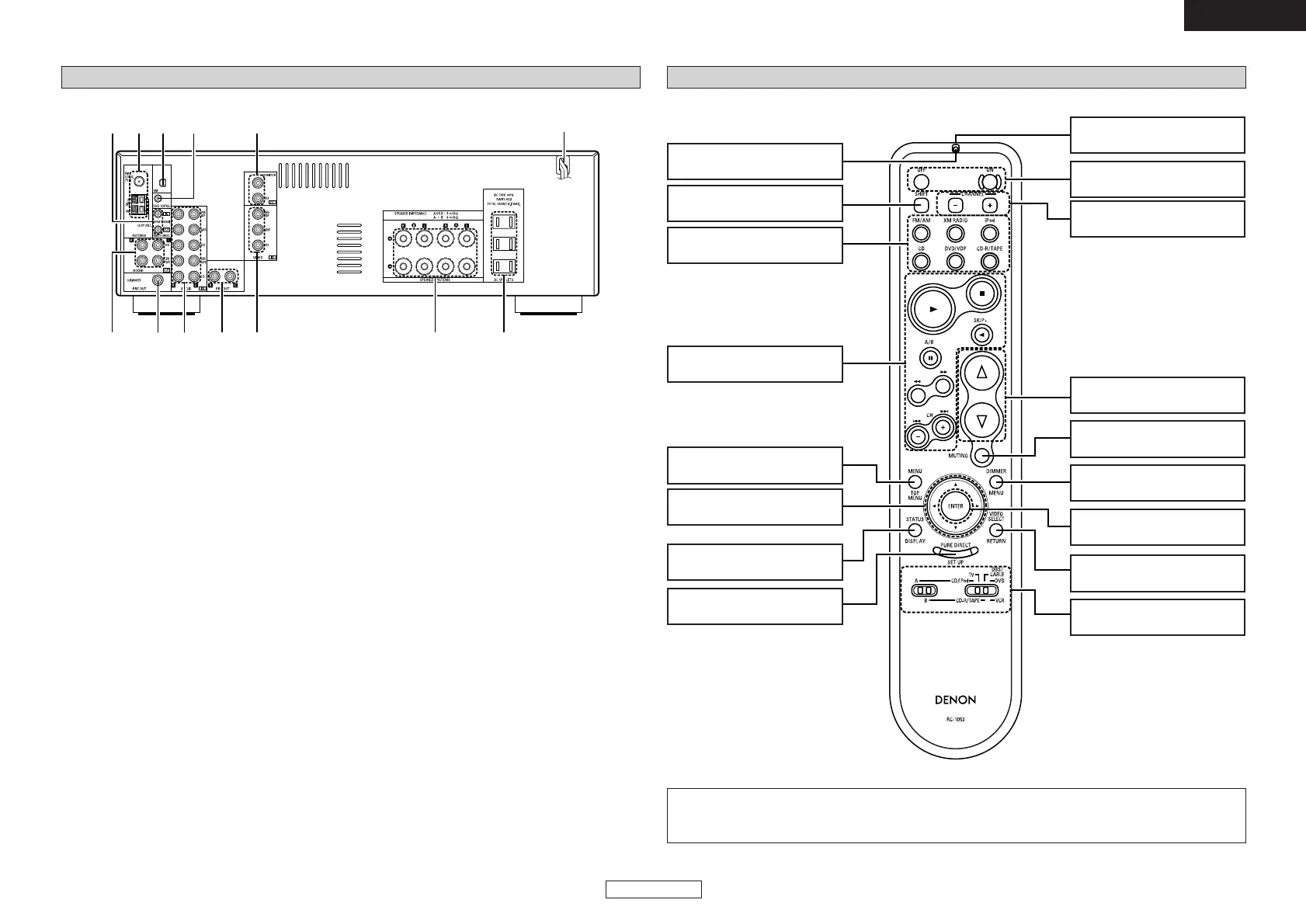
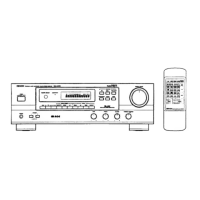
Remote control unit
Remote control signal
transmitter ························(2)
Power buttons················(10)
Volume control
buttons ····························(10)
MUTING button··············(10)
Indicator ··························(17)
System buttons··············(19)
[ Front ]
MENU button ···········(14, 15)
Cursor buttons
(
DD
,
HH
,
FF
,
GG
)············(14 ~ 16)
PURE DIRECT/SET UP
button······························(11)
DIMMER button··············(11)
VIDEO SELECT
button······························(11)
ENTER button···········(15, 16)
CHANNEL buttons ·········(12)
Mode selector
switches ····················(10, 17)
Input source selector
buttons ····························(10)
STATUS button ··············(11)
SHIFT buttons·················(12)
NOTE:
• If buttons on the front or rear are pressed strongly, the button on the opposite side will be activated
too.
Rear panel
q
AUDIO OUT terminals·································(7)
w
SUBWOOFER PRE OUT terminal ···············(6)
e
AUDIO IN terminals·································(6, 7)
r
PRE OUT terminals······································(9)
t
VIDEO IN terminals ·································(6, 7)
y
Speaker terminals ·······································(6)
u
AC outlets·····················································(9)
i
Power supply cord·······································(9)
o
VIDEO OUT terminals ·····························(6, 7)
!0
DOCK CONTROL jack ··································(9)
!1
XM terminal ·················································(8)
!2
ANTENNA terminals ·······························(7, 8)
!3
REMOTE CONTROL jacks ···························(9)


 To Next Page