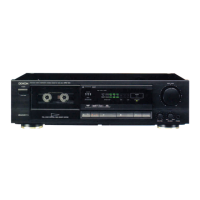
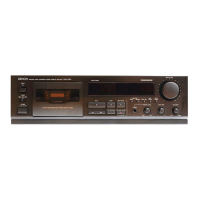
Thank
you
very
much
for
purchasing
the
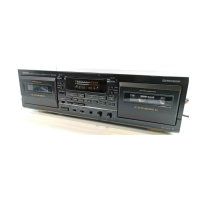
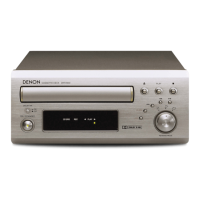
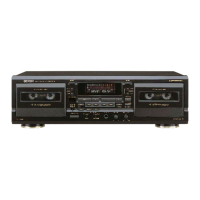
DENON
component
DRM-710.
THE
DENON
DRM-710
is
a
top-line
stereo
cassette
tape
deck,
capable
of
outstanding
performance
in
combination
with
high
grade
hi-fi
systems.
DENON
proudly
presents
this
advanced
tape
deck
to
audiophiles
and
music
lovers
as
a
further
proof
of
DENON's
non-compromising
pursuit
of
the
ultimate
in
sound
quality.
The
high
quality
performance
and
easy
operation
are
certain
to
provide
you
with
many
hours
of
outstanding
listening
pleasure.
—
TABLE
OF
CONTENTS
—
FEATURES
55
den
sis
tiraria
ee
de
de
de
3
CONNECTION:
ss
tn
dar
pure
mama
els
DER
rated
vie
de
3
NAMES
AND
FUNCTIONS
OF
PARTS...................
4.5
CASSETTE
TAPE
soeren
verin
rende
E
unes
5
AUTO
TAPE
SELECT
FEATURE..........................
5
PLAYBACK.
2.
ae
wala
gene
witte
dare
vin
banen
6
Diseno
cC
6*7
PROPER
RECORDING
LEVEL
.............................
7
RECORDING
BIAS
ADJUSTMENT
..........,..............
7
REC/REC
MUTE
BUTTON
................................
8
MUSIC
SEARCH
SYSTEM
.........,....,...,.............
8
`
TAPE
COUNTER
AND
MEMORY
STOP..................
8.9
MONITOR
BUTTON
............................,..,......
9
DOLBY
B
&
C
NOISE
REDUCTION
SYSTEM..............
9
DOLBY
HX-PRO
HEADROOM
EXTENTION
SYSTEM........
10
MAINTENANCE
..........
nn
10
SYMPTOMS
OFTEN
MISTAKEN
AS
BREAKDOWNS
.......
11
SPECIFICATIONS
....................,..........,........
11
CONNECTION
|
ENGLISH
Please
check
to
make
sure
the
following
items
are
included
with
the
main
unit
in
the
carton:
(1)
Operating
Instructions
...........,...............
1
(2)
Connection
Cords
................................
2
FEATURES
W
Computer
controlled
silent
mechanism
*
Closed-loop
dual-capstan
tape
transport.
B
Non-slip
reel
drive
for
stabilizing
tape
tension
W
Dual
power
supply
E
Three-head
design
utilizes
the
record/playback
combination
head
assembly.
W
Dolby
HX
PRO
System
ME
Dolby
B
&
C
noise
reduction
system
W
Manual
bias
adjustment
control
E
Computing
linear
tape
counter
with
4-digit
readout
and
memory
stop.
WREC
return
system
W
Auto
tape
selector.
W
Optional
remote
control
system.
—
r
OO.
eee
G
Leave
your
entire
system
(including
this
cassette
deck)
turned
off
until
all
connections
between
the
deck
and
other
components
have been
made.
M
Connecting
the
deck
to
an
amplifier
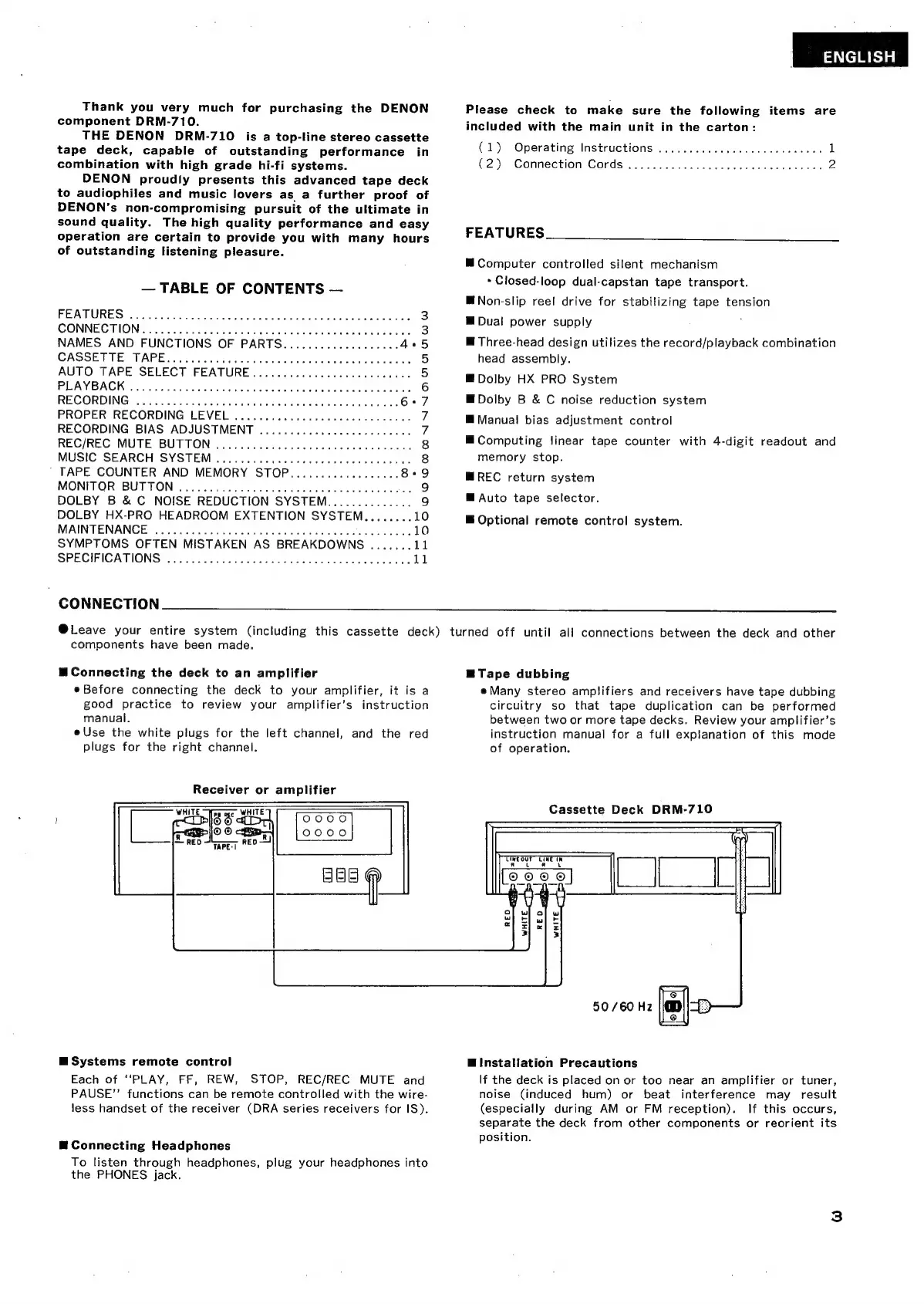
eBefore
connecting
the
deck
to
your
amplifier,
it
is
a
good
practice
to
review
your
amplifier's
instruction
manual.
e
Use
the
white
plugs
for
the
left
channel,
and
the
red
plugs
for
the
right
channel.
Receiver
or
amplifier
0000
0000
BBB
B
Systems
remote
control
Each
of
“PLAY,
FF,
REW,
STOP,
REC/REC
MUTE
and
PAUSE"'
functions
can
be
remote
controlled
with
the
wire-
less
handset
of
the
receiver
(DRA
series
receivers
for IS).
E
Connecting
Headphones
To
listen
through
headphones,
plug
your
headphones
into
the
PHONES
jack.
E
Tape
dubbing
e
Many
stereo
amplifiers
and
receivers
have
tape
dubbing
circuitry
so
that
tape
duplication
can
be
performed
between
two
or
more
tape
decks.
Review
your
amplifier's
instruction
manual
for
a
full
explanation
of
this
mode
of
operation.
Cassette
Deck
DRM-710
g
50/60
Hz
El
E
Installation
Precautions
If
the
deck
is
placed
on
or
too
near
an
amplifier
or
tuner,
noise
(induced
hum)
or
beat
interference
may
result
(especially
during
AM
or
FM
reception).
If
this
occurs,
separate
the
deck
from
other
components
or
reorient
its
position.


 To Next Page