17
/36Updated: Dec. 23, 2020
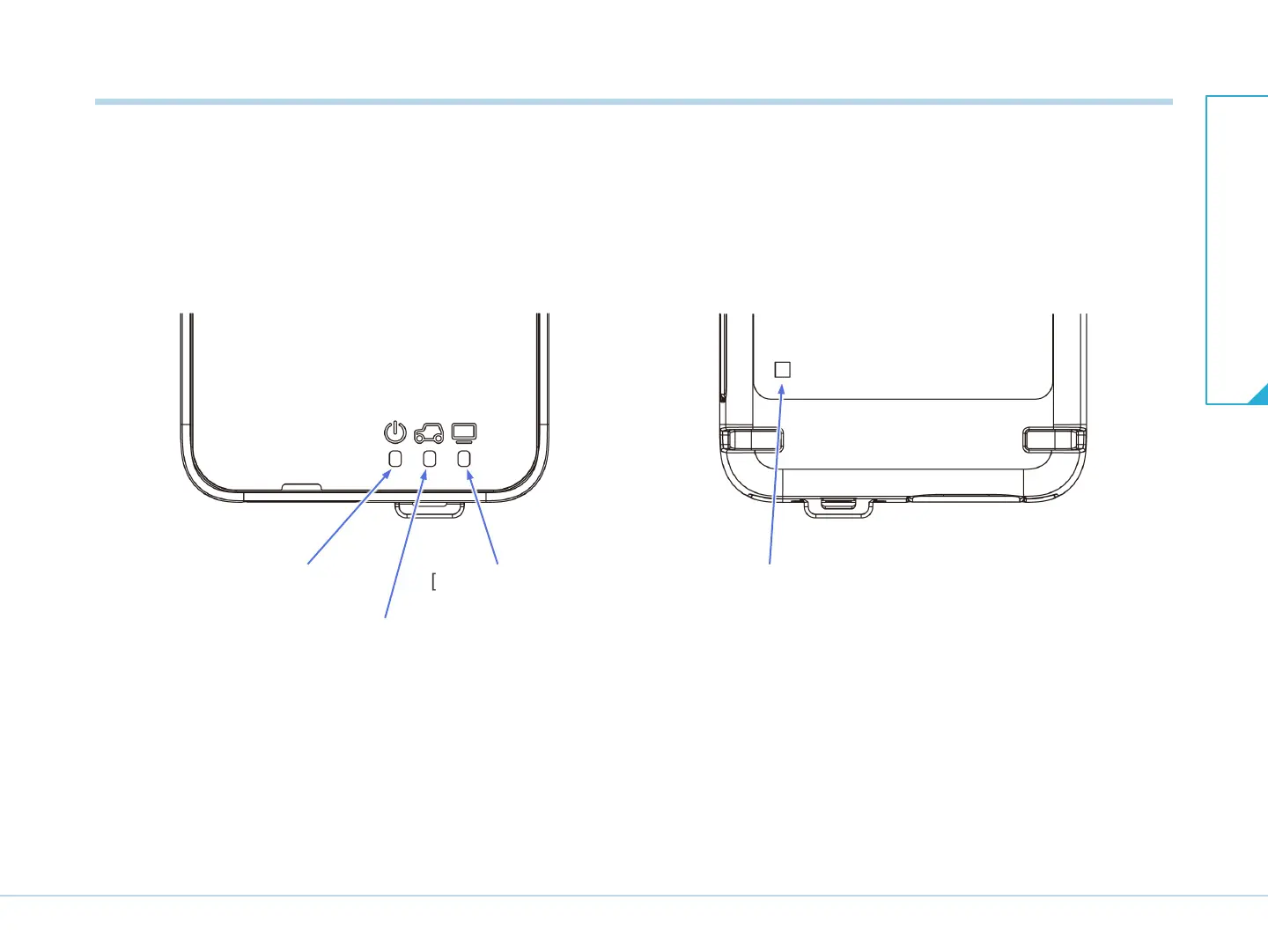
The indicators indicate the status of main unit.
Refer to the setup manual for the LED lighting patterns.
6-2. Indicator
[Power] indicator
[Vehicle] indicator
[PC communication] indicator [SD memory card access] indicator
(only the model with an SD memory card slot)
T03025J
6-2. Indicator
6. Description of the main
unit


 To Next Page