- 7 -
Before you start
Please ensure the following is ready:
You have a broadband internet connection.
A wireless broadband router is connected to the internet successfully. The
radio supports Wireless B, G and N connection (Wireless N router can also
be used with the setting on B or G).
You know the Wired Equivalent Privacy (WEP) or Wi-Fi Protected Access
(WPA) data encryption code/password. You need to key in the correct code
when the radio is connected to the wireless router for network connection.
If you do not know the code/password, please contact the person
/technician who set up the router/network for you.
The radio can work via Wireless network connection (Wi-Fi connection).
Precautions
•
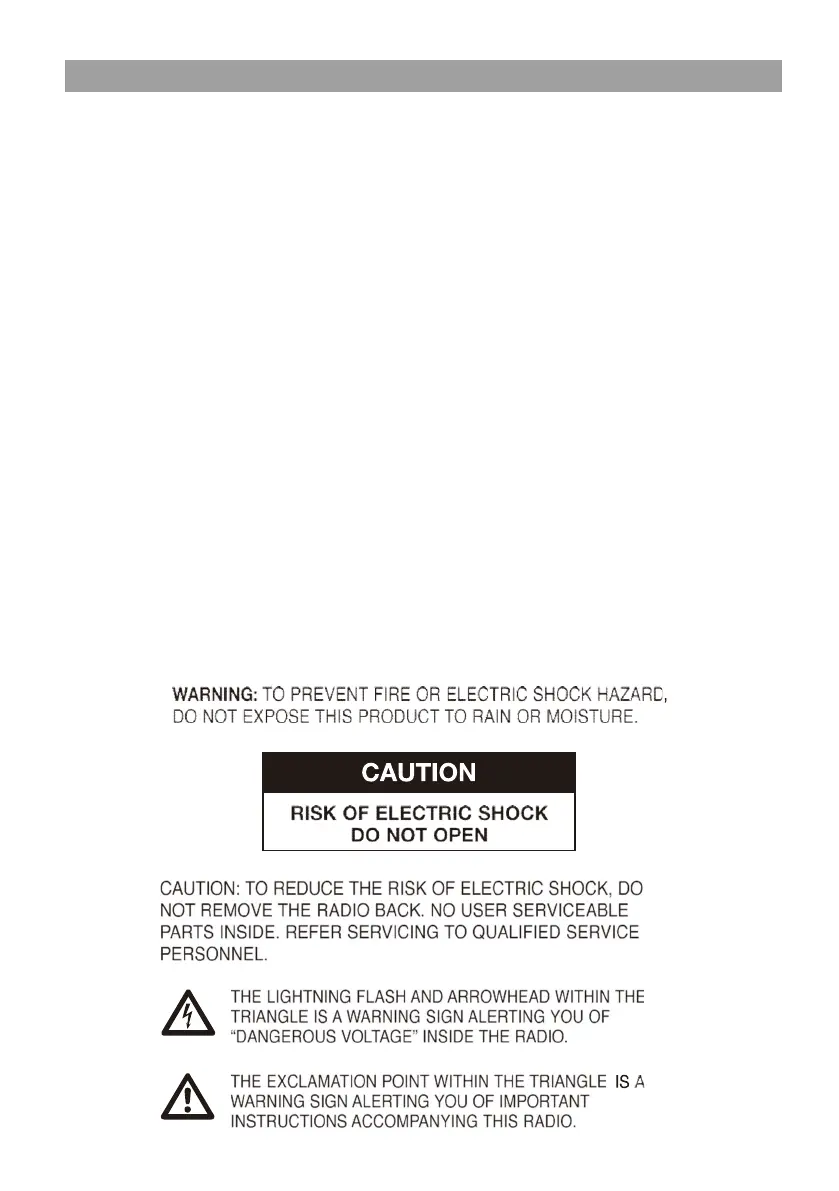
The radio should not be used in a high temperature or high humidity
environment over prolonged periods of time as this may damage the unit.
•
Keep the radio away from liquids as it may get damaged. Please switch off
the radio immediately if water or liquids is spilled into the radio. Consult
with the shop you bought this radio for any question.
•
Avoid using or storing the unit in dusty or sandy environment.
•
Do not open and repair the radio by yourself.
•
Use only the DC adaptor supplied with the radio. Connecting a power
supply with a different rating will cause permanent damage to the radio
and may be hazardous.
•
Clean only with dry cloth.


 To Next Page