ENG-3
1. INTRODUCTION
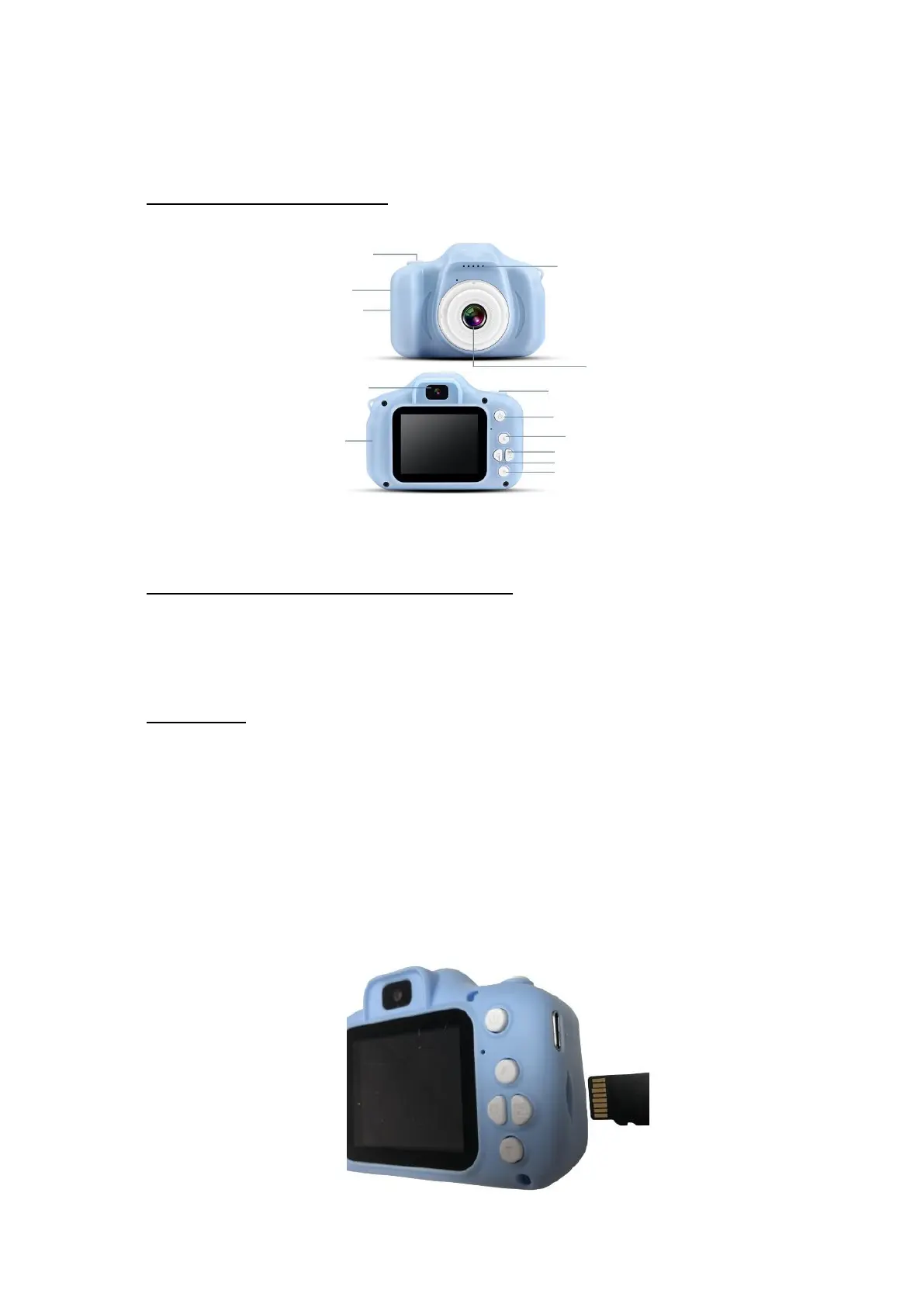
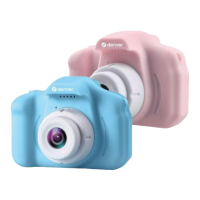
1.1.PRODUCT OVERVIEW
1.2.POWERING THE DEVICE ON/OFF
- Power on: Press and hold the power button to turn on the camera.
- Power off: Press and hold the power button to turn off the camera.
1.3.SD CARD
- SD cards up to 32 GB are supported. To remove the card or insert a
new card, proceed as follows:
1. To remove the card, press it gently until it clicks audibly and then
take it out.
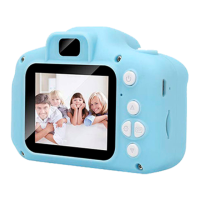
2. To replace the card or insert a new card, insert the card (such as a
microSD card) into the dedicated SD card slot with the contacts
facing the display, as illustrated below:
Video button/camera button
Video button/Camera button


 To Next Page