ENG-6
6. GAMES
-
Press the direction buttons to select the games icon, then press the
Camera/Video button to enter Games mode.
- The camera has 5 pre-installed games.
7. MUSIC
-
Press the direction buttons to select the music icon, then press the
Camera/Video button to enter Music mode.
- Press the direction buttons to select the music you want to play,
then press the Camera/Video button to play the music.
* Note: You should copy a music file in the MP3 format to the camera
first.
8. SETTINGS
-
Press the direction buttons to select the settings icon, then press
the Camera/Video button to enter Settings mode.
- Press the direction buttons to select any menu options, then press
the Camera/Video button to confirm the menu setting.
9. RESETTING THE DEVICE
-
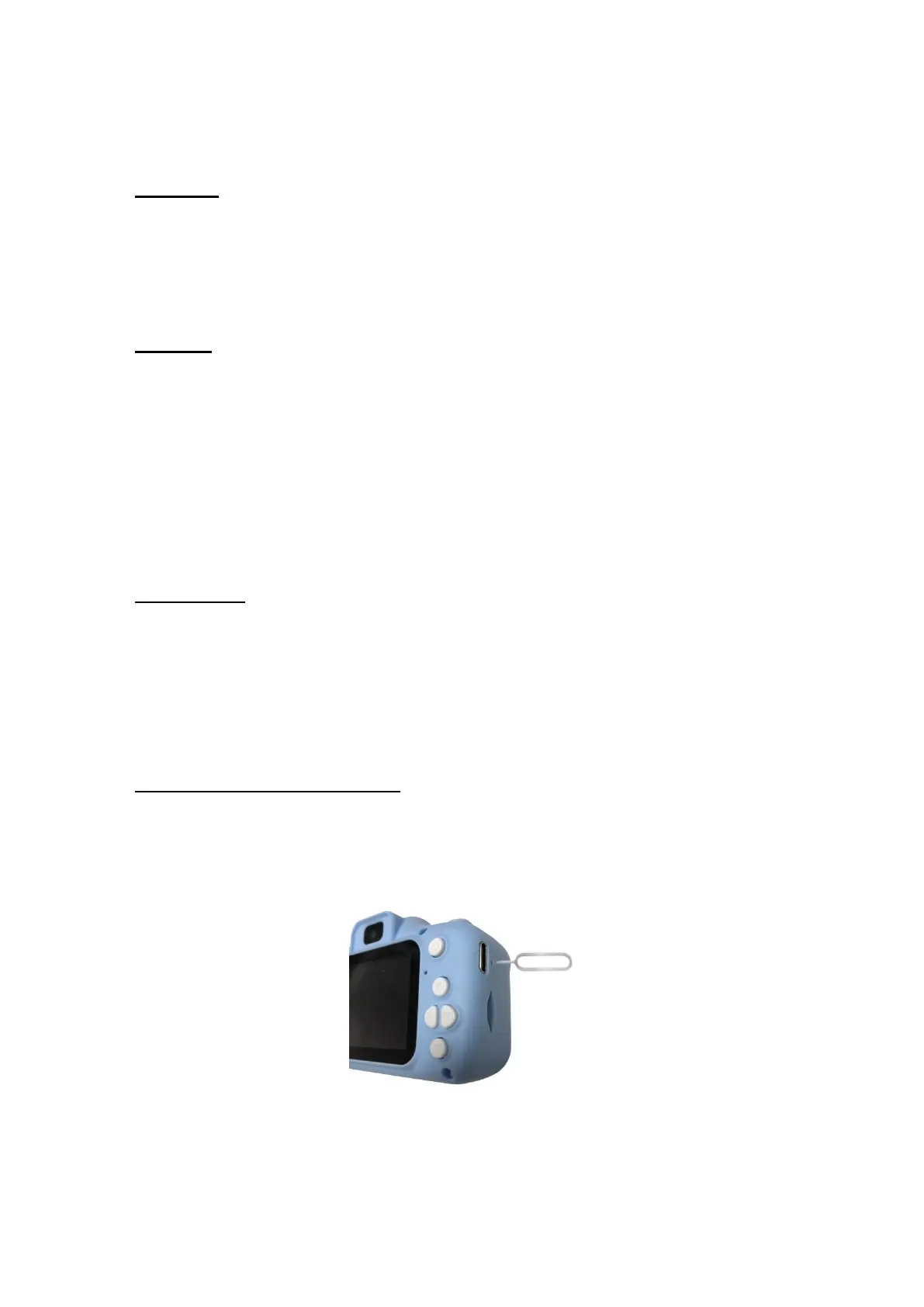
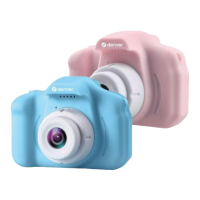
There is a small hole under the USB port. When the camera is
halted, use something pointy to stick inside the small hole. The
camera will then reset. See illustration below:


 To Next Page