12
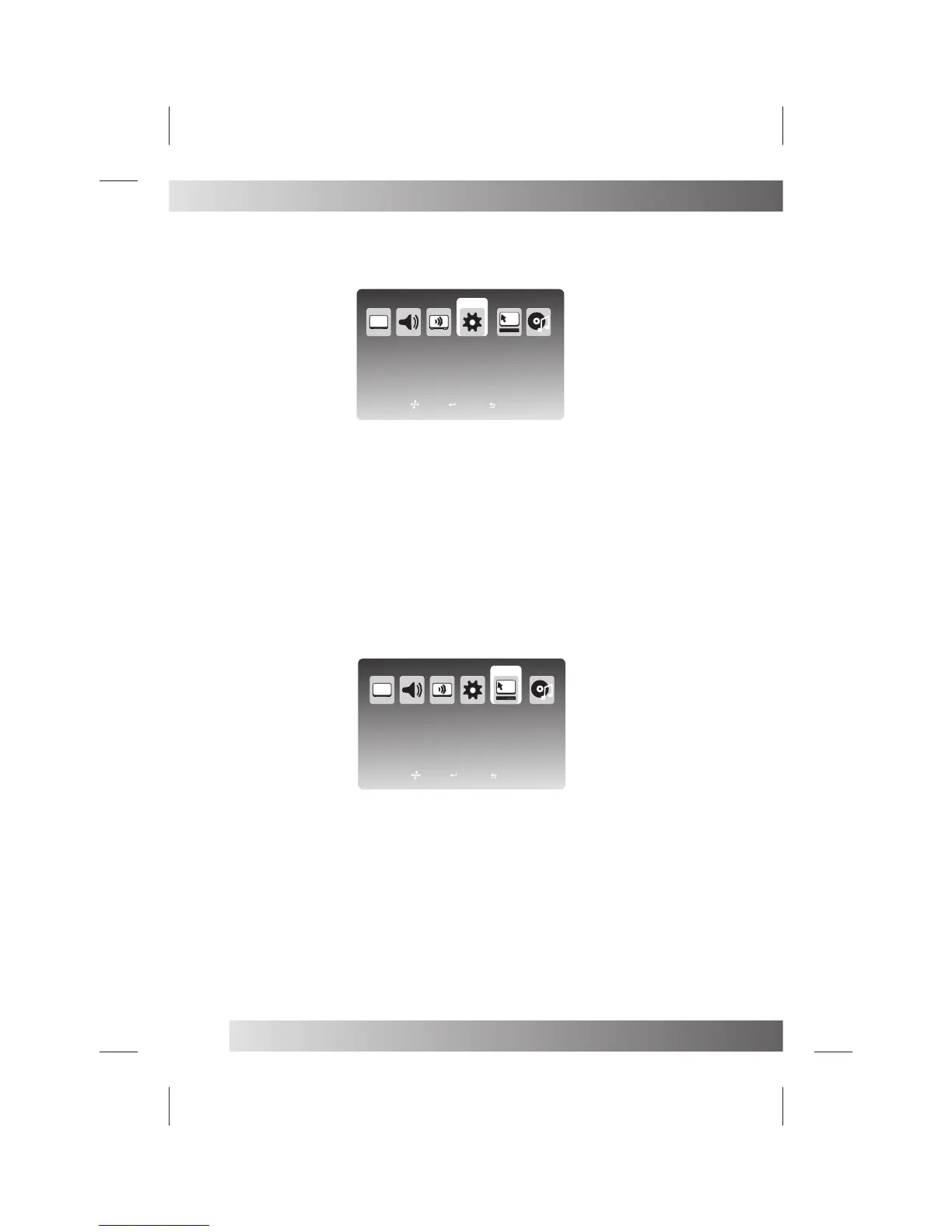
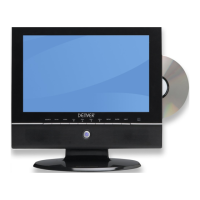
Press MENU button on the front of panel or MENU on the remote control to display the main menu.
Press ◄ / ► button to select Time in the main menu, then press OK button or ▼ button to enter.
1. Press ▼ / ▲ button to select the entry that you want to adjust.
2. Press OK button to enter and press ◄ / ► / ▼ / ▲ button to edit.
3. After finishing your adjustment, Press OK or EXIT button to save and return back to the previous menu.
Time Mode: Press ▼ / ▲ button to select Time Mode, then press OK button to enter and press ▼ / ▲ button to select Auto
or Manual.
Sleep Time: Press ▼ / ▲ button to select Sleep Time, then press OK button to enter and press ▼ / ▲ button to select.
Current Time: Press ▼ / ▲ button to select Current Time, then press OK button to enter.
Date: Press ◄ / ► button to select year, then press ▼ / ▲ button to choose the year of current time, Chooses the month and
the day withthe similar method.
Time: Press ◄ / ► button to select hour, then press ▼ / ▲ button to choose the hour of current time, Chooses the minute
with the similarmethod. press ▼ / ▲ button to select .
NOTE:Only when you set the Time Mode “Manual”,you can set the Current Time .
TIME MENU
Time Mode
Sleep Time
Current Time
Wake UP Timer
PVR Timer
Auto
Off
TIME
ATV Source
Press MENU button on the front of panel or MENU on the remote control to display the main menu.
Press ◄ / ► button to select Setup in the main menu, then press OK button or ▼ button to enter.
1. Press ▼ / ▲ / ◄ / ► button to select the entry that you want to adjust.
2. Press ENTER button to enter and press ◄ / ► / ▼ / ▲ button to edit.
3. After finishing your adjustment, Press MENU or EXIT button to save and return back to the previous menu.
Country: Press ▼ / ▲ / ◄ / ► button to select Country, then press OK button to enter and press ▼ / ▲ button to select.
OSD Language: Press ▼ / ▲ / ◄ / ► button to select OSD Language, then press OK button to enter and press ▼ / ▲
button to select.
Teletext Language: Press ▼ / ▲ / ◄ / ► button to select Teletext Language, then press OK button to enter and press ▼ /
▲ button to select.
Reset: Press ▼ / ▲ / ◄ / ► button to select Reset, then press OK button to enter and press ▼ / ▲ button to select No or
Yes.
Setup Wizard: Press ▼ / ▲ / ◄ / ► button to select Setup Wizard, then press OK button to enter.
Press ▼ / ▲ button to select Yes or No.
When choose “Yes”,you’ll enter the Setup Wizard Menu(Page17).
SETUP MENU
Country
OSD Language
Teletext Language
Audio Language
Subtitle
SETUP
Norway
English
English
Setup Wizard
Reset
Move
Exit
Select
Move
Exit
Select


 To Next Page