16
Subtitle Language: Press ▼ / ▲ / ◄ / ► button to select Subtitle Language, then press OK button to enter and press
▼ / ▲ button to choose.
Alt.Language1/2/3
Press ▼ / ▲ / ◄ / ► button to select Alt.Language1/2/3, then press OK button to enter and press ▼ / ▲ button to
choose.
Note: The detailed description please refer to page 15.
Note: The Common Interface Menu only display after CI card inserted
Press ▼ / ▲ / ◄ / ► button to select Common Interface, then press OK button to enter and press ▼ / ▲ button to
choose.
Press ▼ / ▲ / ◄ / ► button to select the options , then press OK button to see the detailed information of the CI card.
Press ◄ / ► button to select Others in the main menu, then press OK or button to enter.
Notes:
1.Video menu and description are the same with the ATV source. The detailed description please refer to page
13.
2.Audio menu and description are the same with the ATV source. The detailed description please refer to page
14.
3.Time menu and description are the same with the ATV source. The detailed description please refer to page16.
5.Others menu and description are the same with the ATV source. The detailed description please refer to page
17.
Press INPUT button on the remote control, then press ▼ / ▲ button to select USB and press OK or ▼ button to enter.
Picture
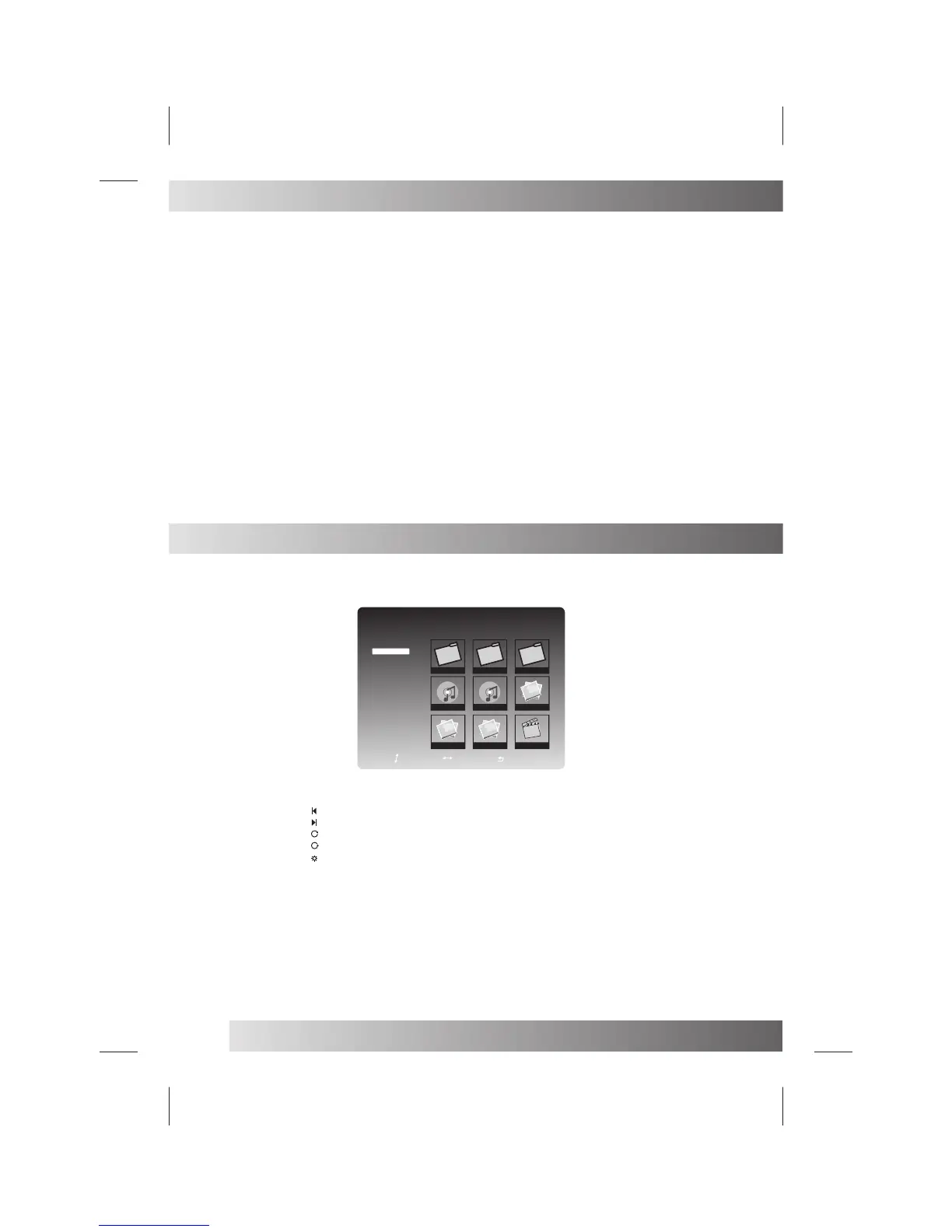
Press ▼ / ▲ button to select Picture and press OK button to show all folders and the picture document.
Press ▼ / ▲ / ◄ / ► button to choose some picture demonstration
Press OK button demonstration
Press ◄ / ► button to select , then press OKbutton to view the previous picture.
Press ◄ / ► button to select , then press OKbutton to view the next picture.
Press ◄ / ► button to select , then press OK button clockwise rotating the picture.
Press ◄ / ► button to select , then press OK button anti-clockwise rotating the picture.
Press ◄ / ► button to select , then press OK button the menu will appear Press ▼ / ▲ button to select Repeat, then
Press ◄ / ► button select On or Off. This clause uses in establishing whether to circulate the broadcast picture.
Press ▼ / ▲ button to select Shuffle, then press ◄ / ► button select On or Off. This clause uses in establishing the
picture to broad-cast stochastically.
Press MENU button on the front of panel or MENU on the remote control to display the main menu.
DTV Source
USB Source
USB
F i l e N a m e : M Y R E C O R D
F i l e P a t h : / m n t A l l
A l l
P i c t u r e
M u s i c
M o v i e
MYRECORD
Music Phone
111.mp3
Goodbye.mp3
DSC04632.JPG
DSC04633.JPG
DSC04634.JPG
La_lasla_Boni
Common Interface
Up/Down
Left/Right
Select


 To Next Page