15
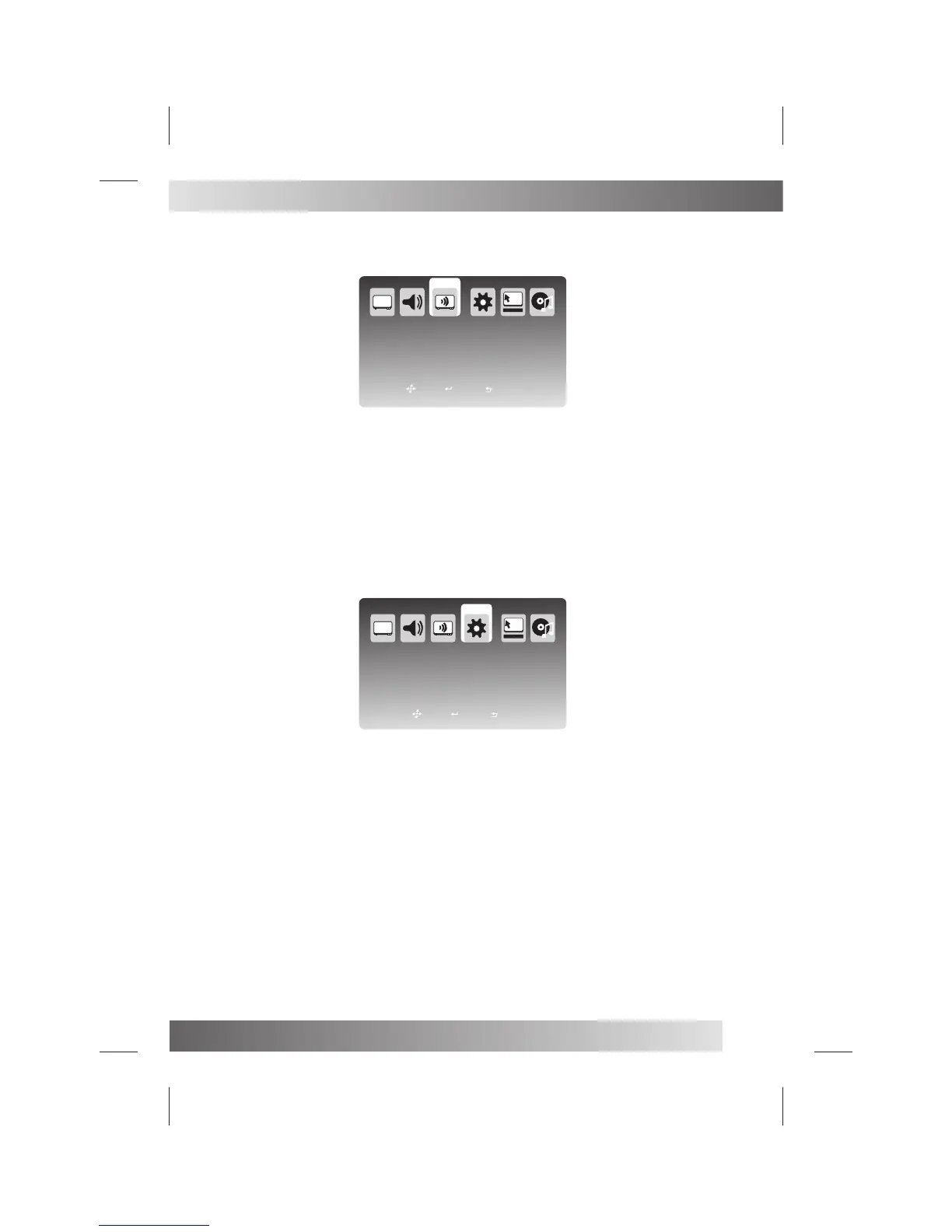
Press MENU button on the front of panel or MENU on the remote control to display the main menu.
Press ◄ / ► button to select TV in the main menu, then press OK button or ▼ button to enter.
1. Press ▼ / ▲ / ◄ / ► button to select the entry that you want to adjust.
2. Press OK button to enter and press ◄ / ► / ▼ / ▲ button to edit.
3. After finishing your adjustment, Press MENU or EXIT button to save and return back to the previous menu.
EPG: Press ▼ / ▲ / ◄ / ► button to select EPG, then press OK button to enter.Press ▼ / ▲ / ◄ / ► button to select
program, then press OK button to remind, there will be a iron right of the program’s name.
Cable Auto Search: Press ▼ / ▲ / ◄ / ► button to select Cable Auto Search, then press OK button to enter.
Cable Manual Search: Press ▼ / ▲ / ◄ / ► button to select Cable Manual Search, then press OK button to enter.
Note: More details about DTV MENU. Please refer to page 14-15
Press ◄ / ► button to select Setup in the main menu, then press OK or ▼ button to enter.
1. Press ▼ / ▲ / ◄ / ► button to select the entry that you want to adjust.
2. Press OK button to enter and press ◄ / ► / ▼ / ▲ button to edit.
3. After finishing your adjustment, Press MENU or EXIT button to save and return back to the previous menu.
Audio Language: Press ▼ / ▲ / ◄ / ► button to select Audio Language, then press OK button to enter and press ▼ /
▲ button to choose.
Teletext Language: Press ▼ / ▲ / ◄ / ► button to select Teletext Language, then press OK button to enter and press
▼ / ▲ button to choose.
Subtitle: Press ▼ / ▲ / ◄ / ► button to select Subtitle, then press OK button to enter.
Subtitle: Press ▼ / ▲ / ◄ / ► button to select Subtitle, then press OK button to enter and press ▼ / ▲ button to choose
On or Off.
Notes:
1. Press SUBTITLE button on the remote control to enter and press ▼ / ▲ button to choose On or Off.
2. When subtitle is at “Off” state, the subtitle mode and subtitle language show gray, will not be available.
Subtitle Mode: Press ▼ / ▲ / ◄ / ► button to select Subtitle Mode, then press OK button to enter and press ▼ / ▲
button to choose Normal or Hard of Hearing.
Press MENU button on the front of panel or MENU on the remote control to display the main menu.
DTV Source
DTV MENU
TV
Program Edit
EPG
Auto Search
Manual Search
SETUP MENU
Country
OSD Language
Audio Language
Teletext Language
Subtitle
SETUP
Norway
English
English
Setup Wizard
Reset
Move
Exit
Select
Move
Exit
Select


 To Next Page