Playing CDs/MP3
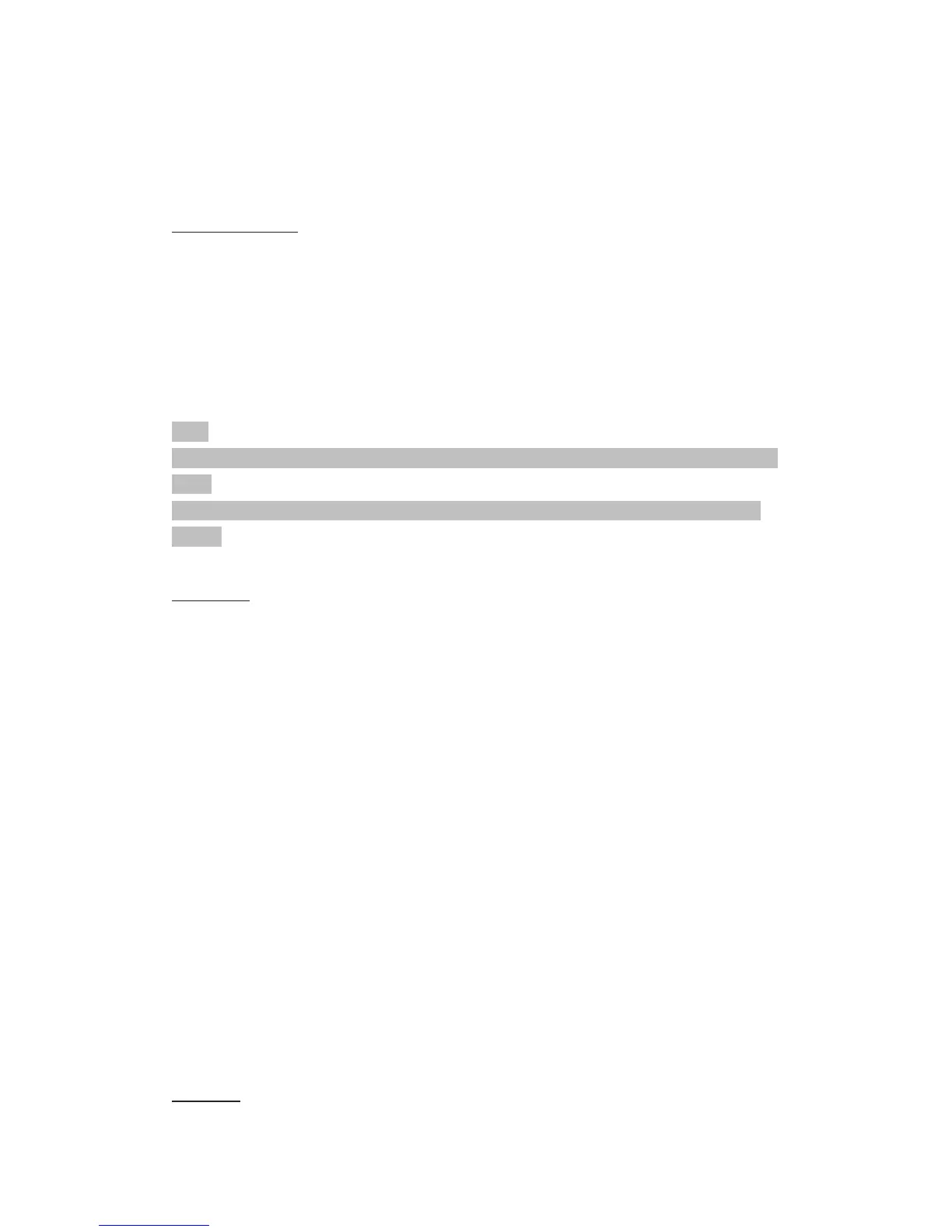
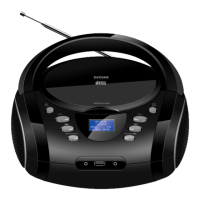
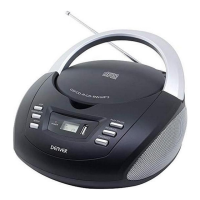
1. Select the CD mode with the “STANDBY / FUNCTION” button, until “CD” is shown in the display.
2. Open the CD compartment by pulling the lid upwards by the tab.
3. Insert an audio CD with the printed side facing upwards on to the central cone so that the CD clicks into place and
then close the lid of the CD compartment.
4. The CD will play from the first title.
5. In order to remove a CD, please press the STOP button, open the CD compartment and lift the CD out carefully.
Always keep the CD deck closed.
NOTE:
•if a disc is inserted the wrong way around, respectively if no disc is inserted, then the message “NO “ appears in the
display.
• Playback of CDs produced by the user cannot be guaranteed due to the large variety of software and CD media
available.
DAB Menu
In DAB mode, press the “STOP/MENU” button to enter the DAB menu.
The DAB menu is divided into menus: Full scan, Manual tune, DRC and Prune.
• Full scan: Starts the station scan. The DAB frequency band is scanned for stations.
• Manual tune: To do so you need to know the station frequency. This can be found on the internet site of the broadcasting
service. Select individual frequencies using the “ENTER / PLAY / PAUSE / CLOCK” button.
• DRC: short for Digital Range Control (dynamic range). The term DRC describes the ratio between the quietest and the
loudest sound. If the dynamic range is very high there are very soft sounds as well as very loud sounds.
Under some circumstances this may present a problem with playback. Let us assume that you are listening to a radio station
in a relatively loud environment. By increasing the volume you can play the quiet sections louder.
This however has the disadvantage that the loud sections become uncomfortably loud. It makes sense here to reduce the
dynamic range. Select between the options:
- DRC off: The dynamic range is not reduced.
- DRC high: The dynamic range is sharply reduced.
- DRC low: The dynamic range is slightly reduced.
• Prune: It may be that you can no longer receive some stations after a station scan or change of location. With this function
you can delete these stations from the reception list. Select “YES” and confirm with the “ENTER / PLAY / PAUSE / CLOCK”
button.
FM Menu


 To Next Page