• Scan setting: Select the desired option for automatic station search.
- All stations: Search for all stations that can be received. In this case, station search also stops for weak stations.
- Strong stations only: Only clear stations are searched.
• Audio setting: Select the MONO or STEREO for FM reception.
DAB + FM Menu (SYSTEM)
The following sub menus can be found in the SYSTEM menu.
- Language: Change the OSD language.
- Time update: You can chose the method how to update the time.
- Factory reset: Select the “YES” command if you want to reset the device again to the factory defaults. All settings which you
have made will be lost.
• SW version: Here, you can display the Software Version of the device.
Playing music via USB
This device has been developed in line with the latest technical advances in the USB field. The wide range of different
USB storage devices of all types which are currently on the market, unfortunately do not allow us to guarantee full
compatibility with all USB storage devices. For this reason, in rare cases there may be problems in playing back files
from USB storage devices. This is not a malfunction of the device.
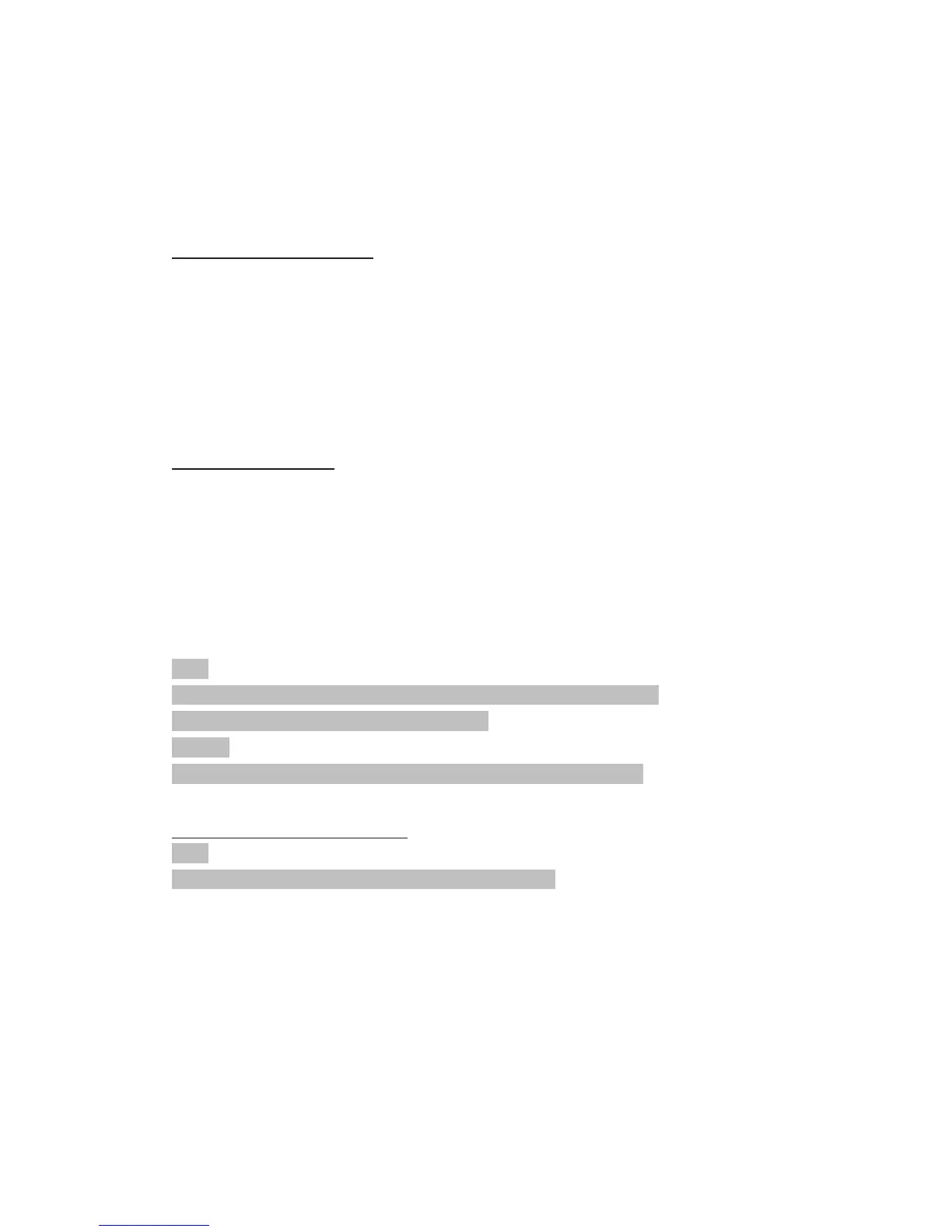
1. Select the USB mode with the “STANDBY / FUNCTION” button, until “USB” is shown in the display.
2. Connect a USB storage device directly into the port. Playback will automatically start after a few seconds.
For operation, please refer to the section “Description of the control buttons”.
NOTE:
• Always directly connect a USB storage medium to the USB port to prevent any malfunctions.
• The USB port is not designed for charging external devices.
CAUTION:
Switch the device to a different operating mode before you remove the USB storage device
Description of the control buttons
NOTE:
Not all the functions may be supported depending on the playback device.
ENTER / PLAY / PAUSE / CLOCK
• You can briefly interrupt and resume playback using this button. The display shows the elapsed playback time
flashing. Pressing again continues playback.
• Press and hold this button during operation to briefly display the current time.
SKIP+ & SKIP-
With “SKIP+ / TUNING+” button you can jump to the next or previous track etc.
• If the button is kept pressed down, the machine starts to search through the tracks.
The “SKIP- / TUNING-” button can be used as follows:
Press once = This starts the current track again from the beginning.


 To Next Page