GB-17
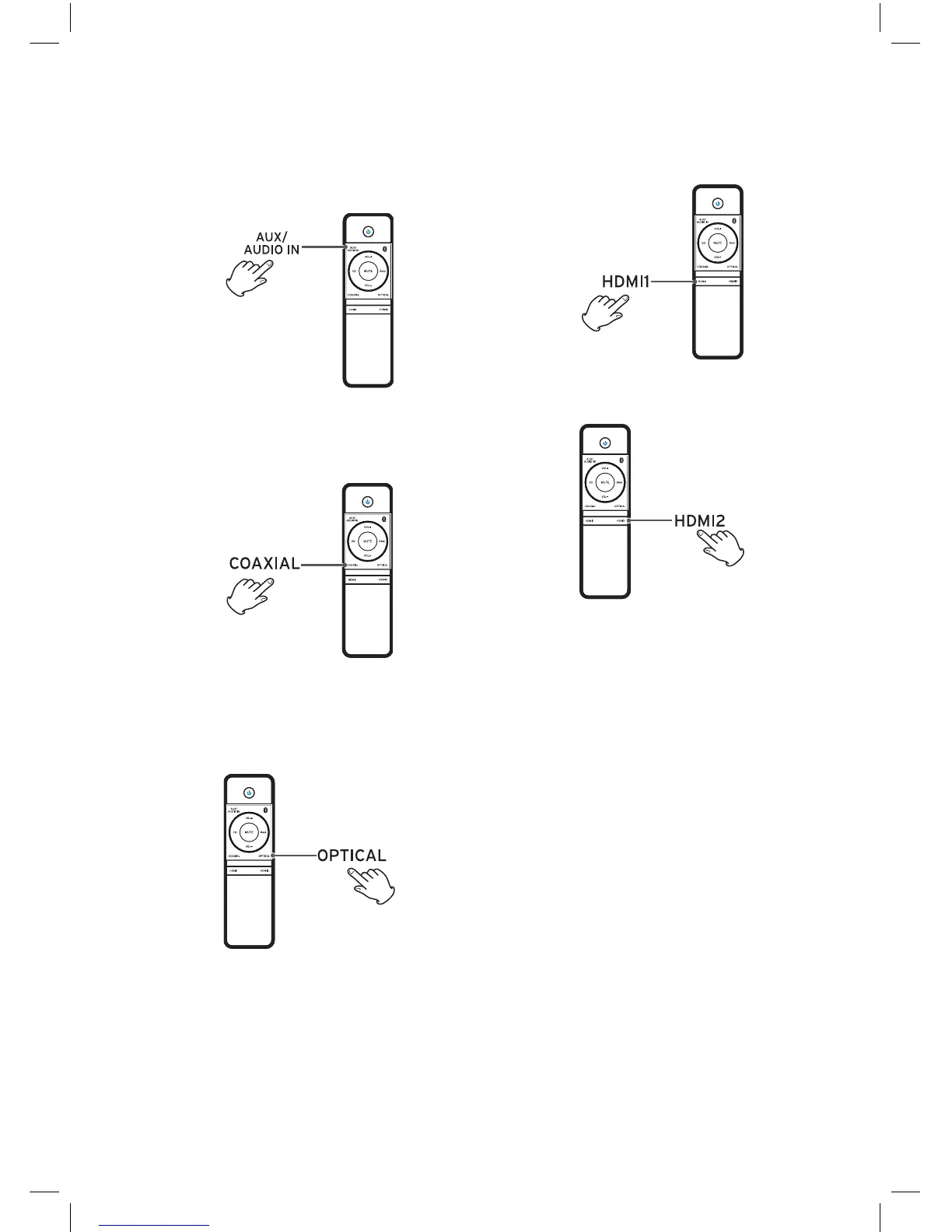
HDMI1/HDMI2
Press to select HDMI1 or HDMI2 source input.
OR
AUDIO In/AUX
Press to select AUDIO IN or AUX source input.
COAXIAL
Press to select coaxial source input.
OPTICAL
Press to select optical source input.
Note: In receiving OPTICAL signals, the setting
menu of TV or other connected devices, please
changed Digital Audio Output into PCM.
NE8006HW(SBS-200)_GB_41014751_20140604.indd 17 2014-6-4 16:15:08


 To Next Page