16
Installation of roof system
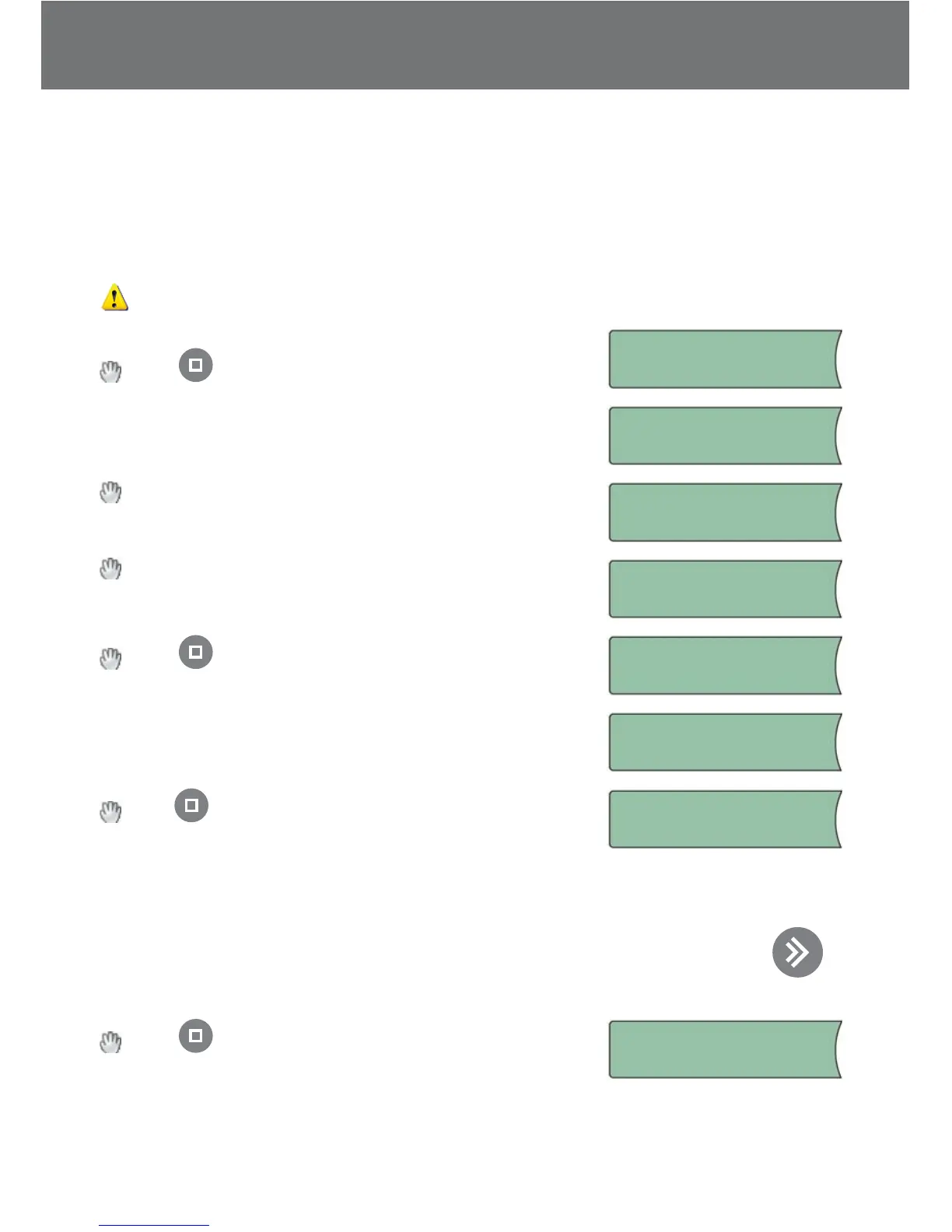
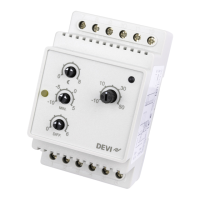
The installation of a DEVIreg™ 850 with 1 roof system has been selected.
It is optional if the sensors are connected to the DEVIreg™ 850 before power on or dur-
ing the installation.
The system uses the output System A.
If sensors for System A are not connected - do it now!
Press or wait…
Connect sensors:
System A
System is being scanned to nd type of connected
sensors…
System A
Scanning...
Select system type: Roof
System type:
Roof
Wait until correct number of sensors for System A is
found.
1 Roof sensor
found. Accept?
Press when all sensors are found…
System A is installed…
System A!
Installed
System is being checked…
Checking system
Press to congure System A (naming sensors and
changing factory settings).
Config system:
System A
Please refer to “Changing parameters and performance of systems” in “User Manual”
for description of the congurable parameters.
If for some reason you do not wish to congure the system now you can press
to
skip conguration of system .
Press to end conguration.
Press to end
confi guration.
Installer Manual


 To Next Page