23
Installer Manual
Replacing a malfunctioning sensor
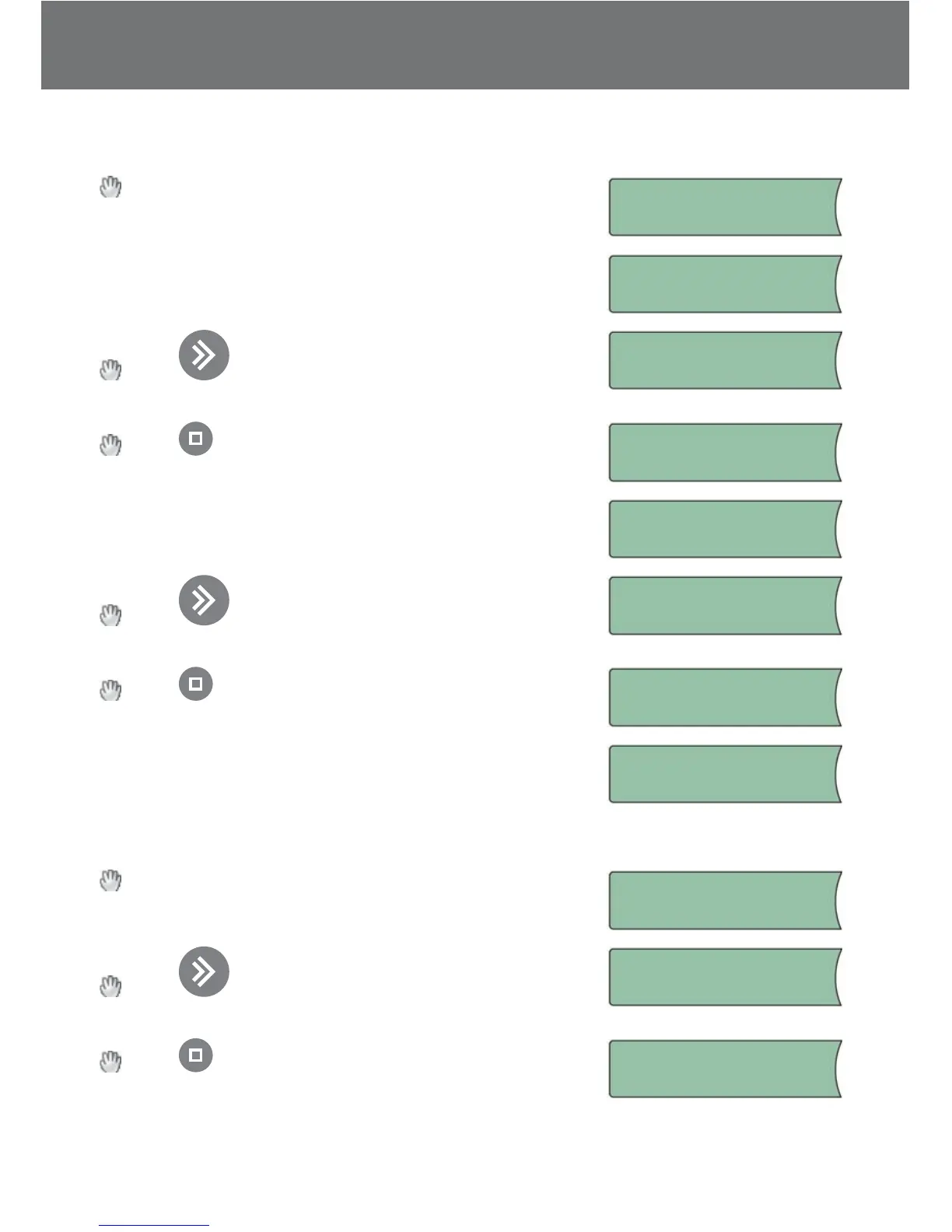
From the installer menu select Change system. The
system is searching for connected sensors.
Checking system
The user selects the passive sensor, which should be
replaced with a new one.
Replace sensor:
Sensor1 03FB2F
Press to loop through the found passive sen-
sors or to cancel replace sensor.
Replace sensor:
Sensor2 03FC24
Press when the correct passive sensor or “Cancel
replace sensor?” is selected.
Cancel replace
sensor?
If the user selected a passive sensor to replace, the user
should now select the new sensor.
Add sensor:
I D : 03ABC1
Press to loop through the found new sensors
or to cancel replace sensor.
Add sensor:
I D : 03DEF1
Press when the correct new sensor to add is
found or “Cancel replace sensor?” is selected.
Cancel replace
sensor?
If the user selected a new sensor to add, the replacing of
the sensors is performed.
Sensor replaced!
Add an extra sensor:
From the installer menu select Change system. The
system is searching for connected sensors.
Checking system
Press to loop through the found passive sen-
sors or to cancel replace sensor.
Add sensor:
I D : 03ABC1
Press when the correct new sensor to add is
found or “Cancel add sensor?” is selected.
Cancel add
sensor?


 To Next Page