21
Installer Manual
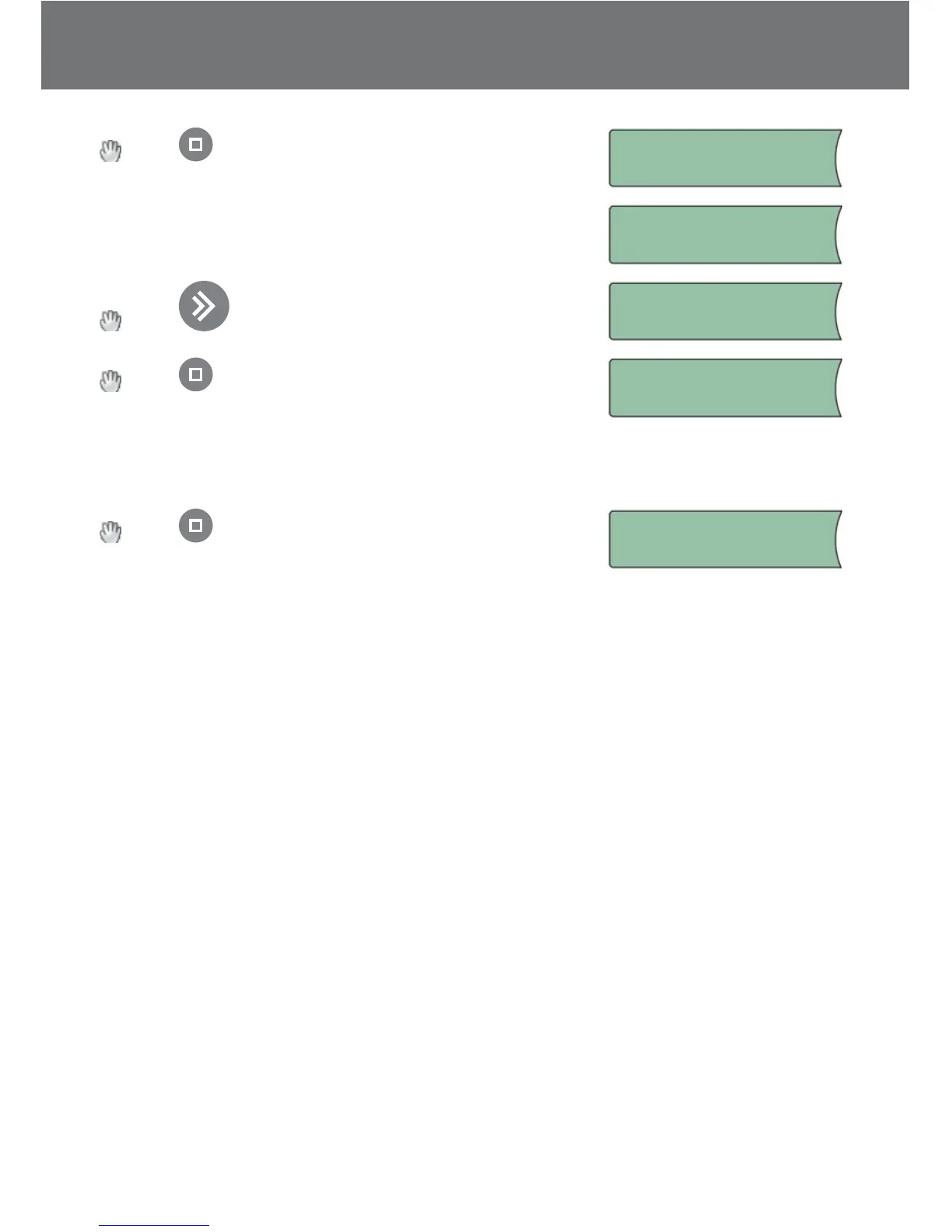
Press when all sensors for System B are found…
System B is installed…
System B!
Installed
System is being checked…
Checking system
Press to select system to congure.
Config system:
System A
Press to congure selected system (naming sen-
sors, changing factory settings and setting priorities.)
Config system:
System B
Please refer to “Changing parameters and performance of systems” in “User Manual”
for description of the congurable parameters.
Press to end conguration.
Press to end
confi guration.


 To Next Page