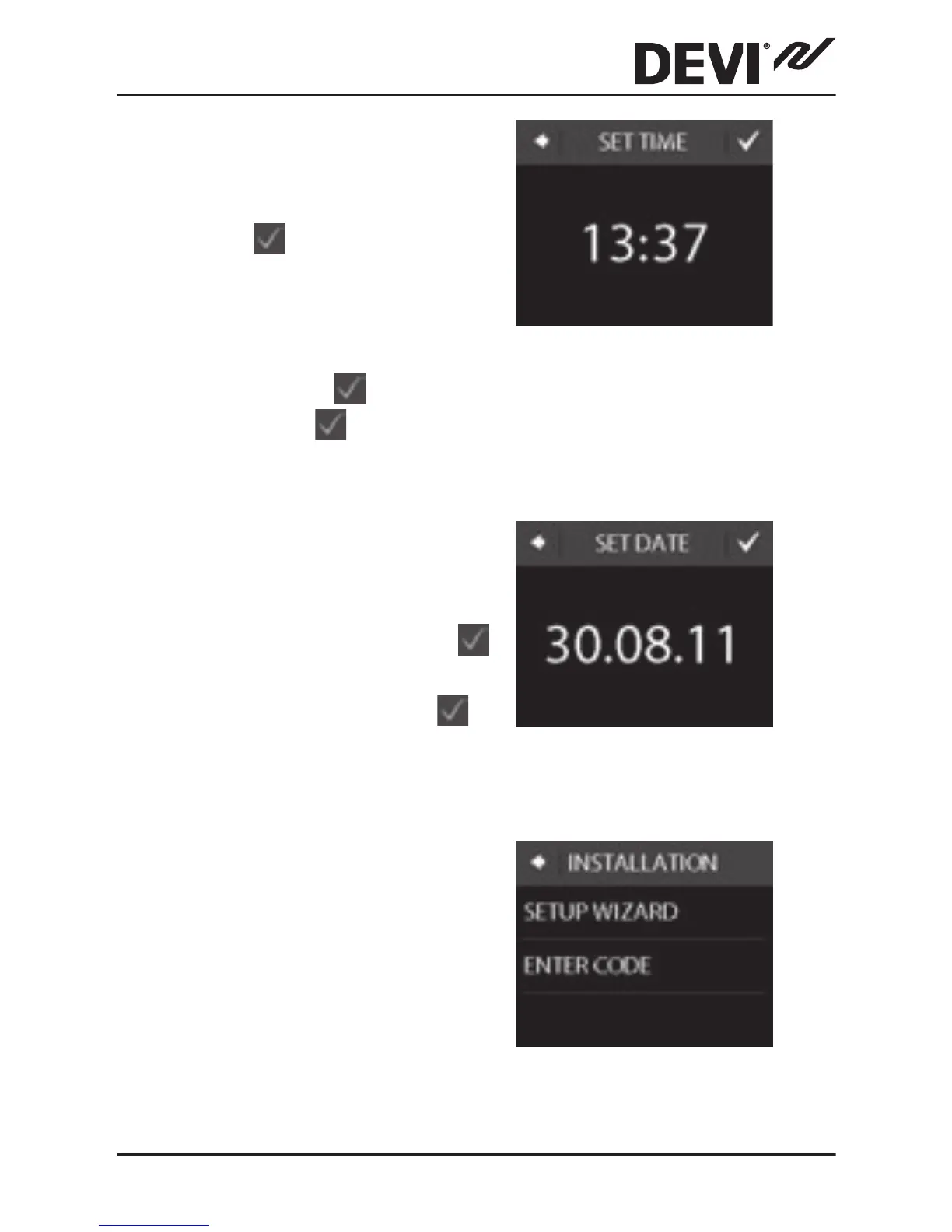
2. Press the hour numbers
and use the < and > ar-
rows to set the hour.
Press
to conrm.
3. Press the minutes num-
bers and use the < and >
arrows to set the mi-
nutes. Press
to con-
rm. Press
again to go
to the SET DATE screen.
4. Press the day, month and
year respectively and set
the date using the < and
> arrows and pressing
to conrm. When the
date is correct, press
to conrm.
5. If you have already made
the installation setup on-
line, press ENTER CODE
and go directly to Step
13 now. Otherwise press
SETUP WIZARD and go
to Step 6.
DEVIreg™ Touch
Installation Guide 13



 To Next Page