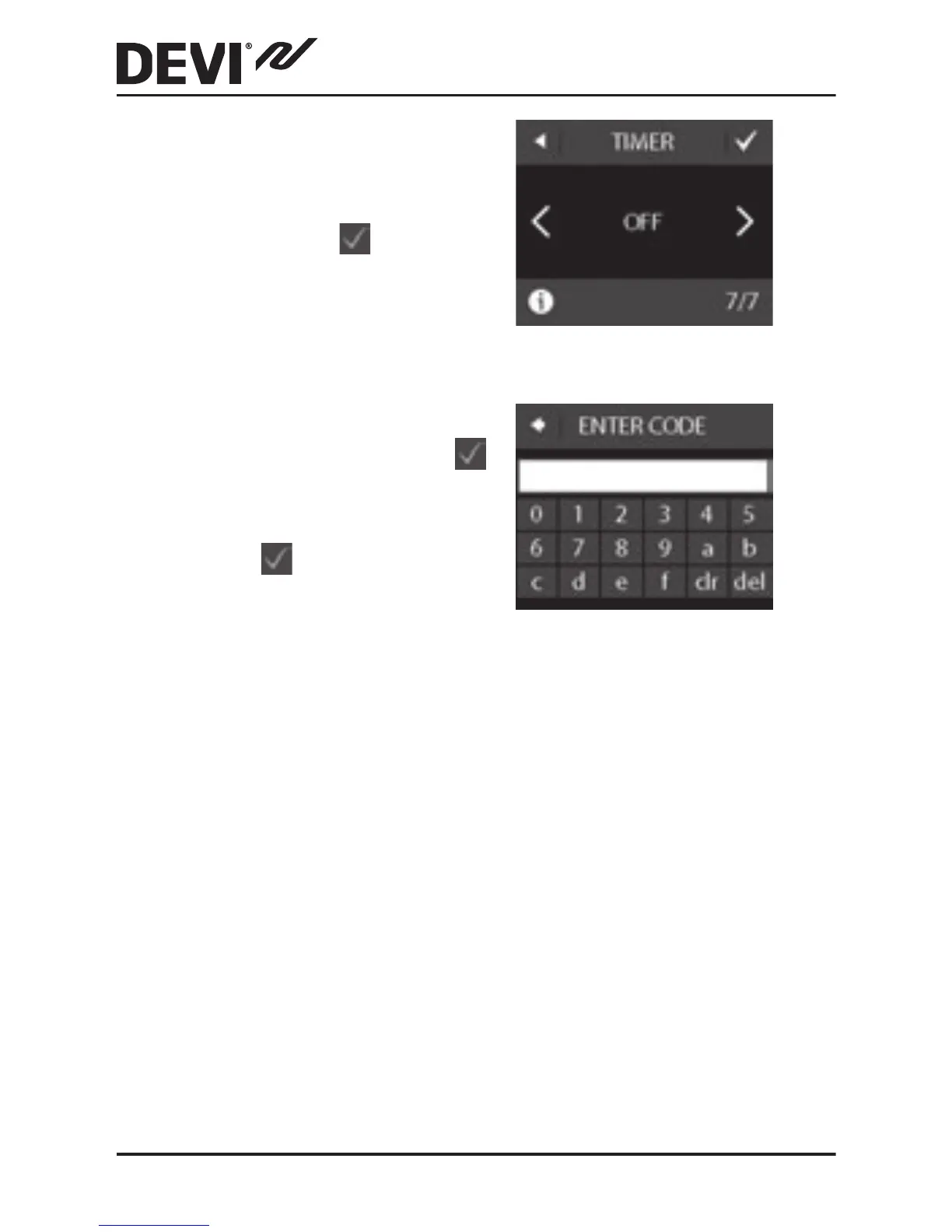
12. Use the < and > arrows
to select whether the
timer should be activated
or not. Press
to con-
rm and end the initial
thermostat setup. Skip
Step 13.
13. Enter your web-gener-
ated code. Then press
to end the initial thermo-
stat setup. If no check
mark (
) appears, the
hexacode is incorrect.
3.2 Forecast
The forecast feature is used when you switch between
economy temperature and comfort temperature. If forecast
is turned on, heating will start so that the requested tem-
perature is reached at the specied time.
For example, if your comfort temperature is set to 22°C and
the comfort period starts at 6.00 o'clock am, heating will
start before 6 o'clock so that your room temperature will be
22°C at 6 o'clock. If forecast is turned o, heating will not
start until 6 o'clock.
DEVIreg™ Touch
16 Installation Guide



 To Next Page