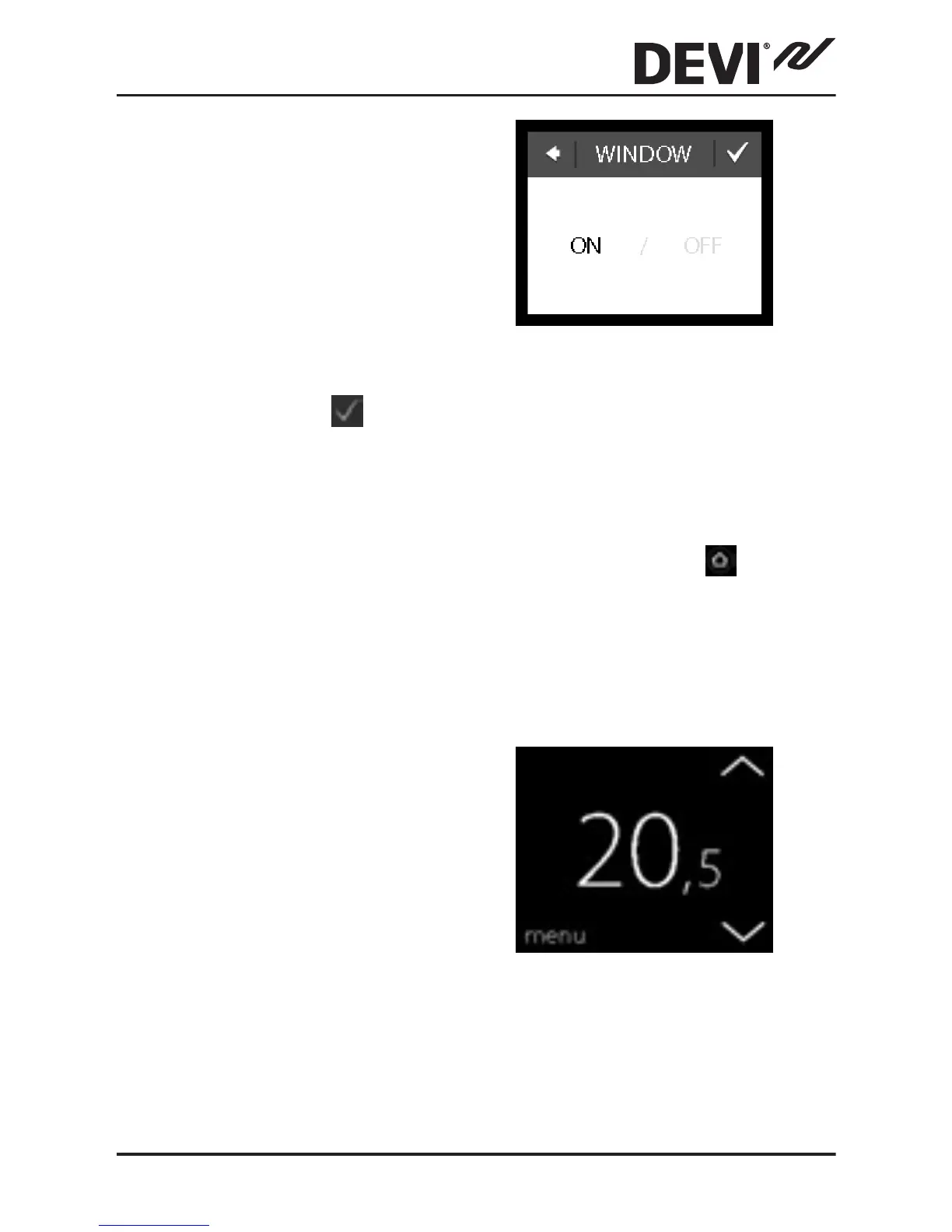
3. Press WINDOW OPEN.
Then press ON to tempo-
rarily turn off heating in
case of a sudden temper-
ature drop in the room or
OFF to let the thermostat
heat during sudden tem-
perature drops in the
room. Press to con-
firm.
To return to the normal temperature display, press
the back arrow in the upper left corner of the screen
until you get to the main menu, then press
.
3.4 Maximum Floor Temperature
How to set the maximum floor temperature
1. Touch the thermostat
display to activate it,
then press menu.
DEVIreg™ Touch
Installation Guide 19



 To Next Page