4 Symbols
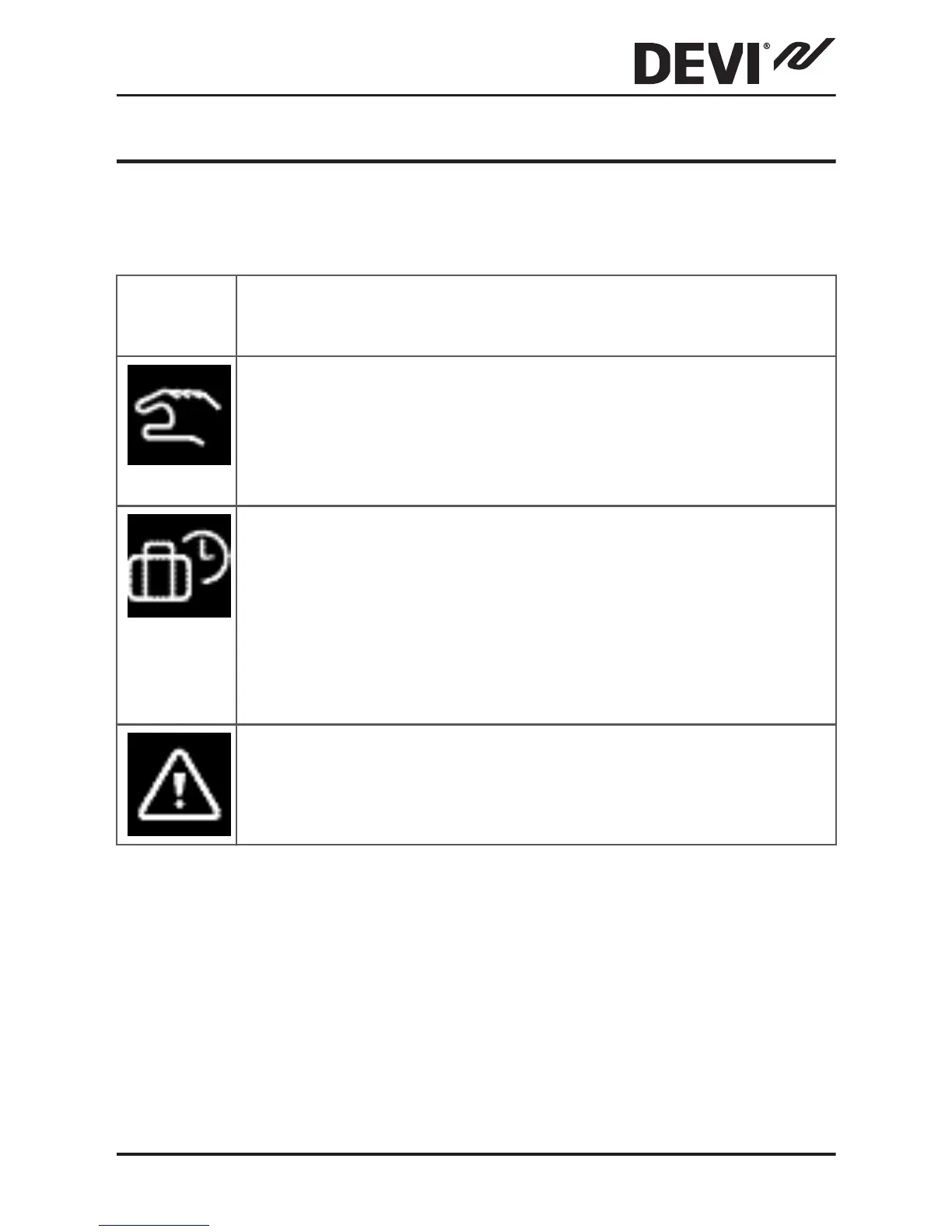
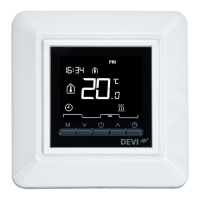
The following symbols may appear in the upper left corner
of the temperature display:
Sym-
bol
What it means
The thermostat is in manual mode, i.e. the timer
function is off. The timer lets you automatically
switch between economy and comfort temper-
atures according to a predefined schedule.
An away period has been planned. On the date
of departure, the away period starts at 00:00
and the specified away temperature will be
maintained 24 hours a day until the date of re-
turn at 00:00. At this time the normal tempera-
ture settings will resume.
An error has occurred. If you press the warning
symbol, more information on the error will ap-
pear.
DEVIreg™ Touch
Installation Guide 23



 To Next Page