EN - 24 SE-DV57-1
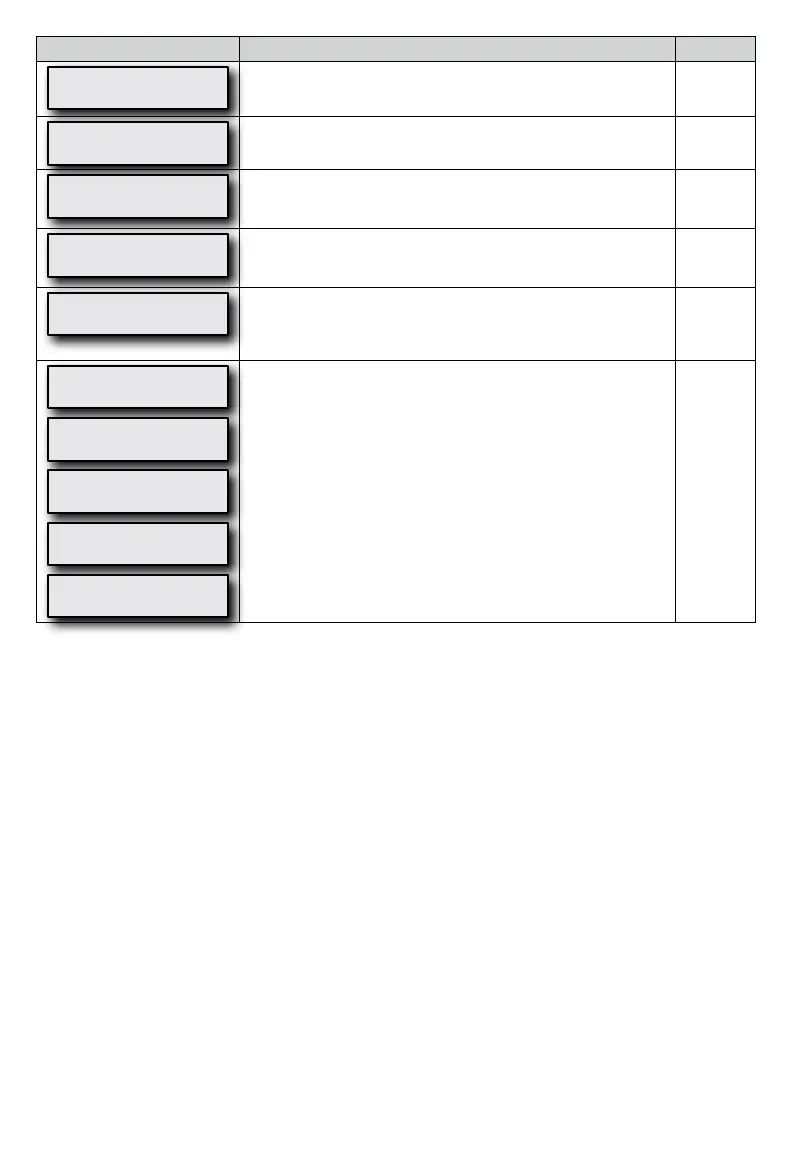
Display Example Description Mode
LCD Contrast Adj
50 %
This setting changes the contrast for the LCD display. This only needs to
beadjustedifyounditdifculttoseethedisplayfromyourviewing
angle.
All
Compliance Meter
123456.7 hours
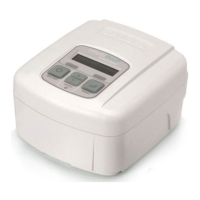
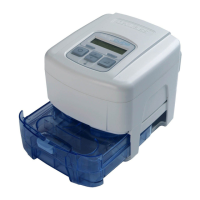
The total number of hours (in 1/10 hour increments) that the SleepCube
has been providing therapy.
All
Firmware Version
V0.01 30/11/2010
Showsversionofinstalledrmware. All
Serial Number
MD000005
Shows the serial number of the device. All
Adherence Score
83% (25/30)
Shows the maximum adherence achieved for any period of thirty
consecutive days of use within a ninety-day time frame. The score
represents the percentage of days, within thirty consecutive days, where
usage met or exceeded the ‘Usage Threshold.’
All
SmartCode 1-Day
B6CD-37F-35M2
SmartCode 7-Day
9CCC-377D-7JMV
SmartCode 30-Day
EWY4-3DB7-DJM1
SmartCode 90-Day
C52TT-47DB-7DTMJ
SmartCode Usage
ZDN-79FK-KMN
SmartCode data is used for therapy management reporting. Therapy
information is encoded in a series of letters and numbers and includes a
special character for error checking to ensure accuracy. Use the UP
arrow or DOWN arrow keys to change the SmartCode reporting period.
TherearevelevelsofSmartCodedata:1-day,7-day,30-day,90-day
and Usage. Use UP or DOWN button to change between levels.
All
NOTE- If the unlocked symbol is shown, you are able to adjust this setting. If the locked symbol is shown, this setting can
only be adjusted by your provider.


 To Next Page