EN - 9SE-DV57-1
pressure will start at the delay pressure and gradually rise to the prescription setting. In AutoBilevel mode, the IPAP and
EPAP pressures will gradually rise together until EPAP reaches the Min EPAP prescription settings.
Shut Down
Press the ON/OFF button to turn the device off. You may also simply remove your mask. After a few seconds, the device
willdisplaythemessage“MaskOff.Pleasecheckmaskt.”Ifyoudonotputthemaskonagainthedevicewill
automatically turn off in about 20 seconds. Pressing any button will remove the message from the display.
NOTE–If the DeVilbiss SleepCube does not turn off automatically, the Auto-OFF feature may have been disabled. In this
case you must manually turn the device off.
Enable Menu List
The Enable menu is available in all modes and is a sub-menu that allows you to control various functions of your
SleepCube. It is accessed by pressing the down button while “Enable Menu” is shown on the Display.
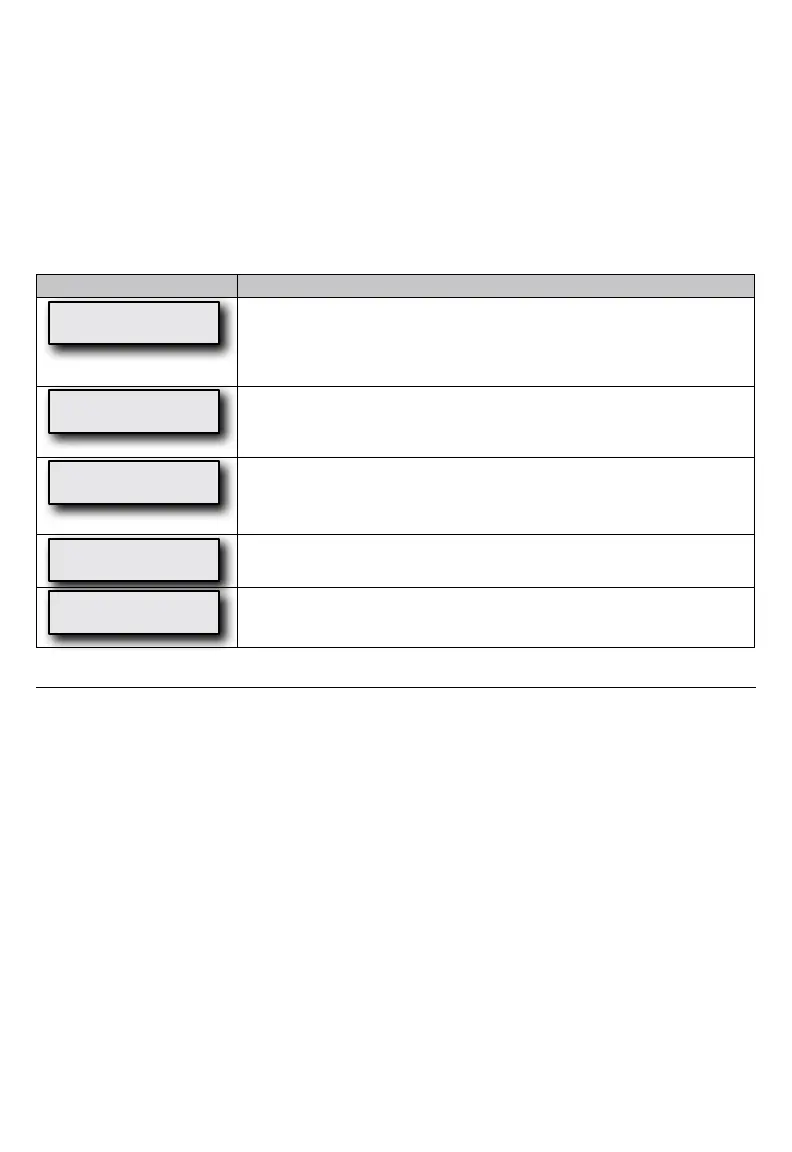
Display Example Enable Menu Item Description
Auto-OFF
Enabled
ThisoptioncontrolstheAuto-OFFfeature,whichautomaticallystopstheowofair
after taking off the mask. The device will require at least 30 seconds to turn OFF
depending on the kind of mask used. When Auto-OFF is enabled, Auto-ON is also
enabled.Iftheunlockedsymbolisshown,youareabletoadjustthissetting.Ifthe
lockedsymbolisshown,thissettingcanonlybeadjustedbyyourprovider.
Auto-ON
Enabled
ThisoptioncontrolstheAuto-ONfeature,whichautomaticallystartstheowofair
after breathing once or twice into the mask. This is always enabled when Auto-OFF is
enabled.Iftheunlockedsymbolisshown,youareabletoadjustthissetting.Ifthe
lockedsymbolisshown,thissettingcanonlybeadjustedbyyourprovider.
Mask Fit Check
Enabled
ThisoptioncontrolstheMaskFitCheckfeature.Theairowtoyourmaskis
constantlymeasured,andiftheamountofairowexceeds95liters/minuteformore
than10%ofthetimeused,anoticationwillbecreated.Thisnoticationwillbe
displayed the next time you use the SleepCube.
Low Backlight
Enabled
Low Backlight Enabled will keep the backlight dim during operation. Low Backlight
Disabled will turn the backlight OFF during operation.
Exit Menu
Press
Pressing the up key exits the Enable menu.
PATIENT MESSAGES
Your SleepCube will alert you of issues that may require some action on your part in order to make your therapy more
effective. You can press any key or button to clear the message from the display, but the SleepCube will operate normally
evenifthemessageisnotcleared.Twokindsofmessagesaredisplayed:RemindersandNotications.
Reminders
Reminders alert you when parts of your system need to be replaced. Some components of your system wear over time
and may compromise your therapy if not replaced. If you see a message on the display that is not listed below, you may
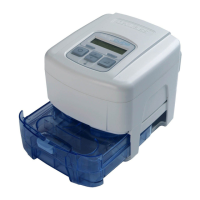
have the optional DeVilbiss SmartLink Module attached to your device (Fig. F), which provides additional messages. Refer
to the documentation that was provided with the SmartLink Module.
Clean Filter–Theltershouldbecheckedevery10daysforsignsofdirtorwearsothatitcanbecleanedasneeded.
This message helps to remind you to check it regularly.
Notifications
NoticationsidentifyconditionsinyourSleepCubethatmayrequireactionbyyouoryourequipmentproviderinorderto
maintain a high level of therapy. If you see a message on the display that is not listed below, you may have the optional
DeVilbiss SmartLink Module attached to your device (Fig. F), which provides additional messages. Refer to the
documentation that was provided with the SmartLink Module.
Delay Running xx Minutes Left–Whileacomfortdelaysessionisactive,thismessageisashedonthedisplayevery5
seconds to let you know how much time is left in the delay.
Mask Leak–ThismessagemeanstheSleepCubehasdetectedalargeamountofairowduringtherapyforatleast10%
ofthetimeduringyourprevioususesession.Thisnoticationisdisplayedwhenthedeviceisturnedon.Ifthismessageis
displayed,putonthemaskandadjusttheheadgeartoensurethemaskisproperlyttedtoyourface.Followthemask
manufacturer’sdirectionsforadjustingthemaskandheadgearforpropertting.


 To Next Page