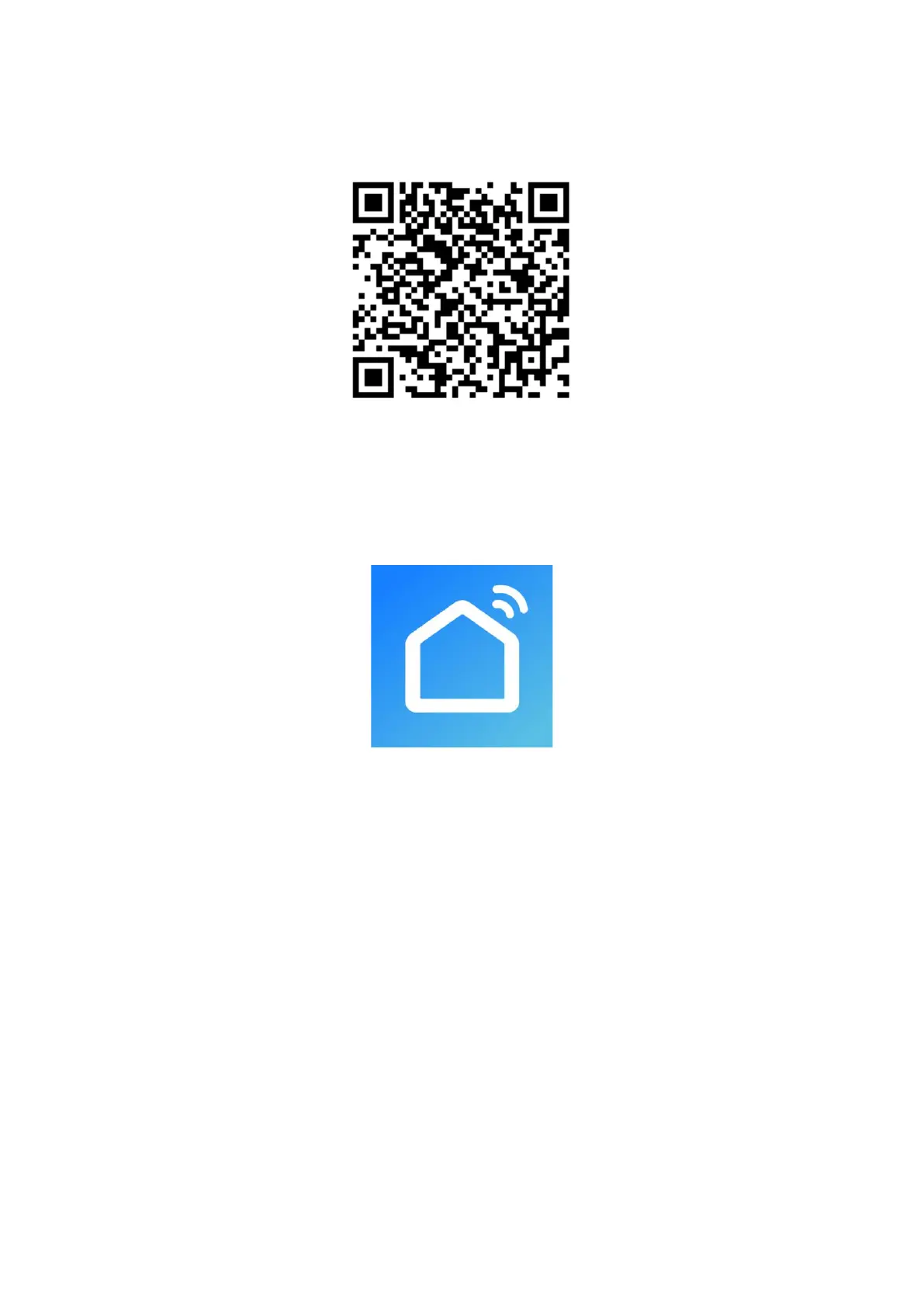
Scan the corresponding QR code to directly download.
Note: Depending on the provider, there may be costs incurred when downloading the app.
Information on How to Use the App
This appliance allows you to operate the appliance via your home network. A prerequisite is a permanent Wi-
Fi connection to your router and the app “Smart Life-Smart Living”.
We recommend disconnecting the appliance from the power supply when you are away from home to prevent
unintentional switching on in your absence.
System Requirements for Use of the App
iOS 8.0 or higher
Android 4.1 or higher
Using the App
1. Install the “Smart Life-Smart Living” app. Create a user account.
2. Activate the Wi-Fi function in the settings of your appliance.
3. Place the appliance within 5 meters of your router.
4. Press and hold the Timer button for about 5 seconds and the Wi-Fi indicator will flash rapidly.
5. Launch the app and select ”+”.



 To Next Page