20 dLAN network
devolo dLAN 500 AV Wireless+
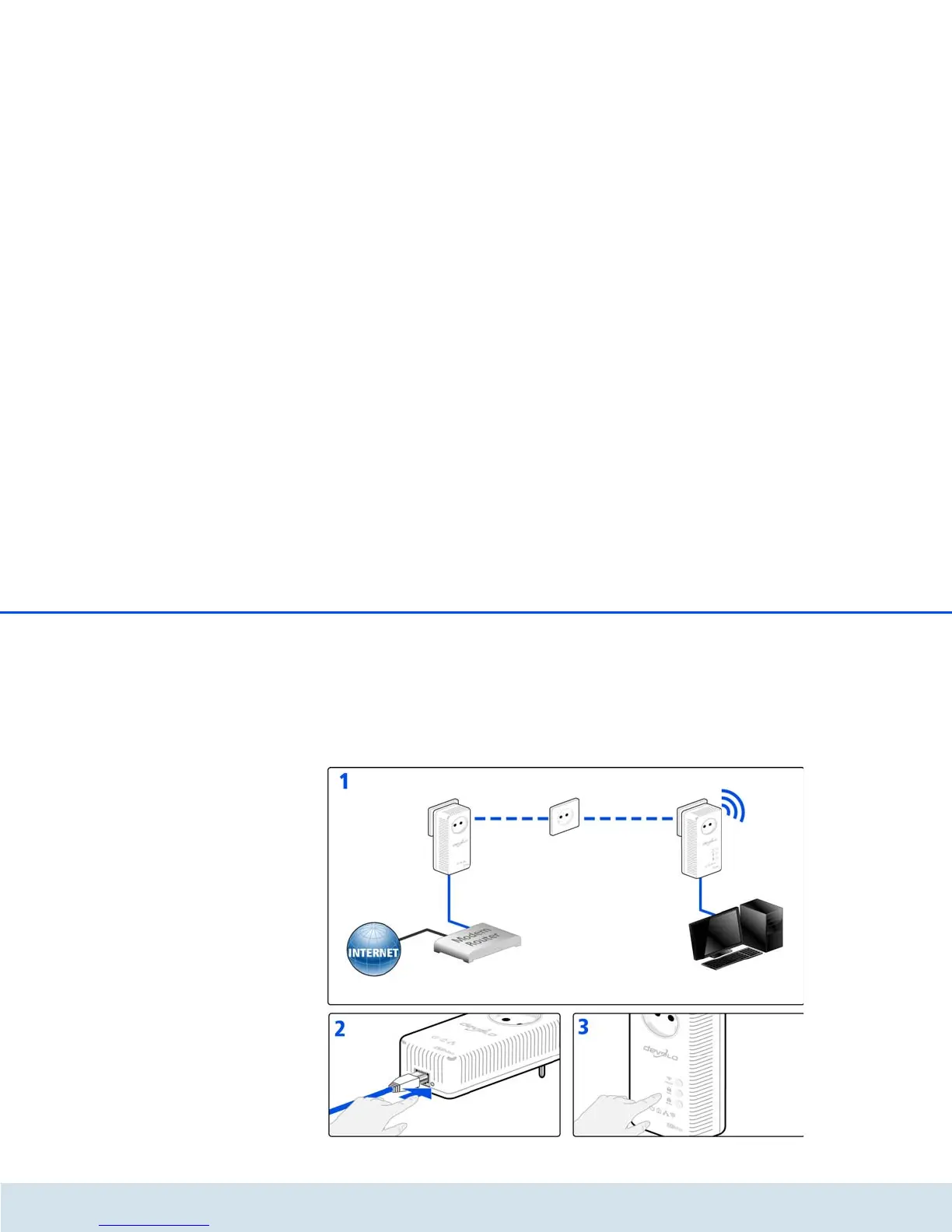
Encrypting a new dLAN network with a
dLAN 500 AV Wireless+ and a dLAN 500 AVplus
(Fig. 5)
Once both adapters have been successfully connected,
press each encryption button for approx. one sec-
ond within two minutes of one another.
That's it! Your dLAN network is now protected against
unauthorised access.



 To Next Page