dLAN network 21
devolo dLAN 500 AV Wireless+
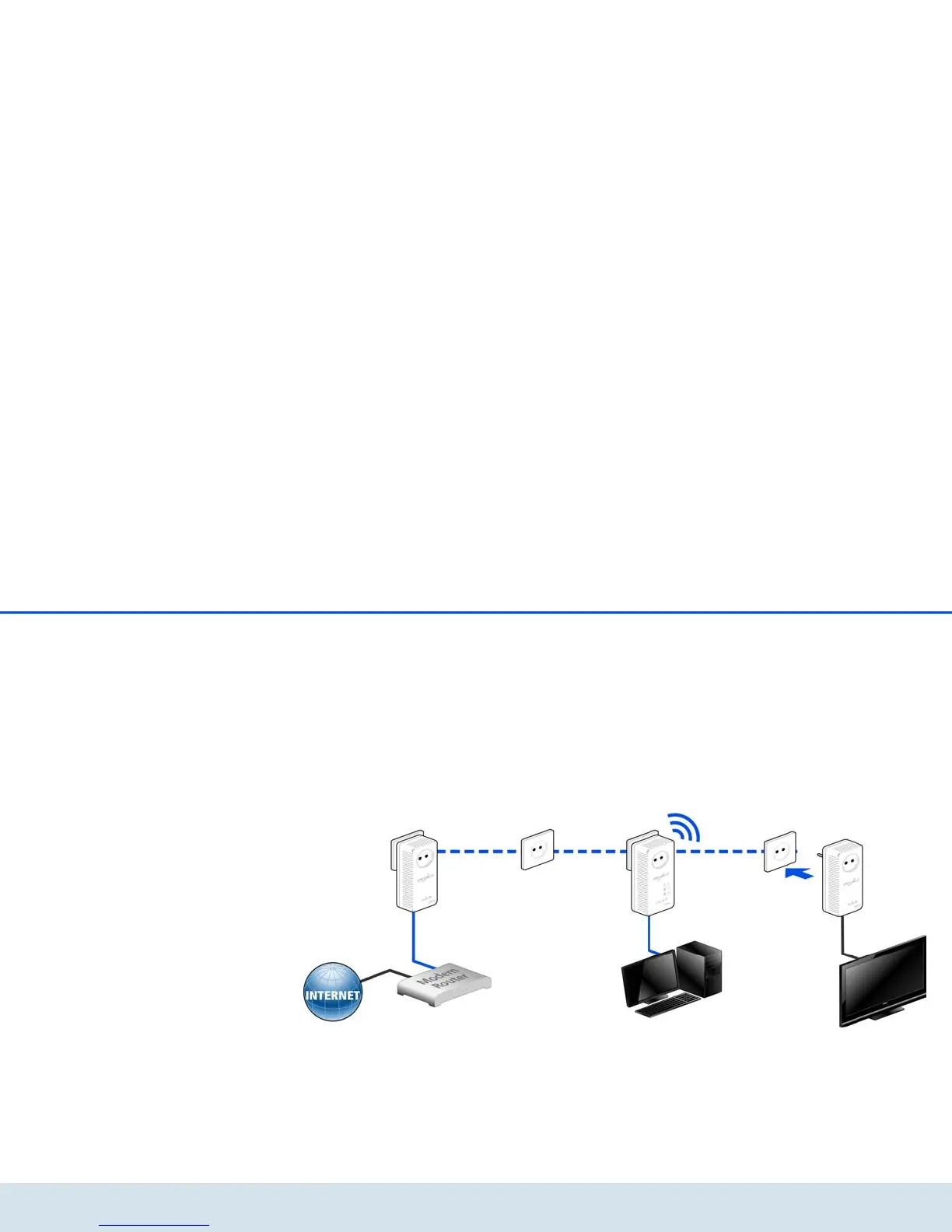
Expanding an existing dLAN network by adding a
new dLAN 500 AV Wireless+ (Fig. 6)
If you have already secured your existing dLAN net-
work using the encryption button, use the same meth-
od to integrate further adapters. Once you have
successfully connected the new
dLAN 500 AV Wireless+, first press the encryption but-
ton (approx. 1 second) of one of your network's exist-
ing adapters, then press the encryption button
(approx. 1 second) of your new
dLAN500AVWireless+ within two minutes.
That's it! The new dLAN 500 AV Wireless+ is now inte-
grated in your network. To integrate additional adapt-
ers in your network, repeat the above steps.



 To Next Page