Initial use 13
devolo Vianect AIR TV
3.3.2 Vianect AIR TV station
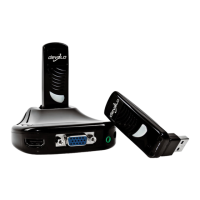
Connections of the station
In addition to the power jack for connection to the
mains supply, the station has
쎲 Two USB ports
쎲 One HDMI socket for connection to a projector or
TV set
쎲 One VGA socket for connection to a projector or
TV set
쎲 One 3.5 mm jack socket (audio) for connection
to a TV set, projector or stereo system
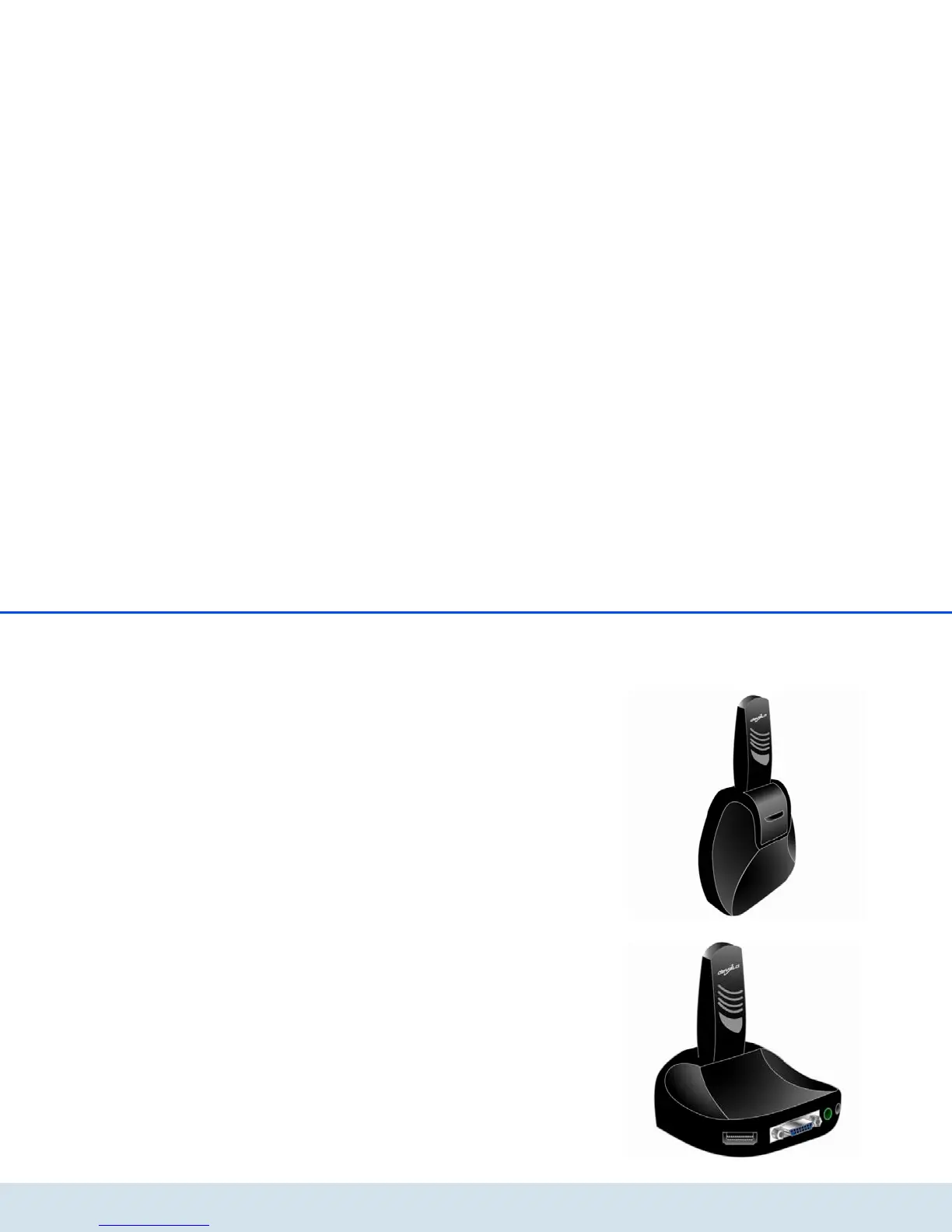
Connections and LEDs of the TV adapter
The TV adapter is used for the connection to the USB
socket of the station. It has a USB connector and an
integrated antenna.
The Power LED is illuminated in blue when the TV
adapter is ready to operate, i.e. the station is supplied
with current. The Power LED flashes during data
transmission.
3.4 Setup instructions
You can mount the Vianect AIR TV station on the wall
or position it on a level surface. The TV adapter is
always plugged into the USB socket at a 90-degree
angle to the station, i.e.
쎲 Wall mounting
쎲 Positioning on level surface













 To Next Page