Vianect AIR TV DisplayLink Manager 23
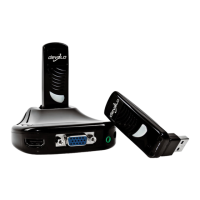
devolo Vianect AIR TV
5 Vianect AIR TV DisplayLink
Manager
The Vianect AIR TV DisplayLink Manager helps you
configure the screen settings of your TV set or projec-
tor. Depending on the application, select one of the
possible working modes:
쎲 Mirror mode – Screen content of the computer is
reflected exactly to the TV set or projector.
쎲 Extended mode – Television or projector screen
serves as screen extension
In the factory defaults, the
Vianect AIR TV is set to mirroring.
5.1 Mirror mode
The mirror mode reflects the screen display of the
computer identically to the TV set or projector. This set-
ting is particularly useful for applications such as pres-
entations or slide shows. This allows slide content,
images, etc. to be presented conveniently on a larger
and higher-resolution screen.













 To Next Page