Vianect AIR TV DisplayLink Manager 25
devolo Vianect AIR TV
5.3 Configuration in Windows 7
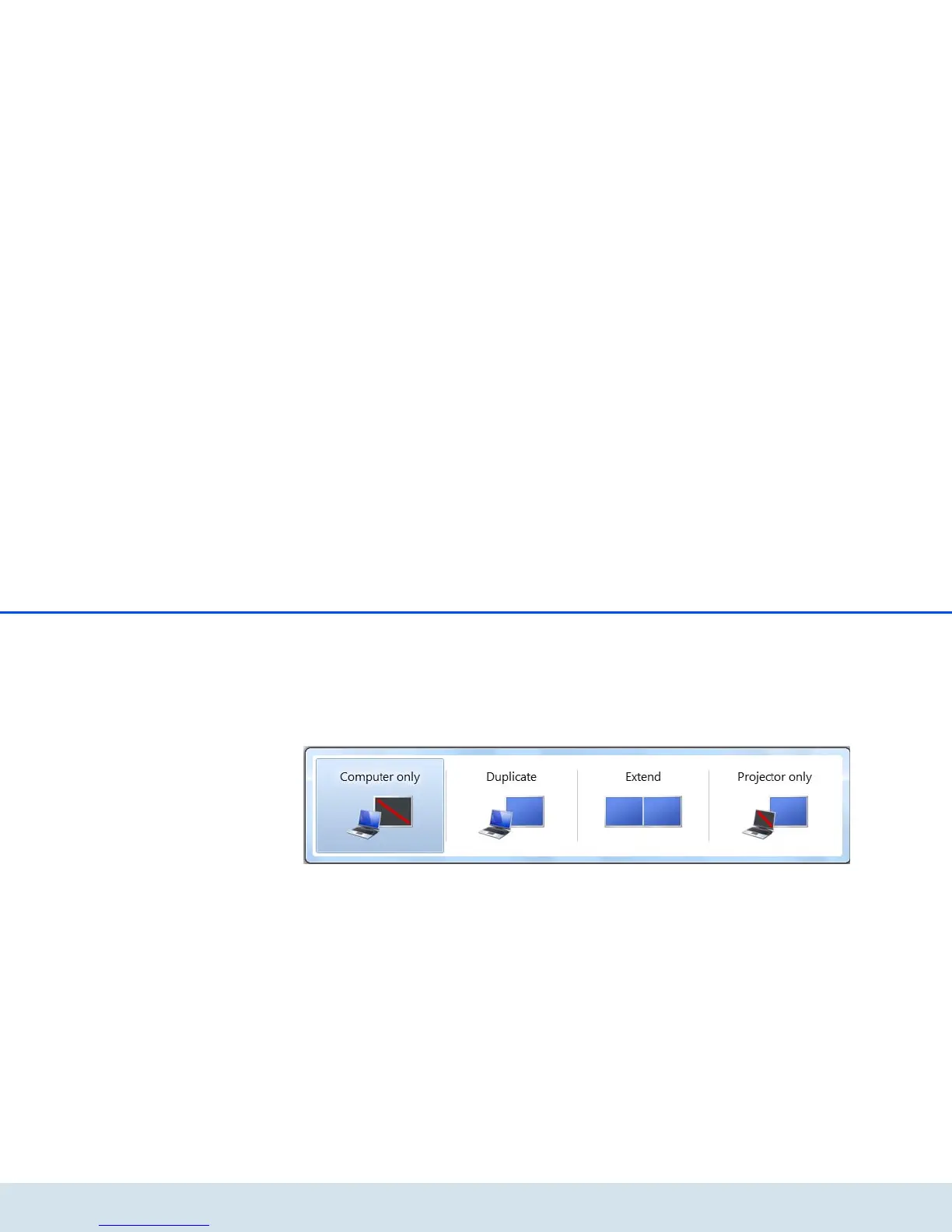
Windows 7 supports the connection of external screens
by default. Call up the corresponding menu by pressing
the Windows and P keys simultaneously.
쎲 Select Computer only if you are working via the
computer screen exclusively.
쎲 Select Duplicate to configure mirror mode.
쎲 Select Extend to configure extended mode.
쎲 Select Projector only if you work with a con-
nected laptop screen and want to operate the
external screen connected via the Vianect AIR TV
adapter using the keyboard and mouse of the lap-
top.













 To Next Page