26 Vianect AIR TV DisplayLink Manager
devolo Vianect AIR TV
As soon as a connection to the Vianect AIR TV adapter
is established, the icon of the
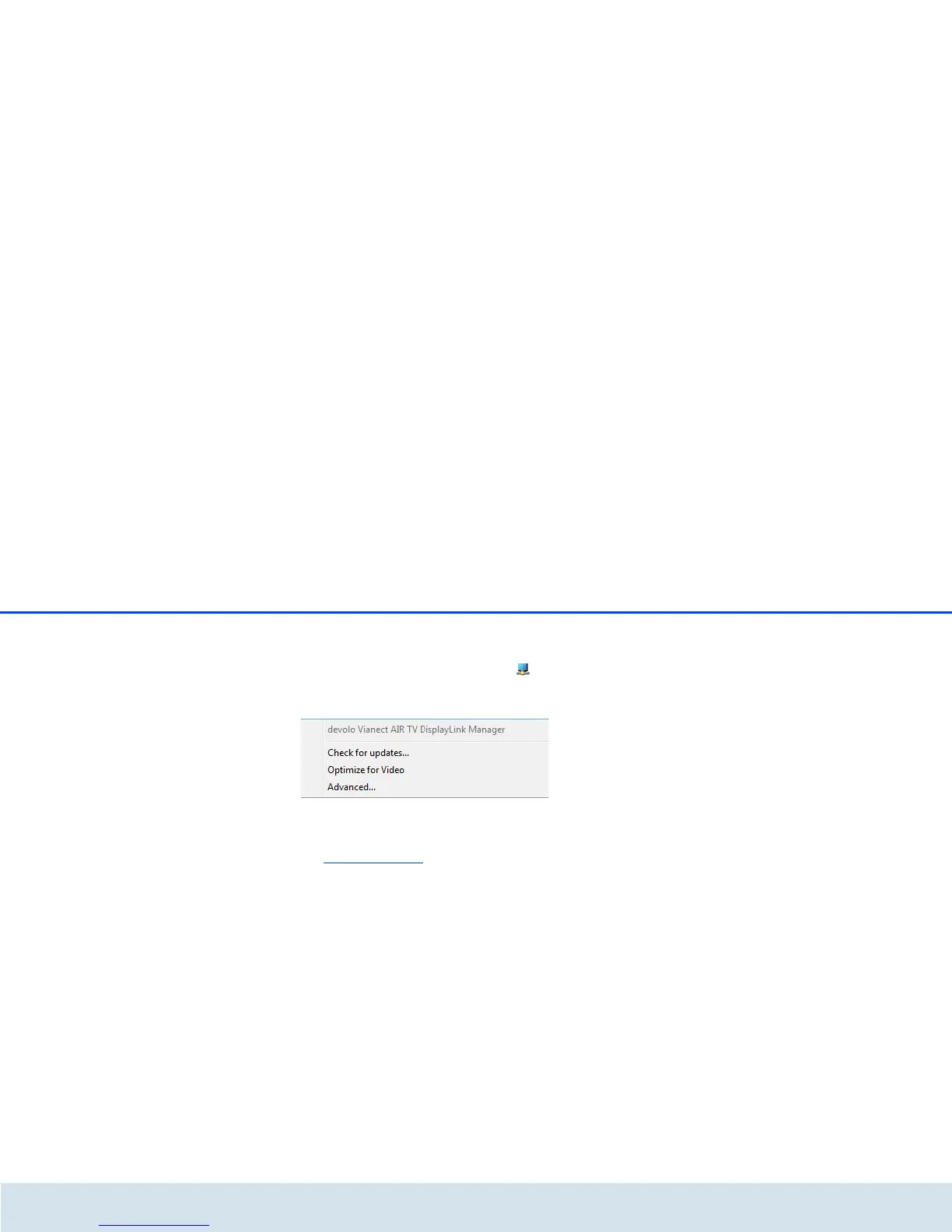
Vianect AIR TV DisplayLink Manager appears in
the Windows toolbar. By clicking this icon, you can
reach the display settings.
쎲 Clicking the Check for updates... option takes
you automatically to our website at
www.devolo.com
and notifies you of any soft-
ware updates.
쎲 Enable the Optimize for video option to attain
the best possible image quality for HD videos.













 To Next Page