21 Introduction
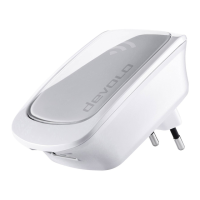
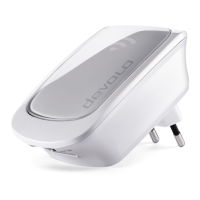
devolo WiFi 6 Repeater 3000
2.2.3Reset button
The Reset button (in the recess next to the Add
button) has two different functions:
Restart
The device restarts if you press the Reset button for
less than 10 seconds using a paper clip or similar
object.
Factory default settings
1 To remove the WiFi 6 Repeater 3000 from your
network and successfully restore factory
defaults for its entire configuration, press the
Reset button for longer than 10 seconds using
a paper clip or similar object.
Keep in mind that all settings that have al-
ready been made will be lost!
2 Wait for the dot in the Wi-Fi symbol to stay lit
green and then disconnect the device from the
power grid.
The WiFi 6 Repeater 3000 has been suc-
cessfully removed from your existing net-
work.
2.2.4Ethernet port
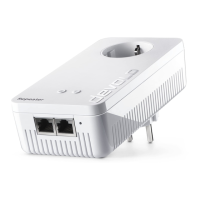
Using the Ethernet port of the
WiFi 6 Repeater 3000, you can connect it to sta-
tionary clients (computers, game consoles, etc.)
with a commercially available network cable.
Only use a network cable to connect "new
clients" to the WiFi 6 Repeater 3000 if they
are not already integrated into your home
network via Wi-Fi. Duplicate connections
disrupt the network.
2.2.5Wi-Fi antennas
The internal Wi-Fi antennas are for connecting to
other network devices wirelessly.
WiFi_6_Repeater_3000.book Seite 21 Freitag, 3. Juni 2022 2:06 14



 To Next Page