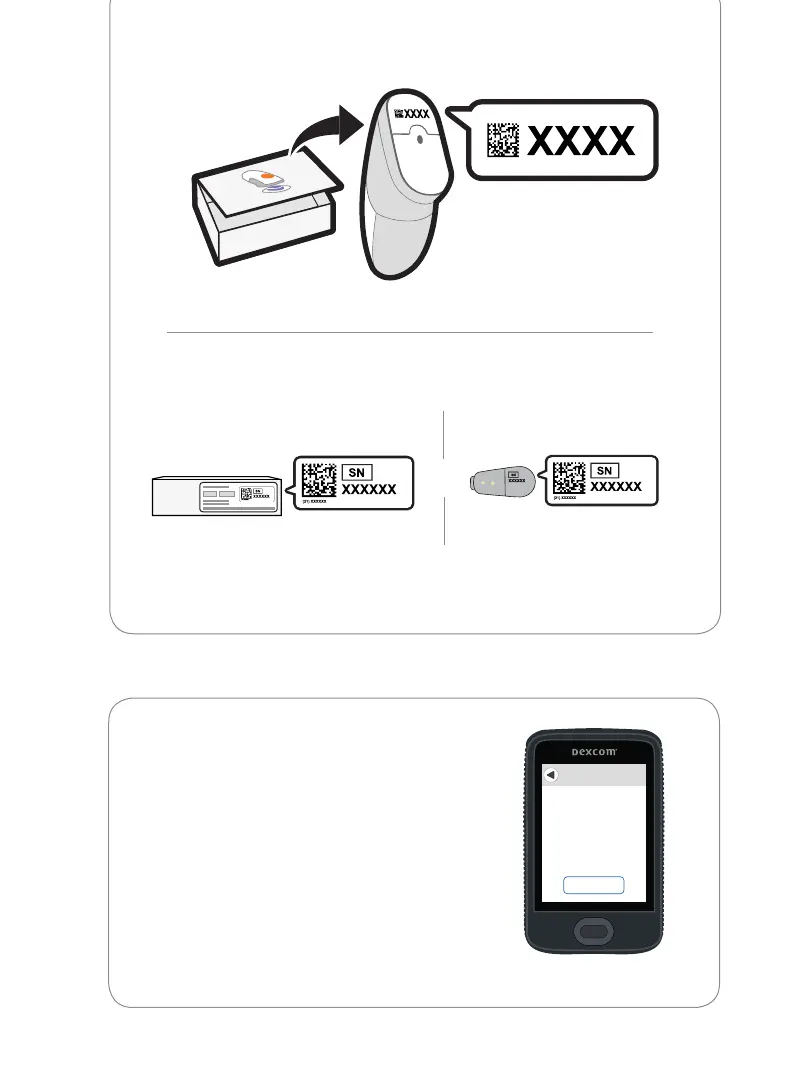
• Serial Number (SN) from:
Back of transmitterTransmitter box
2 You are done with this step when you see
this screen:
Next
Insert & Attach
1. Insert sensor.
2. Attach transmitter.
See product
instructions for details.
or
After you enter your SN, your G6 searches for the transmitter. While it is
searching, you will not get G6 readings or alarm/alerts.



 To Next Page