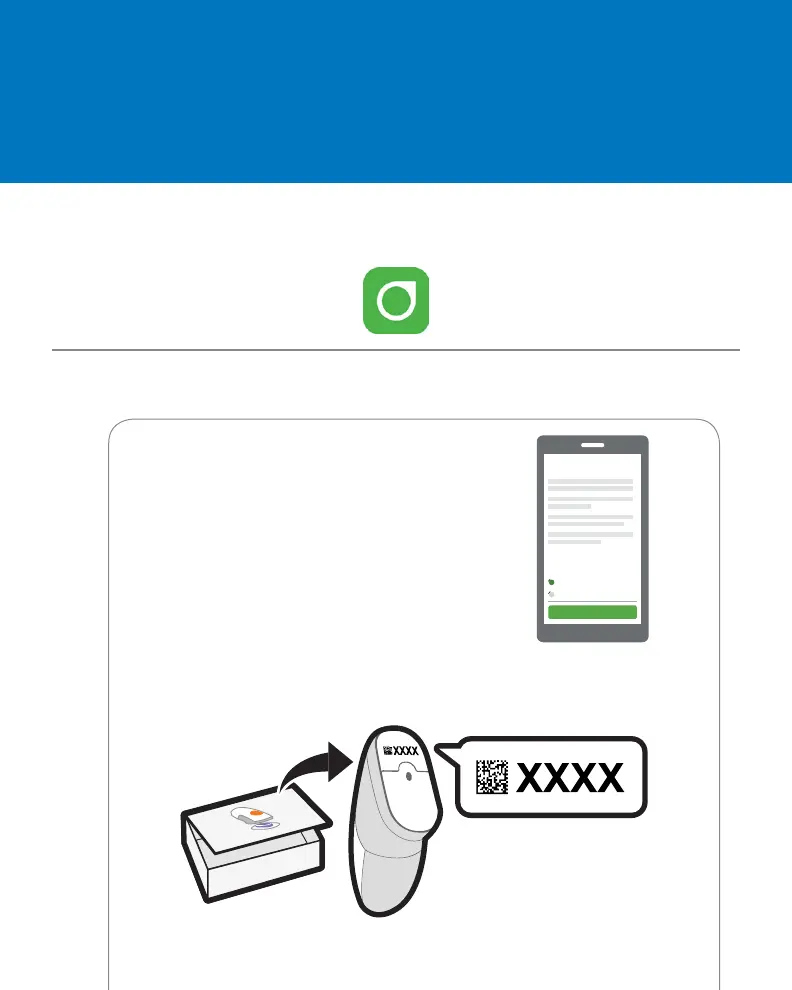
1 When prompted:
• Send your data to the cloud.
This lets you use:
• Share: Send your G6 data to followers.
• CLARITY: Reflect on data with our
healthcare professional; see patterns.
• Enter your Sensor code
(from the sensor applicator you will insert).
• No sensor code?
See Using Your G6, Appendix A Troubleshooting.
B Follow onscreen setup instructions
A Download and open the Dexcom G6 app
Step 1: Set Up App
Accept
Decline
Consent to Share Data
with Dexcom
Confirm



 To Next Page