C Wait 2 hours
• When sensor warm-up is complete, tap OK to
see the home screen
• Now you get G6 readings and alarm/alerts
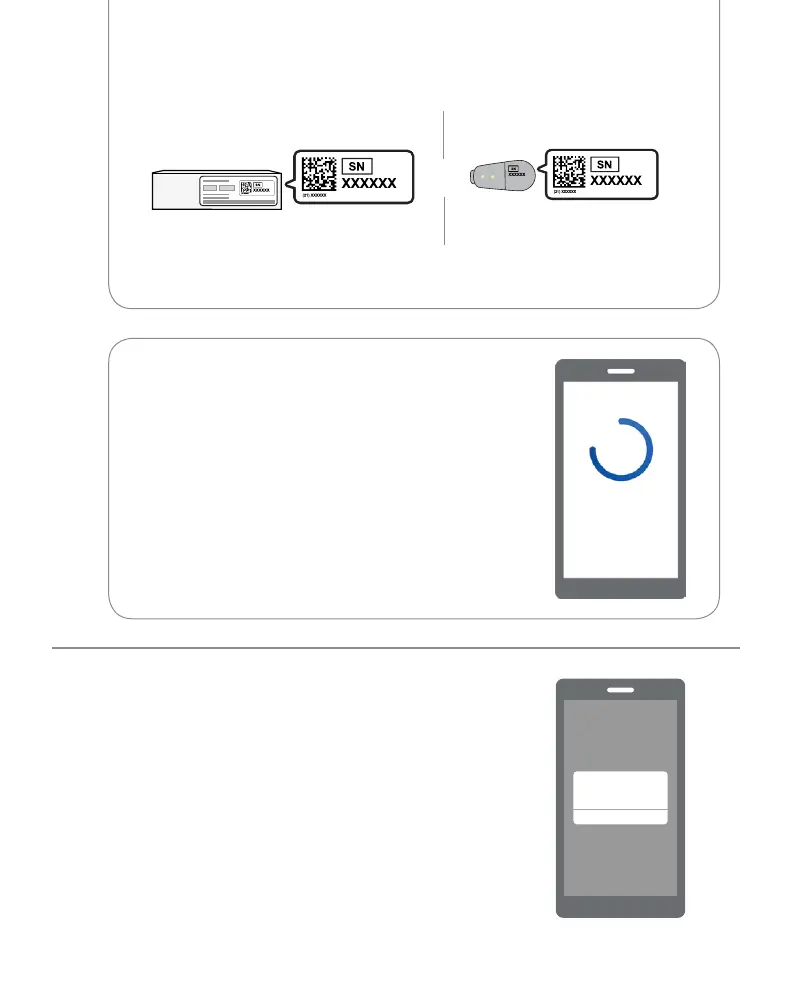
• Enter your Serial Number (SN) from:
or
Back of transmitterTransmitter box
2 See the blue sensor warmup timer?
That means your sensor is getting used to
your body.
During warmup:
• No G6 readings or alarm/alerts
• Always keep smart device within 6 meters
of transmitter
Sensor Warmup
Sensor warmup successful and setup
complete. Sensor glucose readings
now available.
OK
After you enter your SN, your G6 searches for the transmitter. While it is
searching, you will not get G6 readings or alarm/alerts.



 To Next Page