Dexcom ONE
Set Up
Step 1: Set Up App
Set up your app before inserting your sensor.
1. Go to the app store
2. Search for Dexcom ONE
3. Download and open the app
With the app open, follow the onscreen instructions.
During setup, the app will prompt you to:
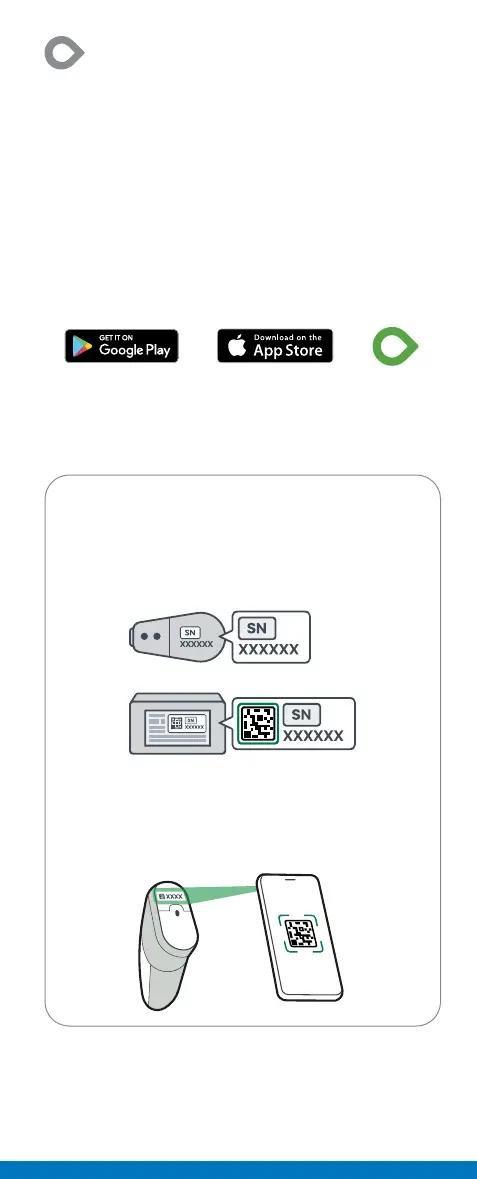
• Enter the transmitter serial number (SN),
either manually or by taking a picture.
SN is on the back of the transmitter and box.
• Enter the sensor code from the sensor you
insert, either manually or by taking a picture
Sensor code is on the applicator.



 To Next Page