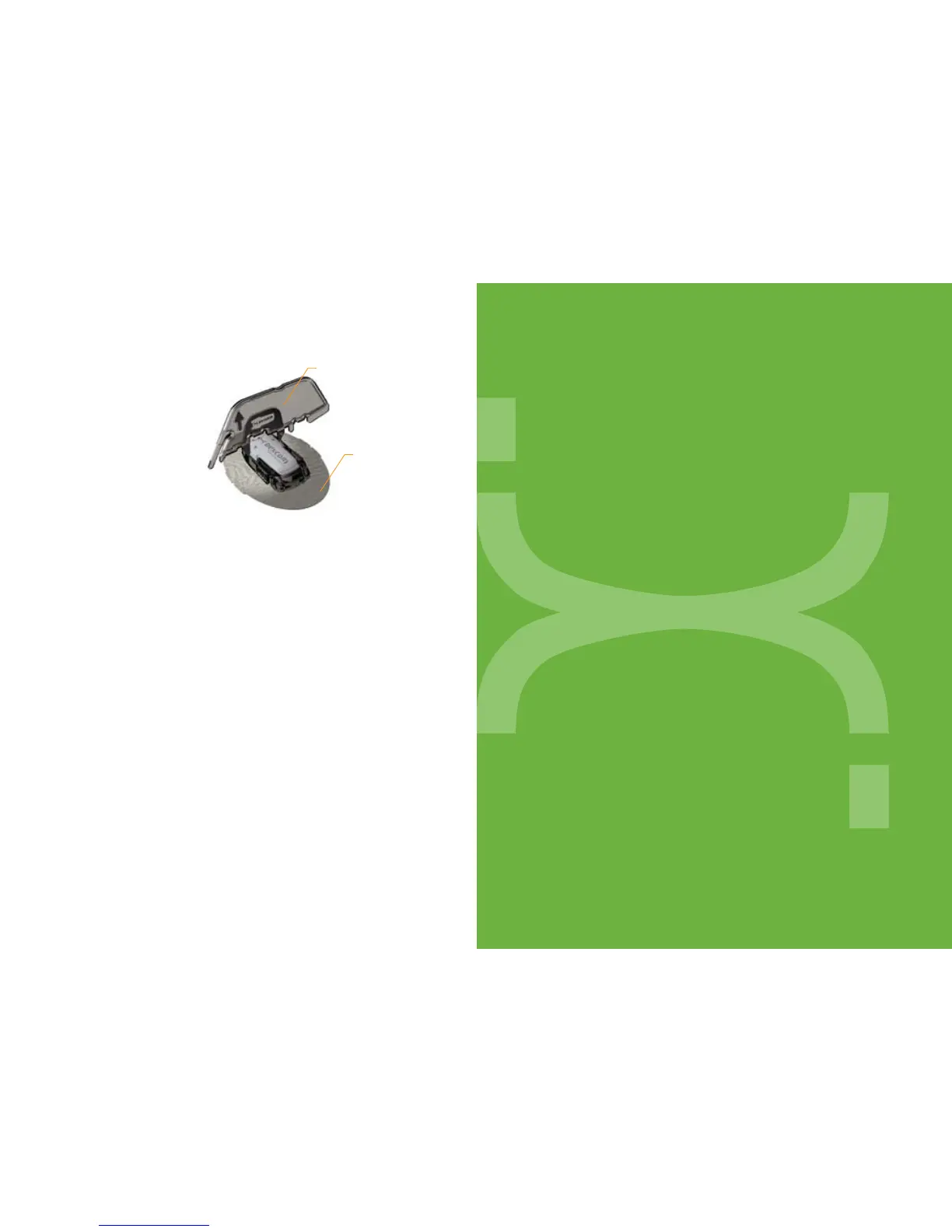
2. Insert the jagged edges so
that they “hug” the Transmit-
ter wings in the Sensor Pod.
Press the Transmitter Key
down until you cannot press
down anymore, and the
Transmitter wings will “pop”
out of the Sensor Pod.
Method 2:
Useyourpointerngeroneachhandandspreadoutthetabs
on the back end of the Sensor Pod (the end closest to the
Transmitter wings), and the Transmitter wings will “pop”
out of the Sensor Pod.
UPLOADING RECEIVER READINGS
AFTER YOUR SESSION ENDS
Use the Data Manager
®
Software to upload Receiver readings to your
personal computer. The Data Manager Software displays the glucose
readings and calibration blood glucose readings to help analyze trends
and patterns in glucose levels.
The Data Manager Software can also be used to blind and unblind
the Receiver.
Transmitter Key
(from Applicator)
Sensor
Pad with
Transmitter
snapped in



 To Next Page