NDS3306I 6 in 1 ISDB-T Modulator User Manual
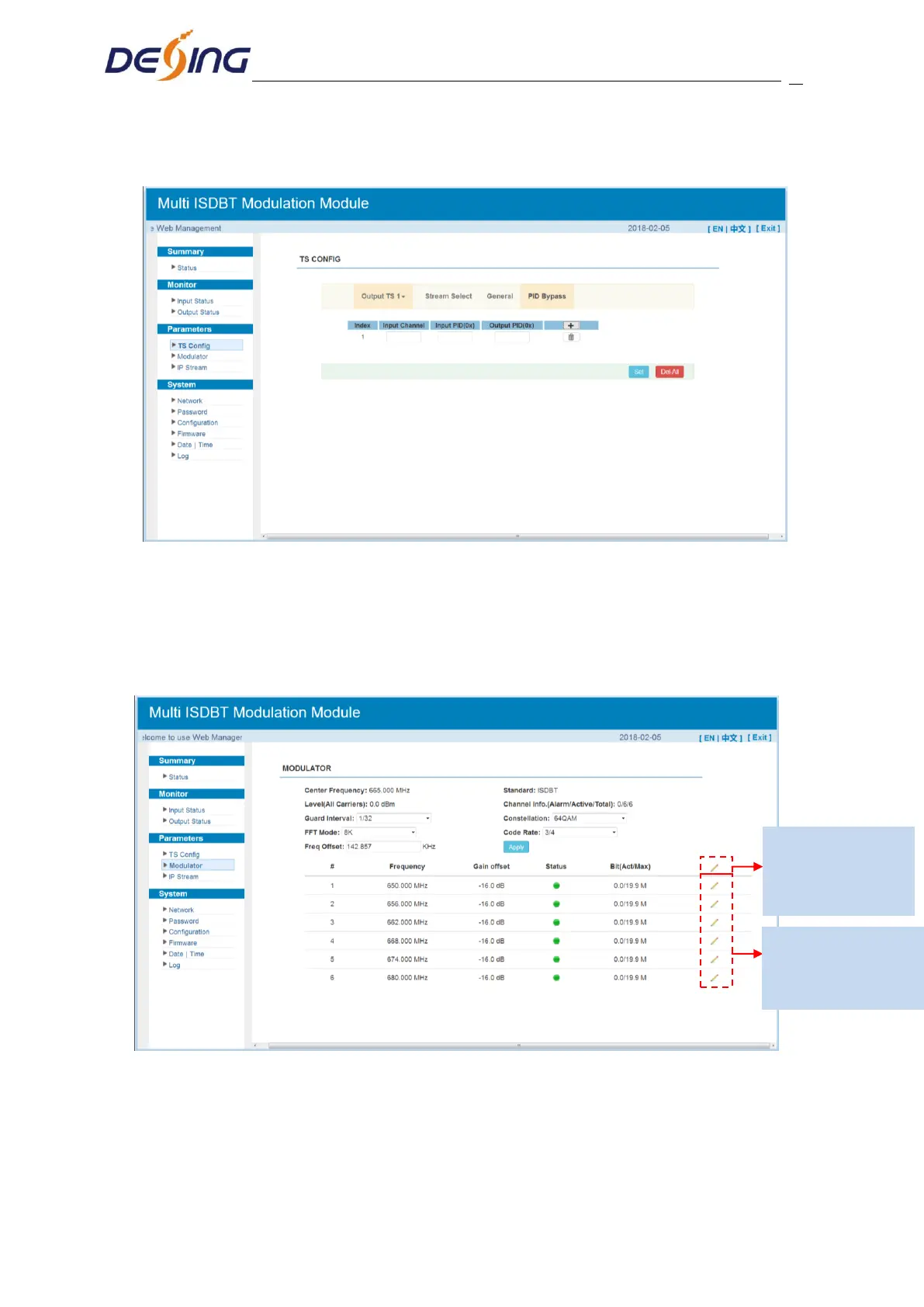
source PID and output PID which is customer needed , then click “set” to apply the
parameters.
Figure-11
Parameters → Modulator:
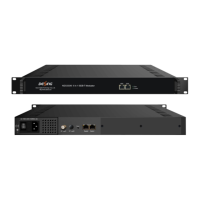
Clicking ‘Modulator’, it will display the interface as Figure-12 where to set RF output
parameters.
Figure-12
When users click “quickly config” button, it triggers a dialog box as follow where users can
set all channels configration.
Click “Channel config”
to set each channel RF
output parameters
Click “quickly config”
to set all channels RF
output parameters


 To Next Page