23
2
Hardware Installation
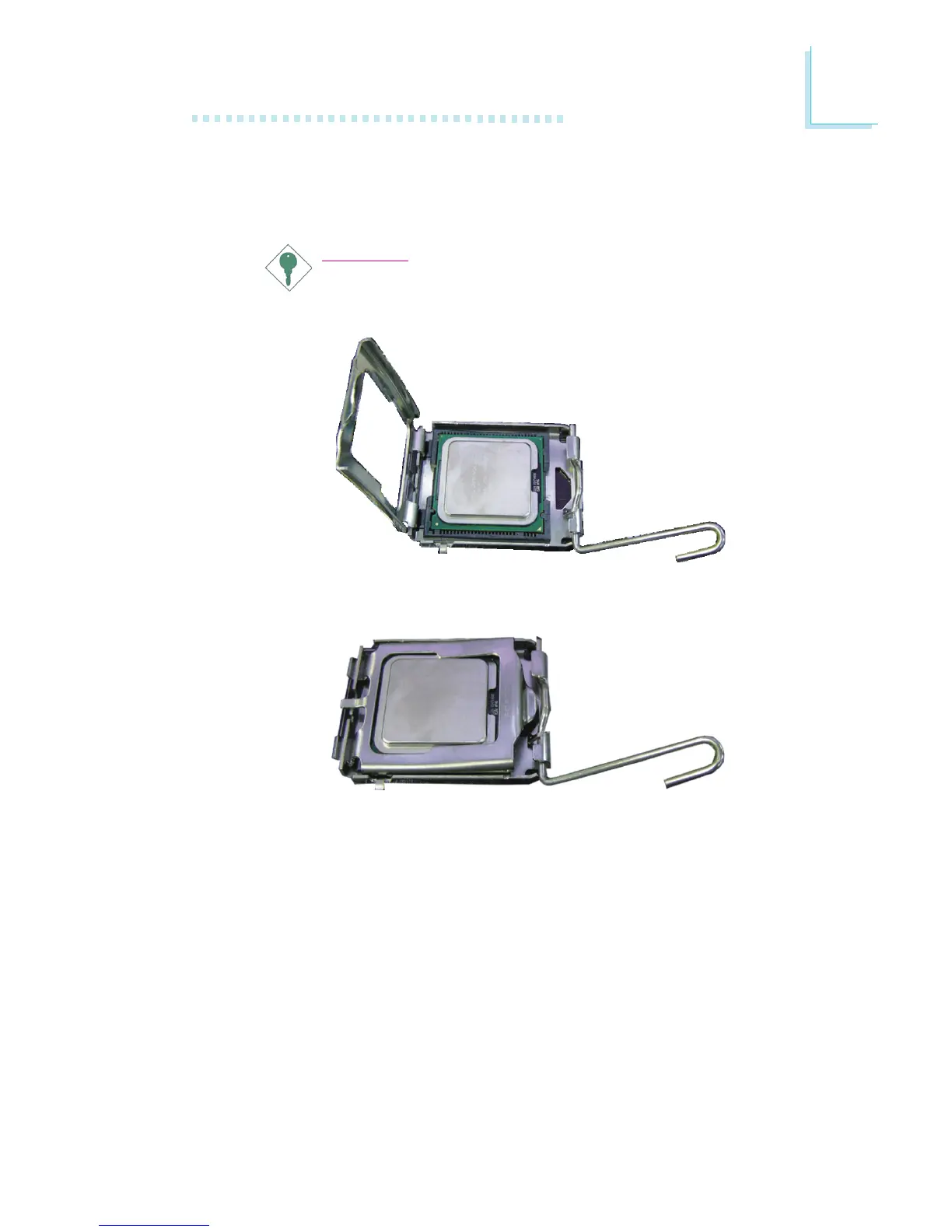
9. Insert the CPU into the socket until it is seated in place. The
CPU will fit in only one orientation and can easily be inserted
without exerting any force.
Important:
Do not force the CPU into the socket. Forcing the CPU
into the socket may bend the pins and damage the CPU.
10. Once the CPU is in place, move the cover down.



 To Next Page