www.dfi .com
36
Chapter 3 BIOS Setup www.dfi .comChapter 4 BIOS Setup
36
Chapter 4
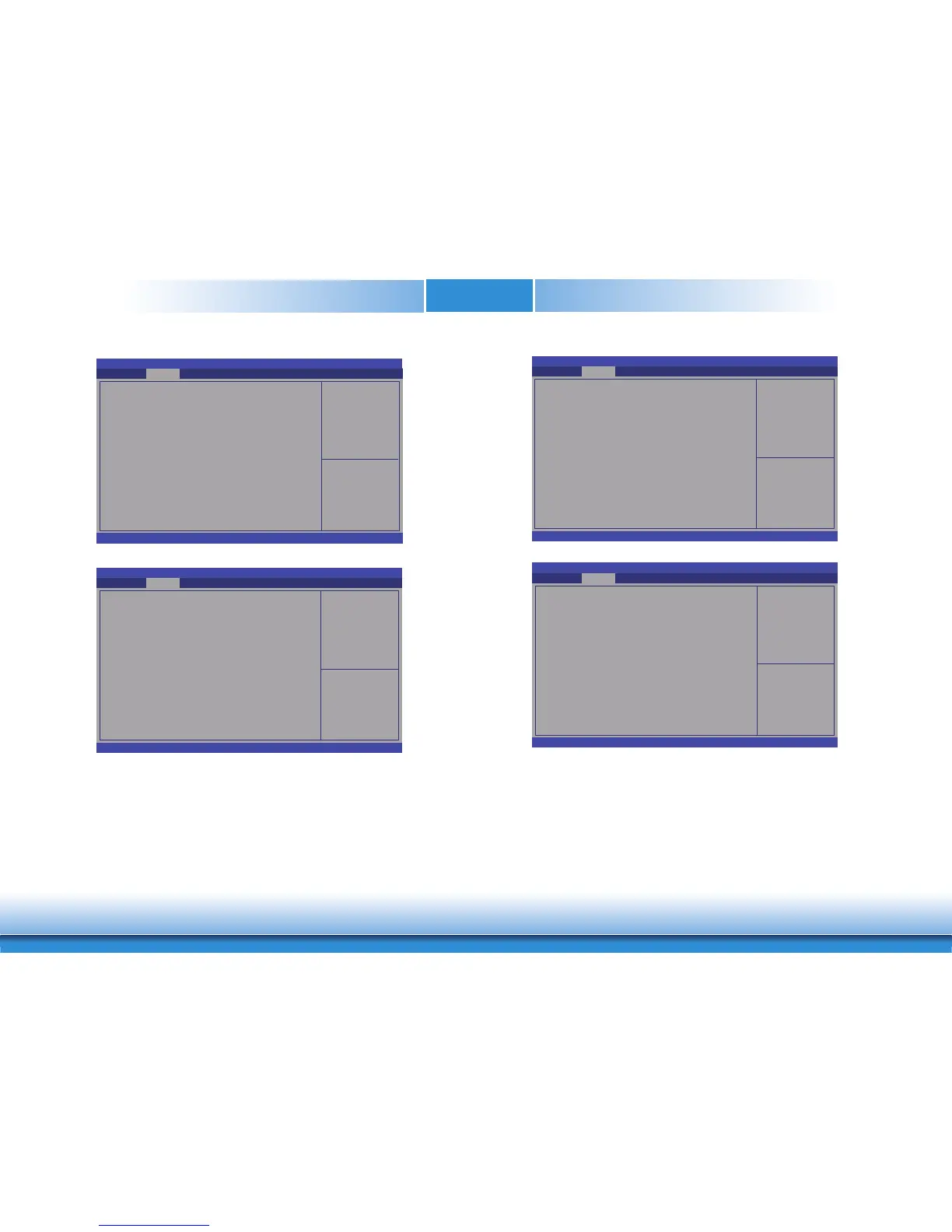
Hide Unconfigure ME Confirmation Prompt
Enable or disable to hide unconfigure ME confirmation prompt when attempting ME
unconfiguration.
Unconfigure ME
Enable or disable to unconfigure ME with resetting MEBx password to default.
Aptio Setup Utility - Copyright (C) 2019 American Megatrends, Inc.
Version 2.20.1271. Copyright (C) 2019 American Megatrends, Inc.
Hide Unconfi gure ME Confi rmation
Prompt
Unconfi gure ME
Advanced
[Disabled]
[Disabled]
Select Screen
Select Item
Enter: Select
+/
- :
Change Opt.
F1: General Help
F2: Previous Values
F9: Optimized Defaults
F10: Save & Exit
ESC: Exit
OEMFlag Bit 6:
Hide Unconfi gure ME
confi rmation prompt when
attempting ME uncon-
fi guration.
Aptio Setup Utility - Copyright (C) 2019 American Megatrends, Inc.
Version 2.20.1271. Copyright (C) 2019 American Megatrends, Inc.
ME State
Manageability Features State
AMT BIOS Features
AMT Confi guration
ME Unconfi g on RTC Clear
Firmware Update Confi guration
Advanced
[Enabled]
[Enabled]
[Enabled]
[Enabled]
Select Screen
Select Item
Enter: Select
+/
- :
Change Opt.
F1: General Help
F2: Previous Values
F9: Optimized Defaults
F10: Save & Exit
ESC: Exit
Confi gure Management
Engine Technology
Parameters.
Me Fw Image Re-Flash
This field is used to enable or disable the Me FW Image Re-Flash function.
Aptio Setup Utility - Copyright (C) 2019 American Megatrends, Inc.
Version 2.20.1271. Copyright (C) 2019 American Megatrends, Inc.
Me FW Image Re-Flash
Advanced
[Disabled]
Select Screen
Select Item
Enter: Select
+/
-:
Change Opt.
F1: General Help
F2: Previous Values
F9: Optimized Defaults
F10: Save & Exit
ESC: Exit
Enable/Disable Me FW
Image Re-Flash function.
Aptio Setup Utility - Copyright (C) 2019 American Megatrends, Inc.
Version 2.20.1271. Copyright (C) 2019 American Megatrends, Inc.
USB Provisioning of AMT
Secure Erase Confi guration
OEM Flags Settings
Advanced
[Disabled]
Select Screen
Select Item
Enter: Select
+/
- :
Change Opt.
F1: General Help
F2: Previous Values
F9: Optimized Defaults
F10: Save & Exit
ESC: Exit
Confi gure OEM Flags


 To Next Page