www.dfi .com
69
Chapter 6 Intel AMT Settings
Chapter 6
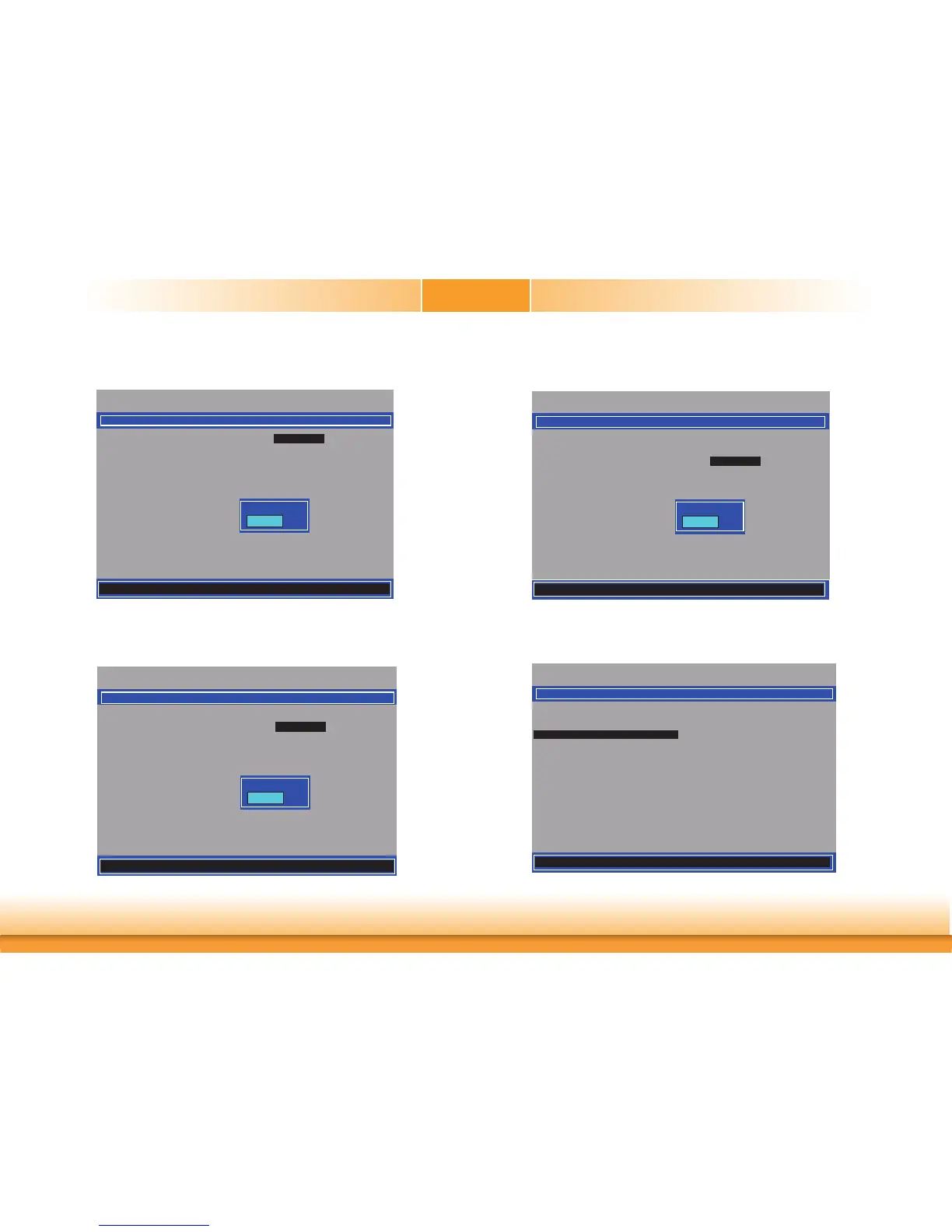
14. Select SOL then press Enter. Select Enabled or Disabled then press Enter.
Intel(R) Management Engine BIOS Extension v12.0.0.0010/Intel(R) ME v12.0.7.1122
Copyright(C) 2003-17 Intel Corporation. All Rights Reserved
SOL/Storage Redirection/KVM
SOL <Enabled>
Storage Redirection <Enabled>
KVM Feature Selection <Enabled>
Disabled
Enabled
[] =Move Highlight <Enter> =Complete Entry [Esc] =Discard Changes
15. Select Storage Redirection then press Enter. Select Enabled or Disabled then press
Enter.
Intel(R) Management Engine BIOS Extension v12.0.0.0010/Intel(R) ME v12.0.7.1122
Copyright(C) 2003-17 Intel Corporation. All Rights Reserved
SOL/Storage Redirection/KVM
SOL
<Enabled>
Storage Redirection <Enabled>
KVM Feature Selection <Enabled>
Disabled
Enabled
[] =Move Highlight <Enter> =Complete Entry [Esc] =Discard Changes
16. Select KVM Feature Selection then press Enter. Select Enabled or Disabled then
press Enter.
Intel(R) Management Engine BIOS Extension v12.0.0.0010/Intel(R) ME v12.0.7.1122
Copyright(C) 2003-17 Intel Corporation. All Rights Reserved
SOL/Storage Redirection/KVM
SOL
<Enabled>
Storage Redirection <Enabled>
KVM Feature Selection <Enabled>
Disabled
Enabled
[] =Move Highlight <Enter> =Complete Entry [Esc] =Discard Changes
17. Press Esc until you return to the Intel(R) AMT Configuration menu. Select User Con-
sent then press Enter.
Intel(R) Management Engine BIOS Extension v12.0.0.0010/Intel(R) ME v12.0.7.1122
Copyright(C) 2003-17 Intel Corporation. All Rights Reserved
Manageability Feature Selection <Enabled>
> SOL/Storatge Redirection/KVM
> User Consent
Password Policy <Anytime>
> Network Setup
Activate Netwok Access
Unconfi gure Network Access <Full Unprovision>
> Remote Setup And Confi guration
> Power Control
INTEL(R) AMT CONFIGURATION
[] =Move Highlight [Enter] =Select Entry [Esc] =Exit



 To Next Page