28
2
Hardware Installation
System Memory
Warning:
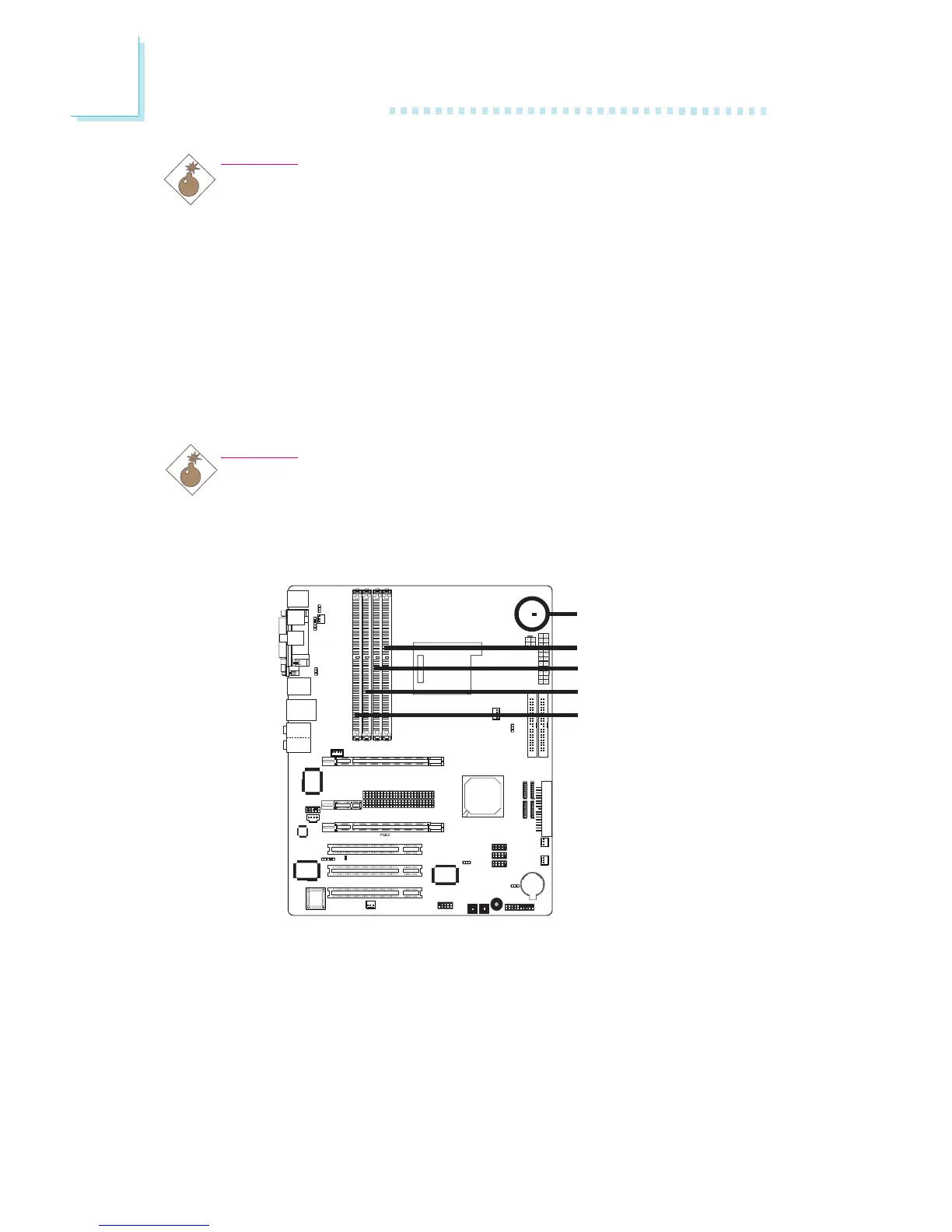
When the DRAM Power LED lit red, it indicates that power is
present on the DDR2 sockets. Power-off the PC then unplug the
power cord prior to installing any memory modules. Failure to do so
will cause severe damage to the motherboard and components.
Warning:
Electrostatic discharge (ESD) can damage your system board,
processor, disk drives, add-in boards, and other components. Perform
the upgrade instruction procedures described at an ESD workstation
only. If such a station is not available, you can provide some ESD
protection by wearing an antistatic wrist strap and attaching it to a
metal part of the system chassis. If a wrist strap is unavailable,
establish and maintain contact with the system chassis throughout
any procedures requiring ESD protection.
The system board supports 240-pin DDR2 DIMM sockets. The four
DDR2 DIMM sockets on the system board are divided into 2 chan-
nels:
Channel A - DDR2-1 and DDR2-3
Channel B - DDR2-2 and DDR2-4



 To Next Page