33
2
Hardware Installation
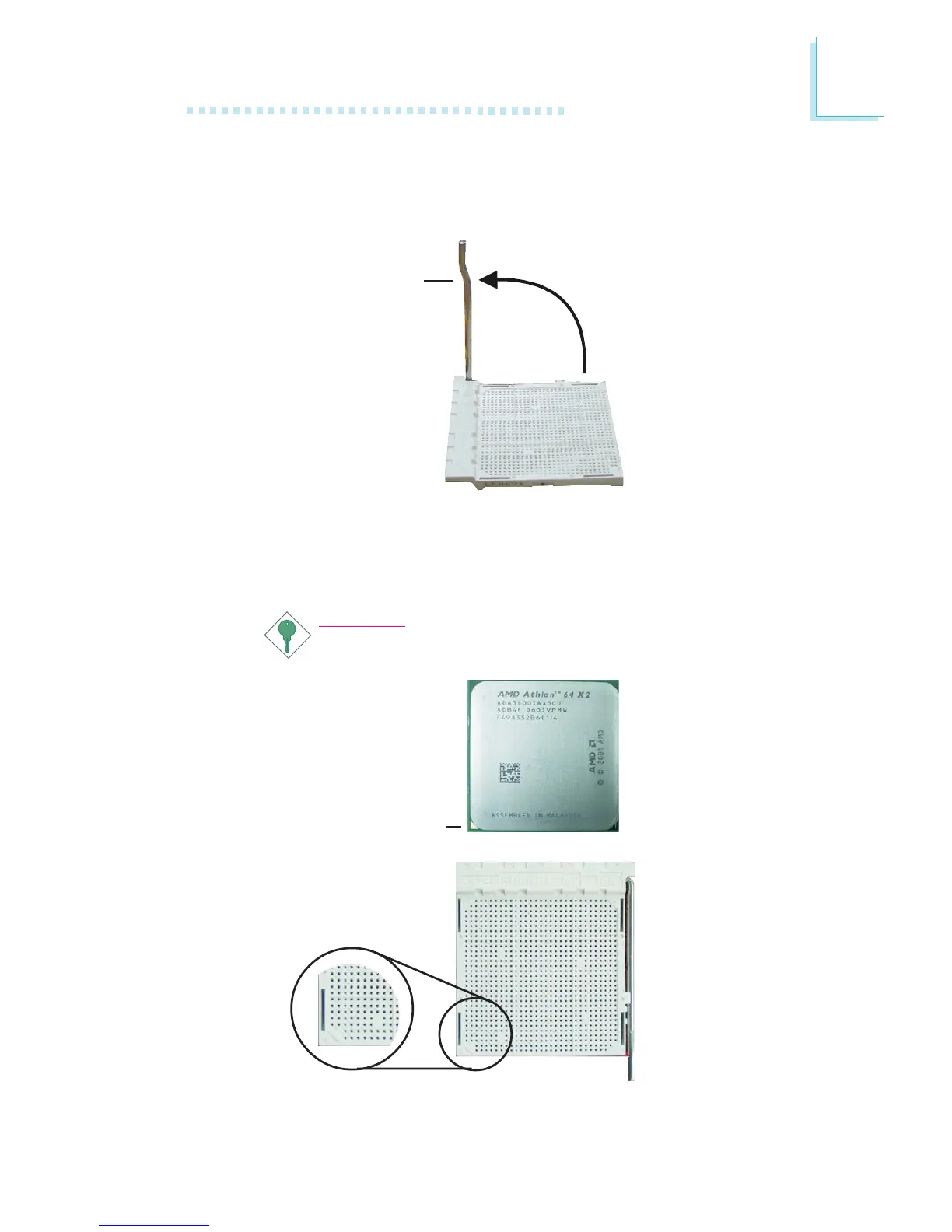
5. Position the CPU above the socket. The gold mark on the CPU
must align with the corner of the CPU socket (refer to the en-
larged image) shown below.
Important:
Handle the CPU by its edges and avoid touching the pins.
4. Unlock the socket by pushing the lever sideways, away from the
socket, then lifting it up to a 90
o
angle. Make sure the lever is lifted
to at least this angle otherwise the CPU will not fit in properly.
Gold mark
Lever



 To Next Page